AV mounting & structures · Malaysia
AV mounting brackets, stands, lifts and custom structures.
PNSS supplies and installs wall and ceiling brackets, mobile display and projector stands, scissor lifts, desk mounts, signage cabinets and custom AV supports. Browse by mounting type to find the relevant options.
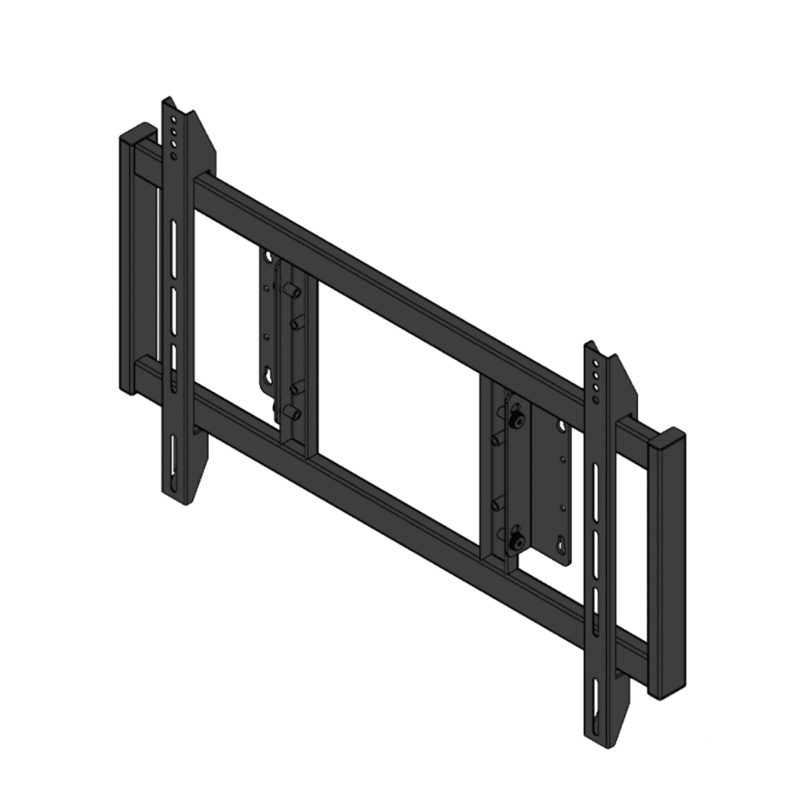 Wall bracket
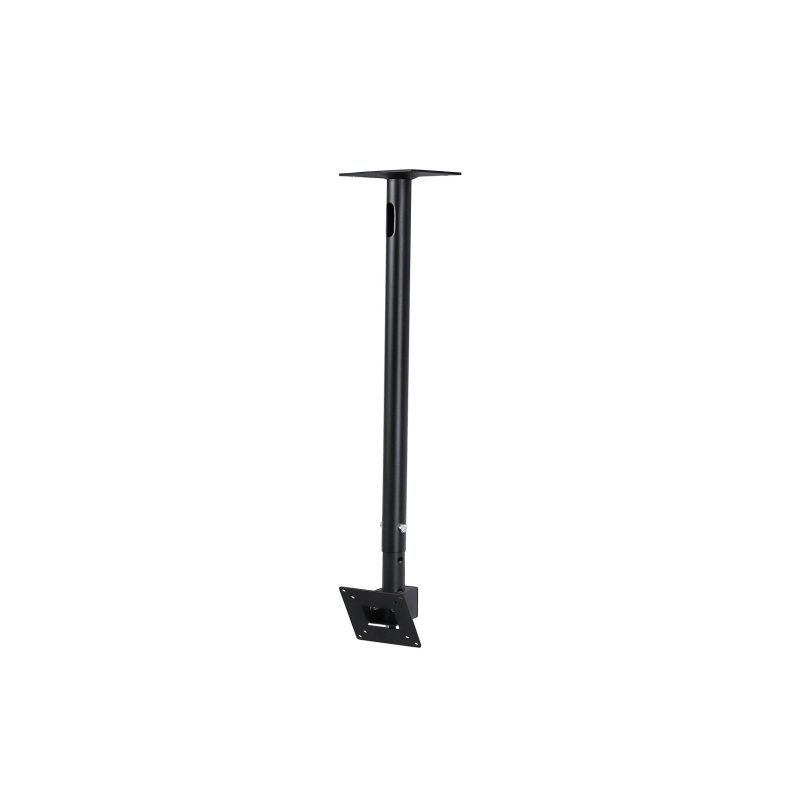 Ceiling mount
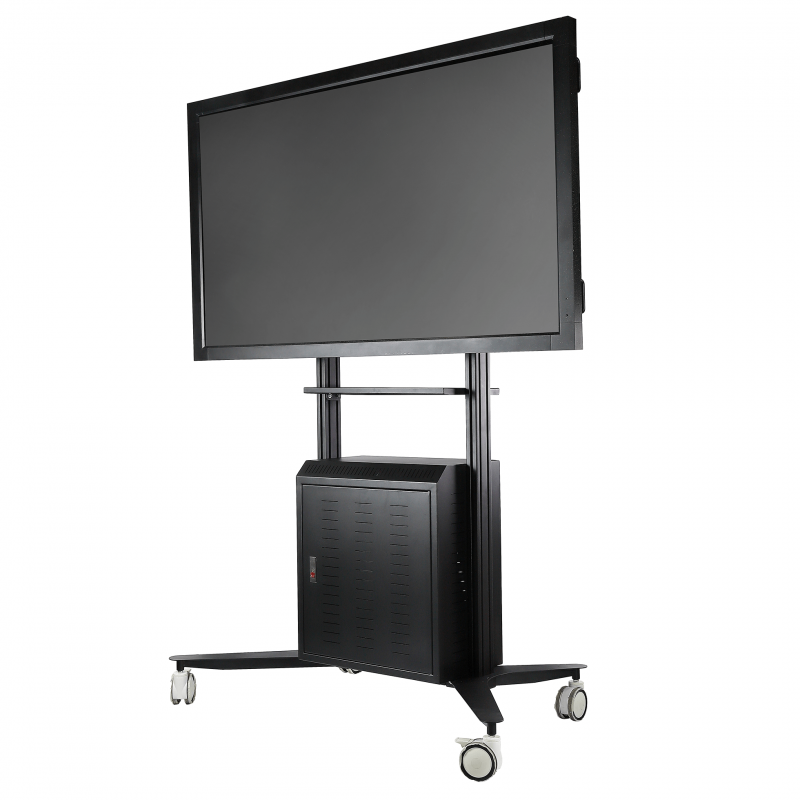 Mobile stand
Mounting categories
Choose the support type you need.
Each category opens its own mounting information, examples and planning questions.
Wall-mount brackets
Fixed landscape and portrait mounts, cantilever arms, pop-out video-wall brackets and custom wall-mounted supports.
Explore this mounting category →Ceiling-mount brackets
Display poles, projector ceiling brackets, suspended video walls and custom ceiling supports for unusual locations.
Explore this mounting category →Mobile display & projector stands
Manual and motorised TV stands, projector trolleys, conferencing cabinets and custom mobile video-wall or LED supports.
Explore this mounting category →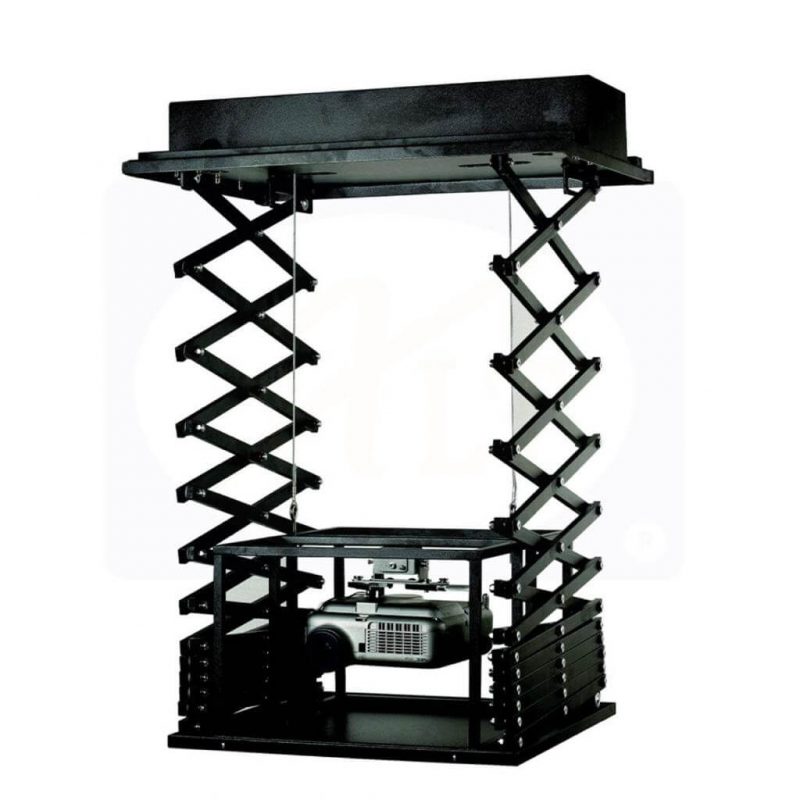
Projector scissor lifts
Projector scissor and motorised ceiling lifts, selected by equipment fit, travel, ceiling space and service position.
Explore this mounting category →
Desk monitor mounts & laptop trays
Single and dual monitor arms, multi-monitor desk supports and compatible laptop trays for workstations.
Explore this mounting category →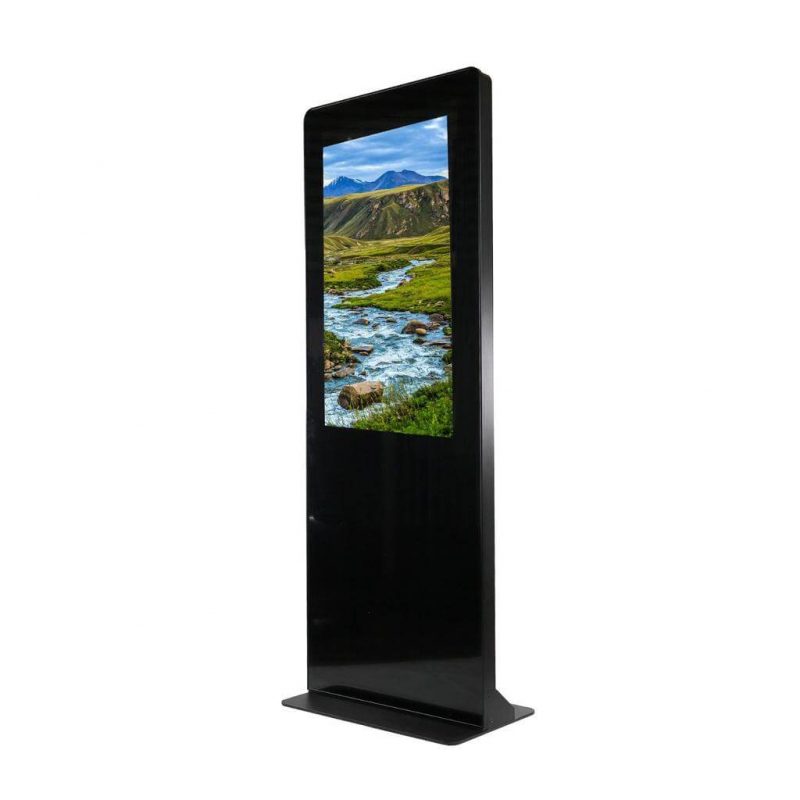
Signage cabinets & enclosures
Freestanding display cabinets, wall enclosures and custom kiosk housings with service and ventilation planning.
Explore this mounting category →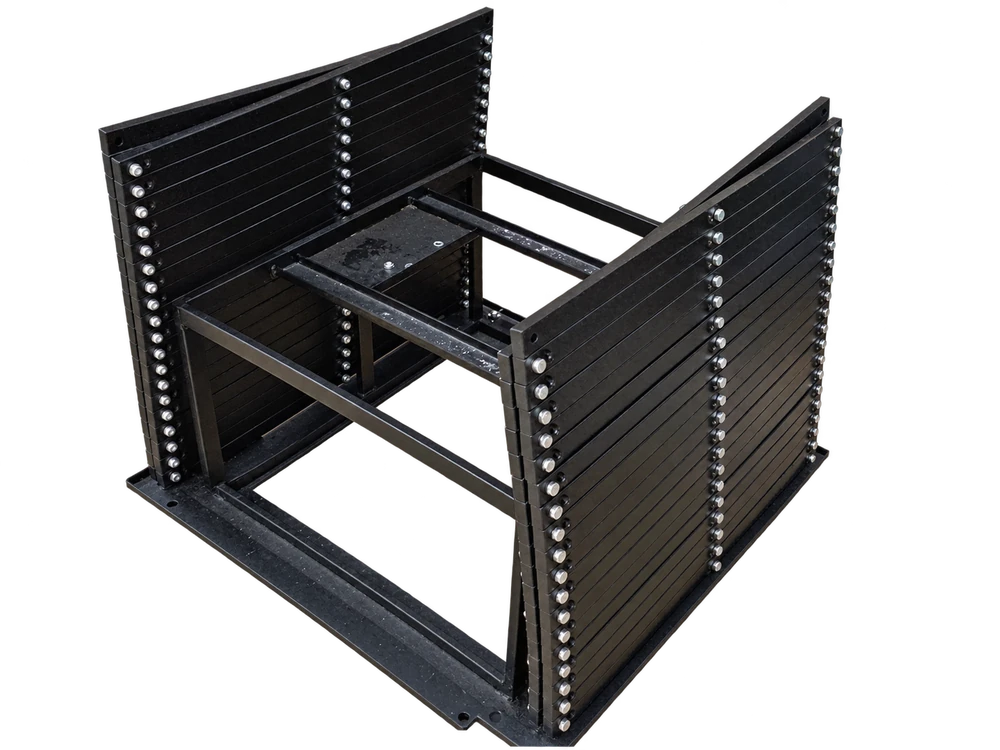
Custom AV structures & lighting trusses
Project-specific video-wall and LED frames, UST brackets, mobile structures, overhead supports and lighting trusses.
Explore this mounting category →Before quotation
Start with the equipment and mounting position.
Send equipment details and site photographs or drawings so the mounting scope can be matched to the actual installation.
Equipment
Model, quantity, weight, dimensions and VESA or other fixing points.
Support position
Wall, ceiling, desk, floor cabinet or a mobile base, with site photographs or drawings.
Movement and access
Landscape or portrait, tilt, swivel, lift travel, service access or movement between rooms.
Standard or custom
Known mounting products or a project-specific frame, cabinet, bracket or lighting truss.
Selection help
Compare mounting types before choosing a model.
Use the guide for a side-by-side comparison of fixing position, movement and the information needed for quotation. It supports selection across categories.
Open the AV mounting selection guide →Questions
Mounting questions answered.
Which AV mounting category should I start with?
Start with the support position and movement: wall brackets, ceiling brackets, mobile stands, a projector lift or a desk mount. Use the cabinet category for display housings and the custom-structure category for a project-specific frame or lighting truss.
Does PNSS cover both standard mounts and custom fabrication?
PNSS can review standard mounting options and coordinate custom supports where the equipment or site requires a different arrangement. The quotation identifies the supplied equipment, design coordination, fabrication and installation scope.
What should I send for a mounting quotation?
Send the equipment models, quantity, dimensions, weight, fixing points, intended position and required movement. Include site photographs or drawings, supporting-surface details and the target completion date.
Discuss your mounting requirement.
Send the equipment models, quantity, proposed position, required movement and site photographs or drawings. PNSS will confirm the appropriate product or custom-work scope.