01
Freestanding signage cabinets
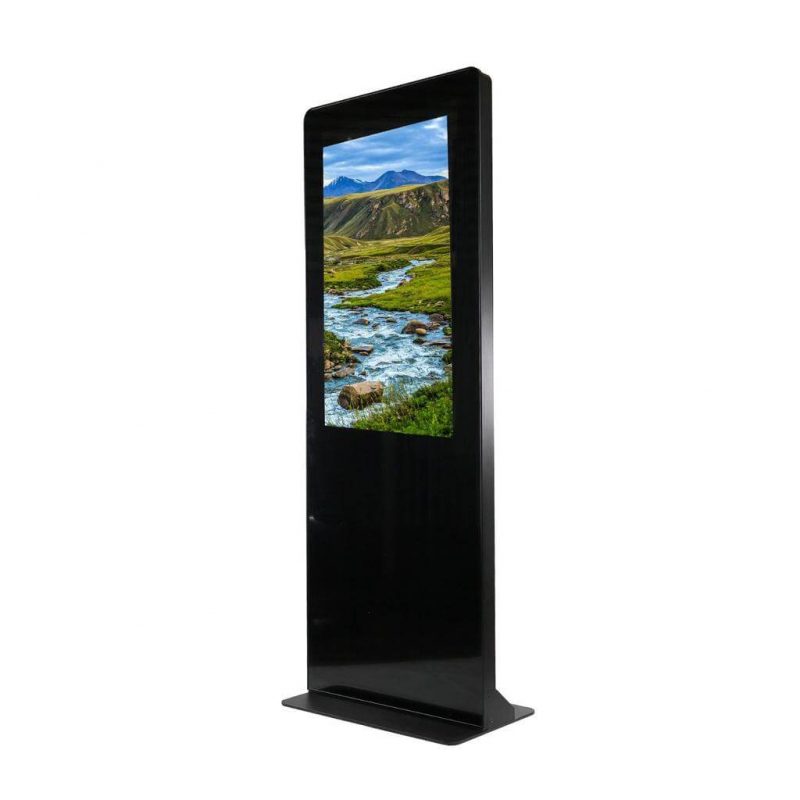
Floor-standing display housings for reception, directories, promotion and information. Confirm the display orientation, internal equipment, base arrangement, cable entry and service-door position.

AV mounting & structures · Malaysia
Plan the physical cabinet or enclosure around the display, player, ventilation and maintenance needs. Choose the housing format and mounting method before coordinating the content system.
Mounting options
This category covers the physical housing and its support. The display, player, touch system and content platform are identified separately in the equipment scope.
Floor-standing display housings for reception, directories, promotion and information. Confirm the display orientation, internal equipment, base arrangement, cable entry and service-door position.
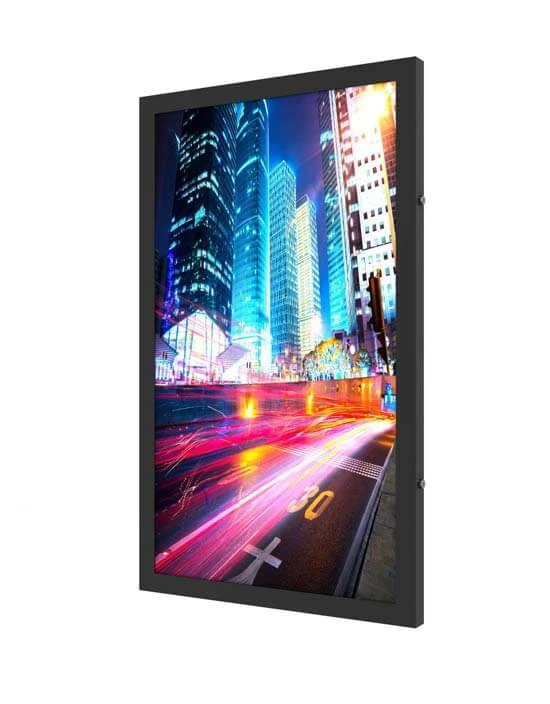
Housings for a display mounted on a wall. Coordinate overall depth, the supporting wall, ventilation, door clearance, viewing position and access to power and signal connections.
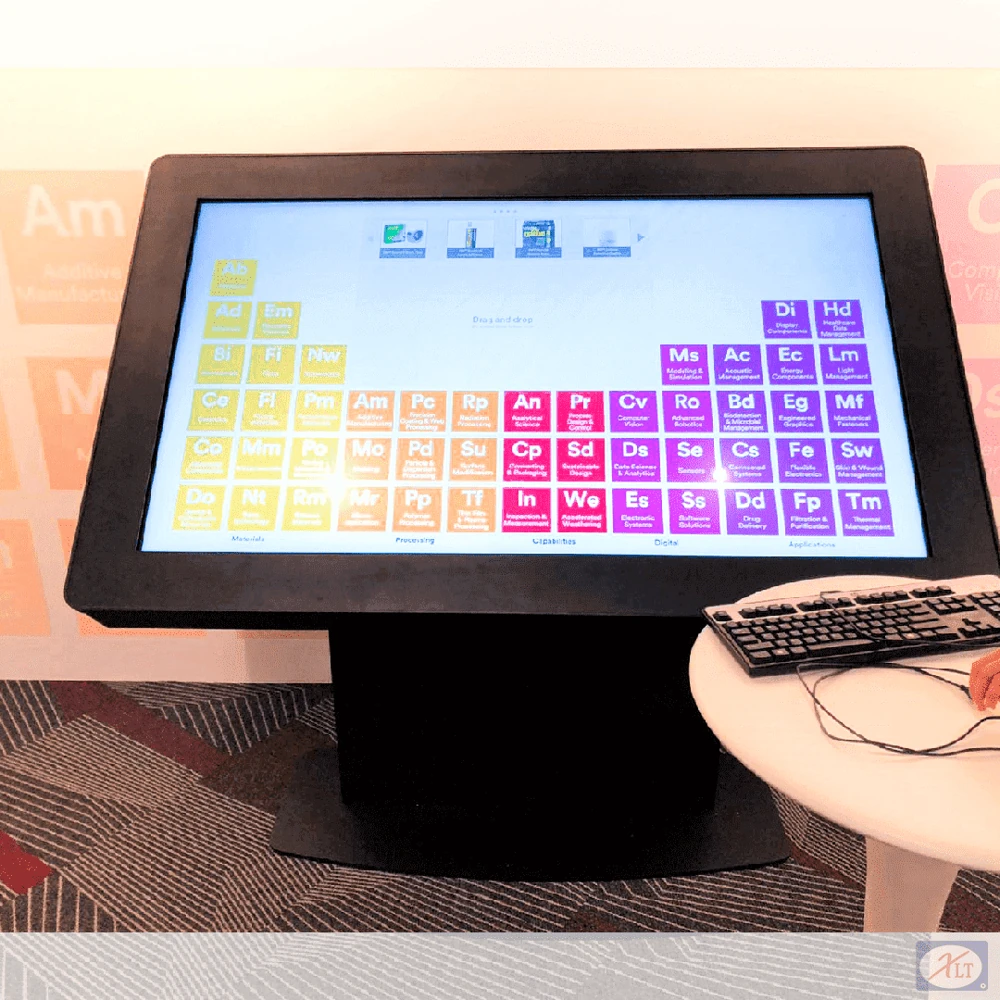
Cabinets planned around the selected screen and any touch, scanner, camera or other peripherals. Lay out user reach, access panels and internal equipment before finalising the cabinet geometry.
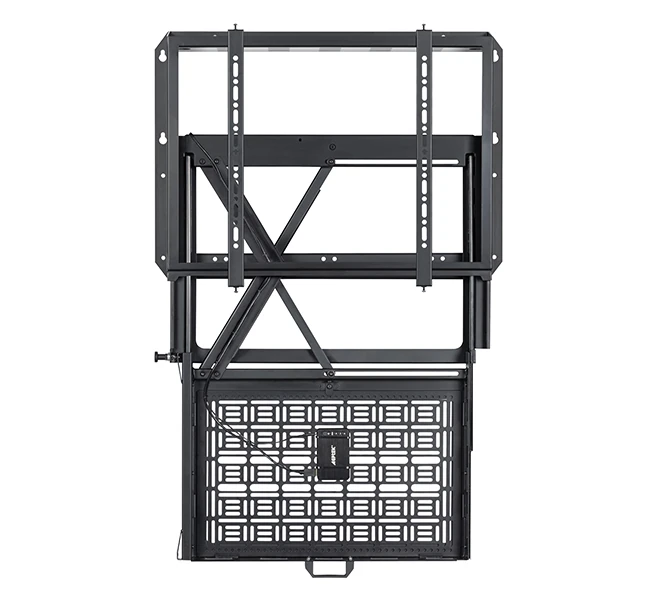
Dedicated storage and service access for content players, computers, controls and power components. Consider heat, cable routing and component replacement within the usable internal space.
Before quotation
Send equipment details and site photographs or drawings so the mounting scope can be matched to the actual installation.
Exact display model, orientation, player or PC dimensions, peripherals and any touch overlay.
Indoor or proposed outdoor location, floor or wall support, user position and available space.
Service doors, locks, ventilation, internal clearances and the equipment removal path.
Required finish, cable entry, power/data connections and any customer-approved signage or branding.
Complete system
The enclosure provides physical support and access. Use the signage-systems page when you also need content publishing, players, screens and network planning.
Digital signage system planning →Questions
Only when those items are specifically included in the quotation. The cabinet, display, player, peripherals and software should be listed as separate scope items or as a clearly defined complete package.
No. Outdoor use requires a housing and equipment configuration verified for the actual exposure and operating environment. An indoor cabinet should not be assumed suitable.
A custom cabinet can be planned around the selected devices. Confirm the user workflow, equipment dimensions, access and ventilation before developing the enclosure.
Related mounting requirements
Send the equipment models, quantity, proposed position, required movement and site photographs or drawings. PNSS will confirm the appropriate product or custom-work scope.