
Digital Signage Malaysia
Digital signage systems built around the screen, content and operation.
PNSS supplies commercial displays, CAYIN digital signage players and Samsung VXT solutions for single-screen, multi-screen and managed signage deployments in Malaysia.
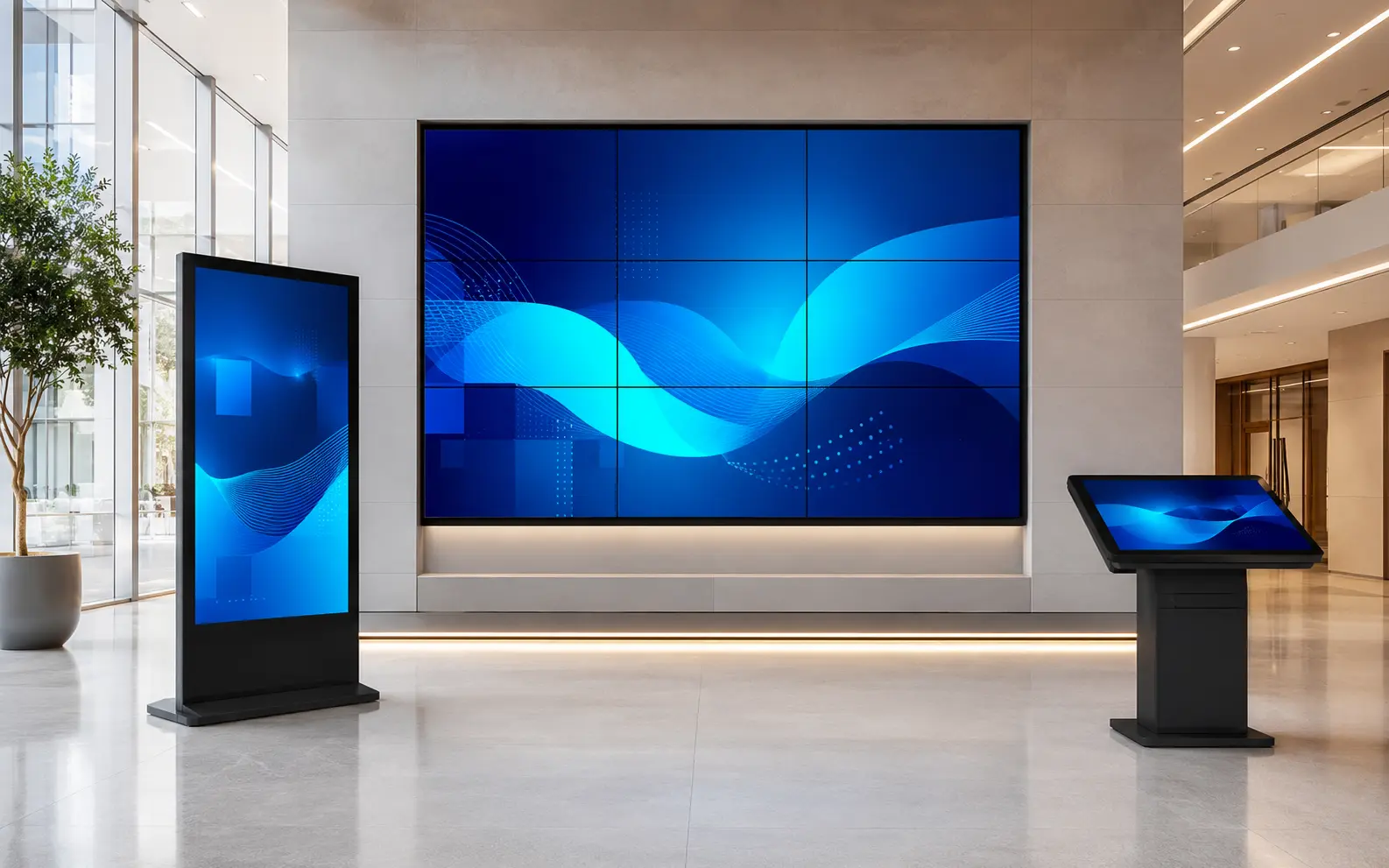
Solutions
Choose the signage setup.
The right solution depends on how many screens you have, where the content comes from and how often it changes.

Single Display Signage
One commercial display with local or network-managed content.
View details →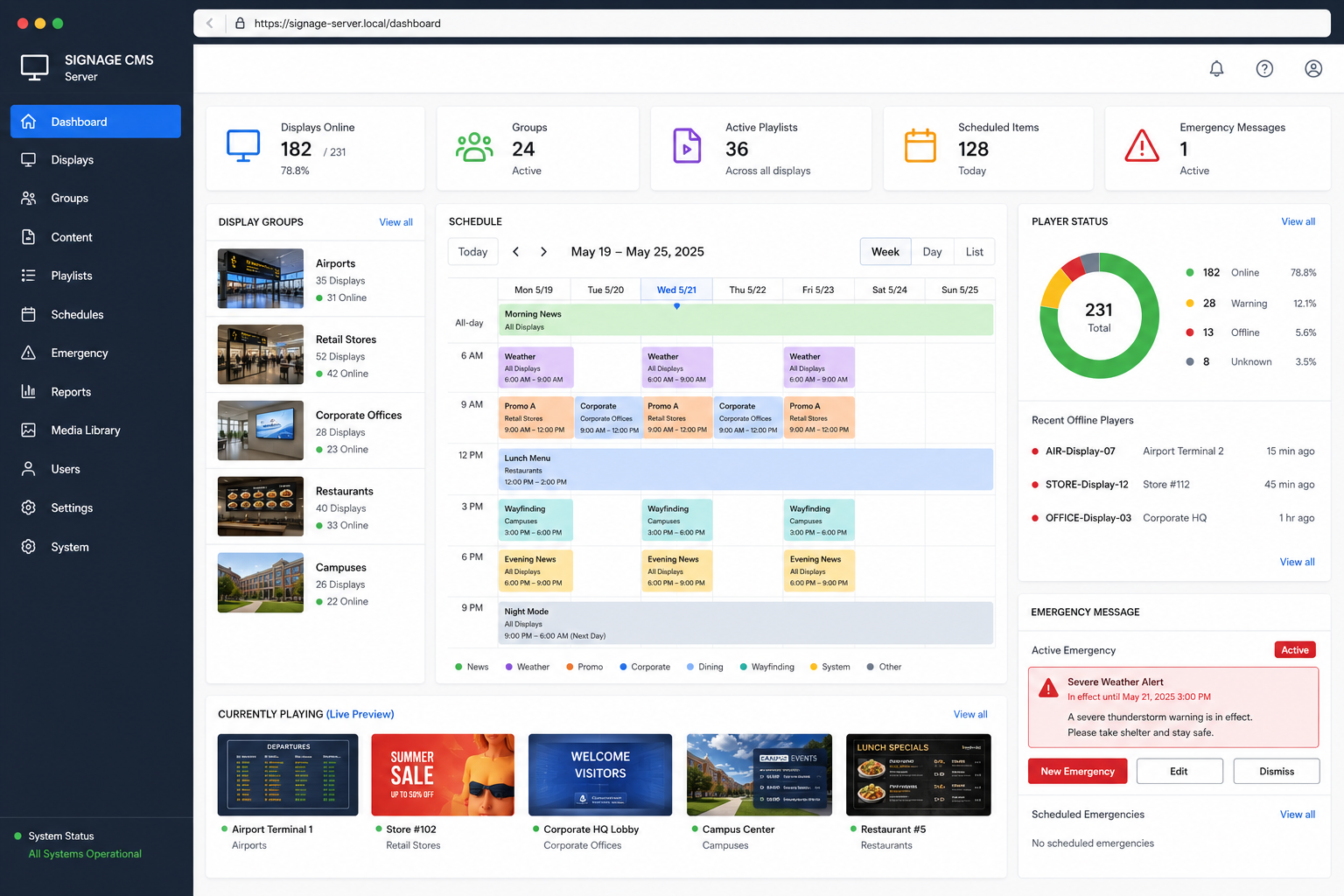
Multi-Screen Signage
Manage content across multiple displays, locations or zones.
View details →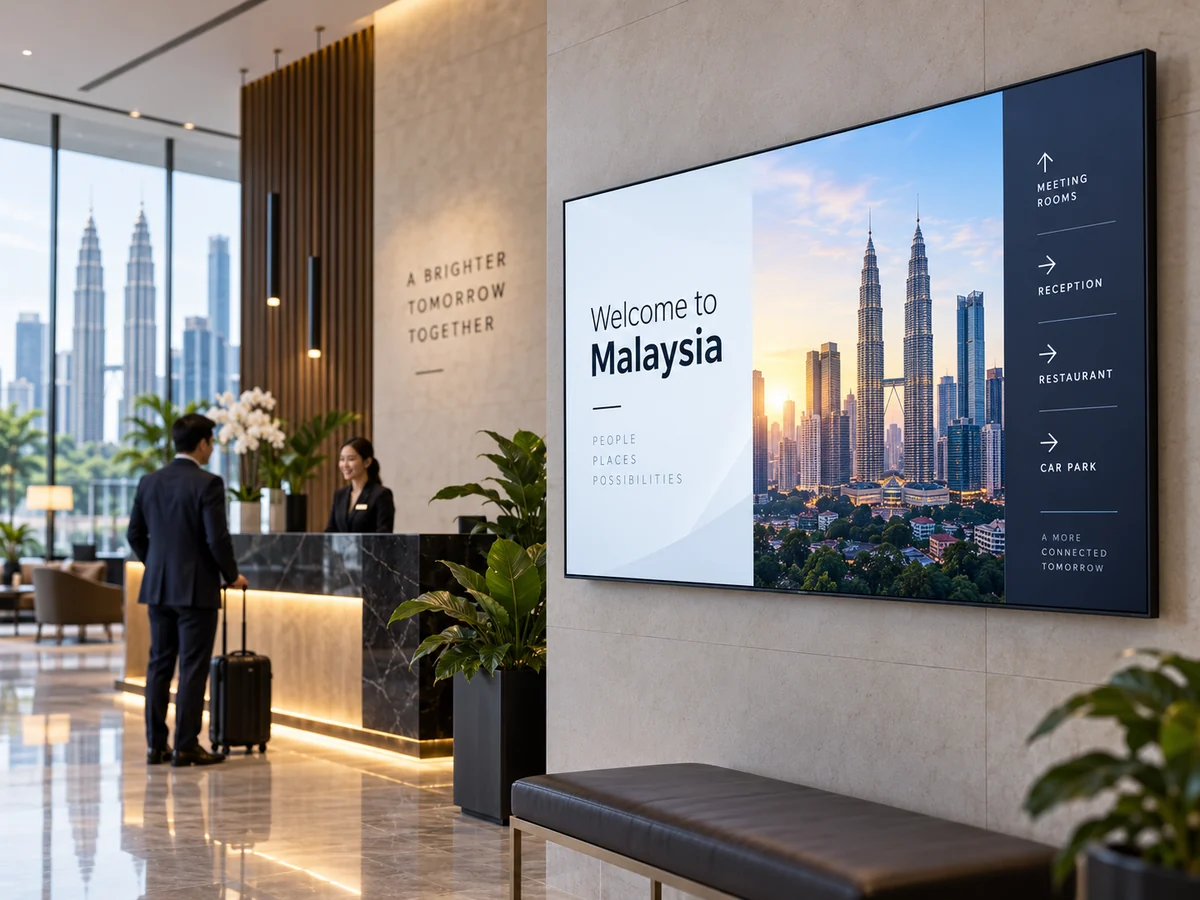
Samsung VXT
Cloud-based Samsung signage content and device management for supported Samsung displays.
View details →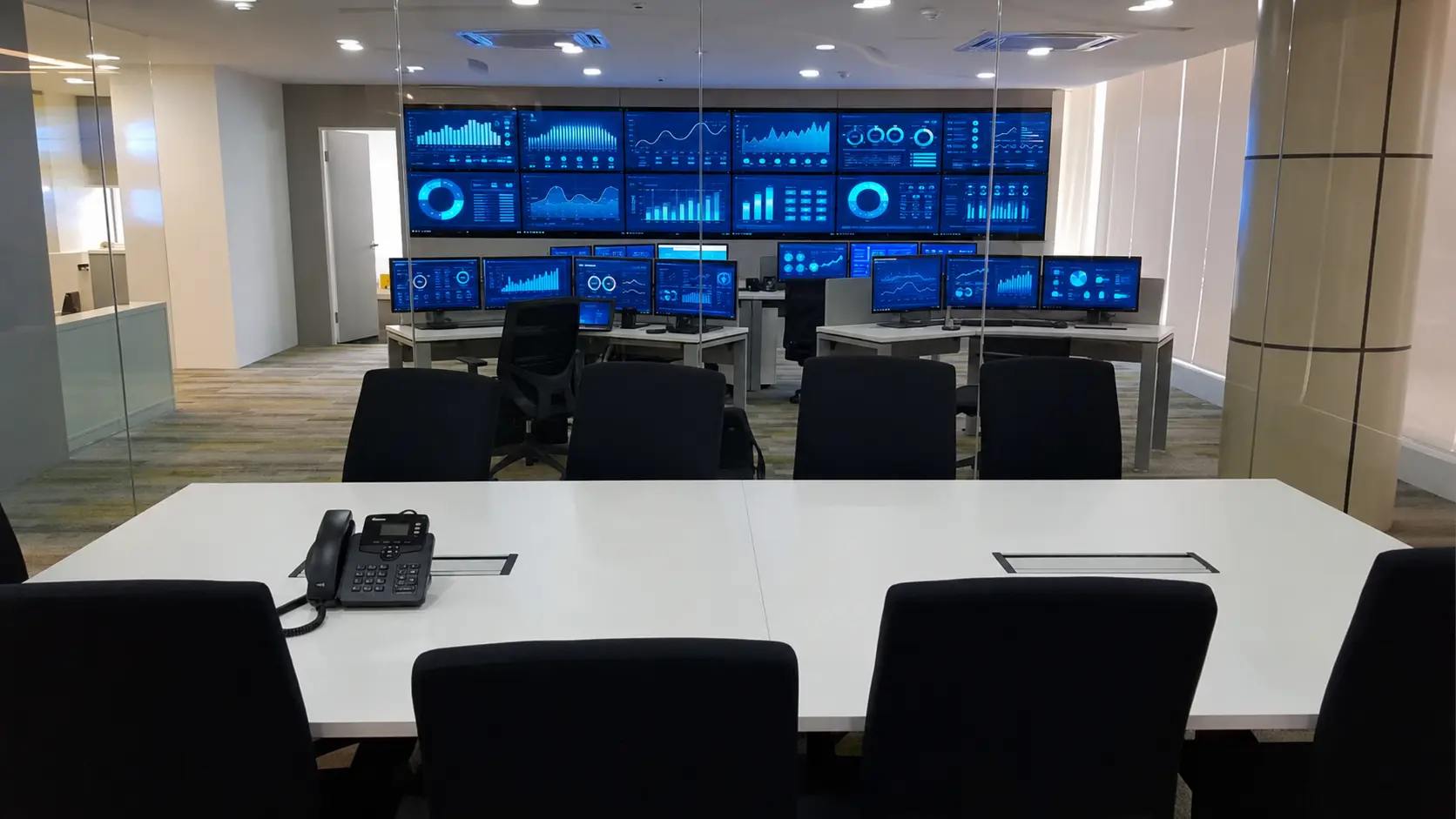
Video Wall Signage
Multi-screen visual walls for command centres, corporate communication and high-impact displays.
View details →How it works
A digital signage system has three core parts.
Keep the architecture simple: choose the right display, the right content platform and a reliable installation/network path.
Screen size, brightness, orientation and operating duty selected for the location.
CAYIN player/CMS or Samsung VXT depending on the content and device environment.
Mounting, cabling, connectivity, commissioning and user handover.
Applications
Typical applications.
PNSS designs signage around the message and operating environment, not around a generic screen package.
Corporate Communication
Lobby, internal communication, meeting areas and corporate announcements.
View details →
Retail & Hospitality
Promotions, menus, information, guest communication and brand content.
View details →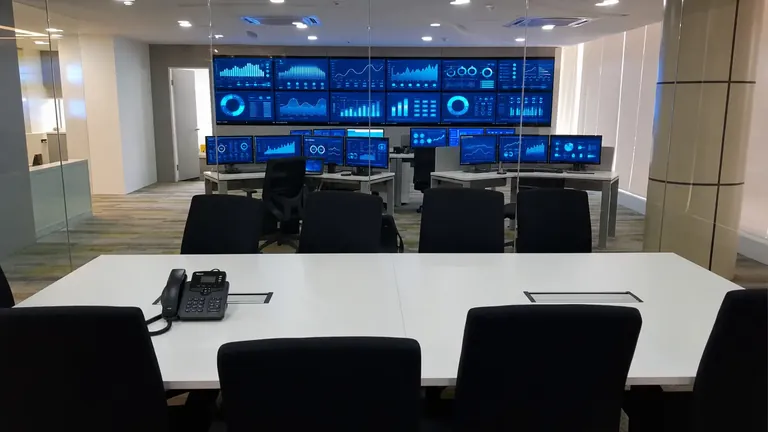
Command & Monitoring
Multi-screen and video-wall environments for operational visibility.
View details →Delivery
What PNSS can provide.
One quotation can cover the display, player/platform, mounting and implementation scope.
- Commercial displays: Samsung professional signage and video-wall displays
- Digital signage players: CAYIN SMP product families
- Cloud signage: Samsung VXT for supported Samsung environments
- CMS: Content scheduling, device management and user setup
- Installation: Wall mounting, signal, power and network coordination
- Support: Troubleshooting, migration and replacement planning
Quick answer
What makes a complete digital signage system?
A professional digital-signage system combines the correct commercial display, a suitable player or cloud platform, reliable network and signal paths, mounting, commissioning and a practical content workflow. PNSS selects Samsung Smart Signage, Samsung VXT or CAYIN components according to the operating requirement.
- Single screen: Local or network-managed content on one professional display.
- Multi-screen or multi-site: Central scheduling, device management and user access.
- Special applications: Video walls, kiosks, menu boards, directories and wayfinding.
Choose the next planning path.
Keep the solution page focused on the complete deployment. Use the product pages when you are ready to compare platforms or display families.
Frequently asked questions
Digital signage planning questions
Does digital signage require a separate media player?
Not always. The answer depends on the display, content format, update workflow and management platform. Some deployments use Samsung VXT on supported displays, while others use a dedicated CAYIN player or another approved endpoint.
Can PNSS manage signage across several locations?
PNSS can design a multi-site architecture using an appropriate CMS or cloud platform. User access, networking, content approval, monitoring and support requirements should be confirmed before deployment.
Can a consumer TV be used for business signage?
A consumer television may not provide the required duty cycle, orientation, brightness, management or installation features. PNSS normally assesses a commercial display or Business TV according to the actual application.
What information is needed to design the system?
Provide the number of screens and locations, screen sizes, operating hours, content types, update frequency, network availability, mounting conditions and the staff responsible for content.
Planning digital signage?
Tell us the number of screens, locations, content source and whether the system needs central management.
