01
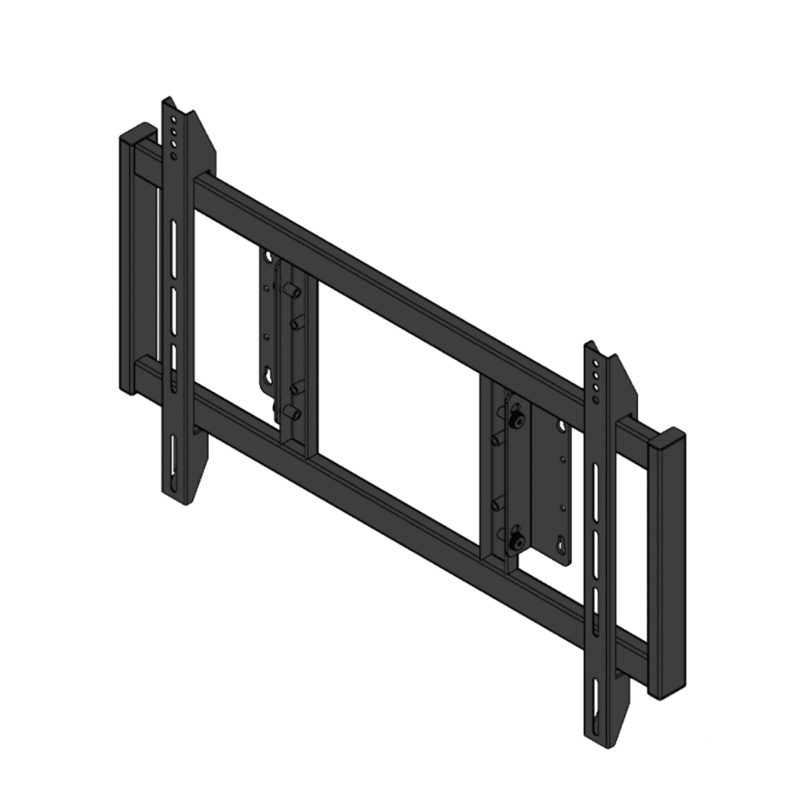
Fixed landscape display / TV brackets
Low-profile wall mounting for a display used horizontally. Match the fixing pattern, display weight and connector clearance; allow room to reach the locking or release mechanism.
AV mounting & structures · Malaysia
Choose a wall-mounted support for the equipment and the way it will be used: a fixed display, an adjustable arm, a serviceable video wall or a custom projector or LED installation.
Mounting options
These are wall-mounted product types. The mounting position, adjustment and access requirements determine which type to shortlist.
Low-profile wall mounting for a display used horizontally. Match the fixing pattern, display weight and connector clearance; allow room to reach the locking or release mechanism.
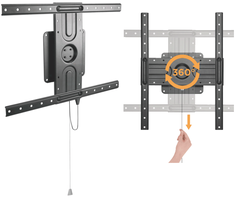
Wall brackets for vertical screens, or a supported change between portrait and landscape. Confirm that both the display and mount permit the required orientation; a landscape-only bracket should not be assumed suitable.
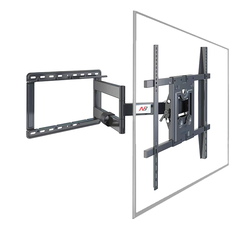
Tilt mounts adjust the viewing angle; cantilever arms extend and swivel the display. Check the arm reach, movement space, cable slack and the wall fixing arrangement at the intended extension.
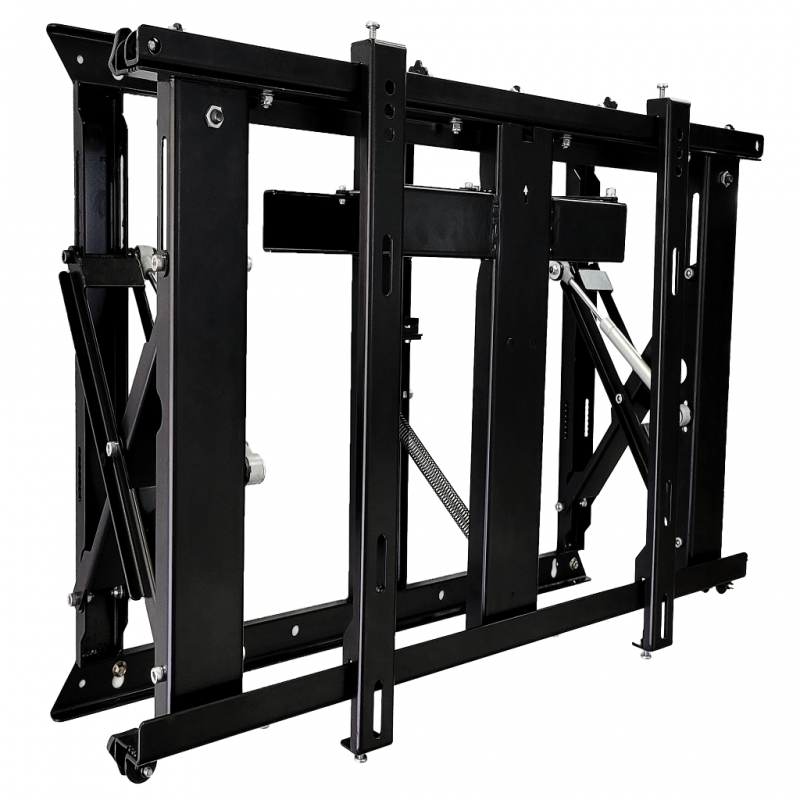
Front-service brackets let an individual LCD video-wall panel move forward for access and alignment. Plan the panel matrix, adjustment range, release access and the clearance needed to withdraw each screen.
Articulating wall arms for smaller operator, counter or workstation monitors. Check the monitor mounting pattern, arm adjustment, user reach and the wall position. Desk-clamp arms are a different mounting arrangement.
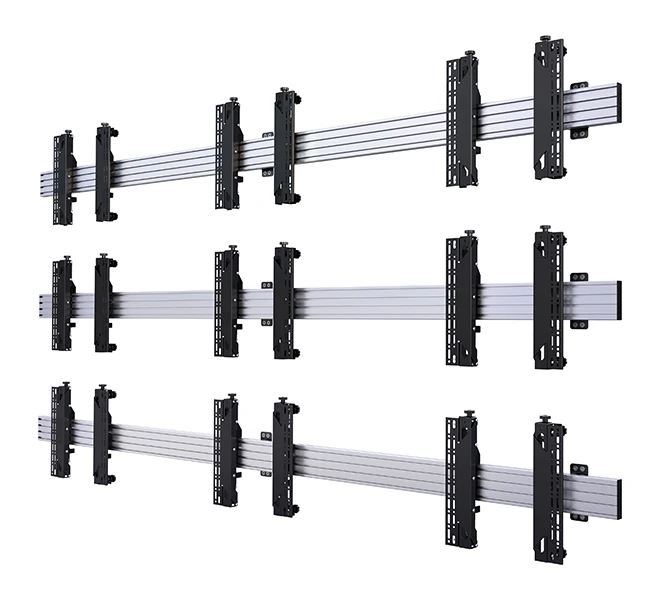
Purpose-designed wall rails and frames for a tiled LCD video wall or direct-view LED cabinets. The fixing layout, alignment and service method follow the actual panel or cabinet system; an LED cabinet frame is not selected from TV VESA data alone.
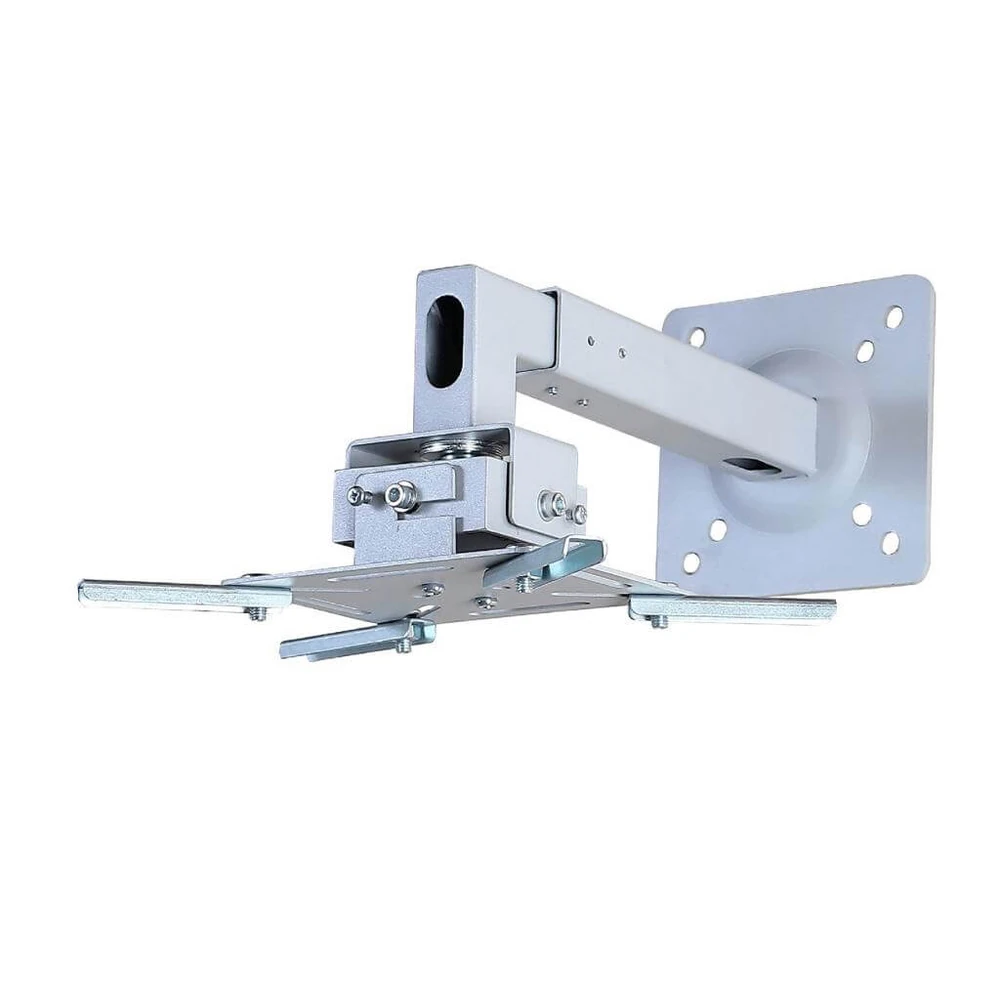
Wall arms and custom supports positioned around the UST projector and the projection surface. Confirm the exact projector and lens, wall offset, image geometry, adjustment and cable access before fabrication.
Before quotation
Send equipment details and site photographs or drawings so the mounting scope can be matched to the actual installation.
Exact model, quantity, dimensions, weight, orientation and VESA or manufacturer fixing points.
Wall construction, supporting structure, fixing location and the proposed screen or lens height.
Required tilt, swivel, extension, pop-out travel, connector space and removal route.
LCD panel matrix or LED cabinet layout, service direction, wall offsets and available drawings.
Questions
Only when the bracket and the display both support the required orientation. Confirm the exact models and mounting arrangement before selection.
They serve different needs. A pop-out video-wall mount is chosen around tiled-panel alignment and front service. A cantilever arm is chosen around display extension and viewing adjustment.
PNSS can plan a custom wall support around the selected UST projector, image position and site dimensions. The mounting and adjustment details are confirmed for the actual equipment before fabrication.
Related mounting requirements
Send the equipment models, quantity, proposed position, required movement and site photographs or drawings. PNSS will confirm the appropriate product or custom-work scope.