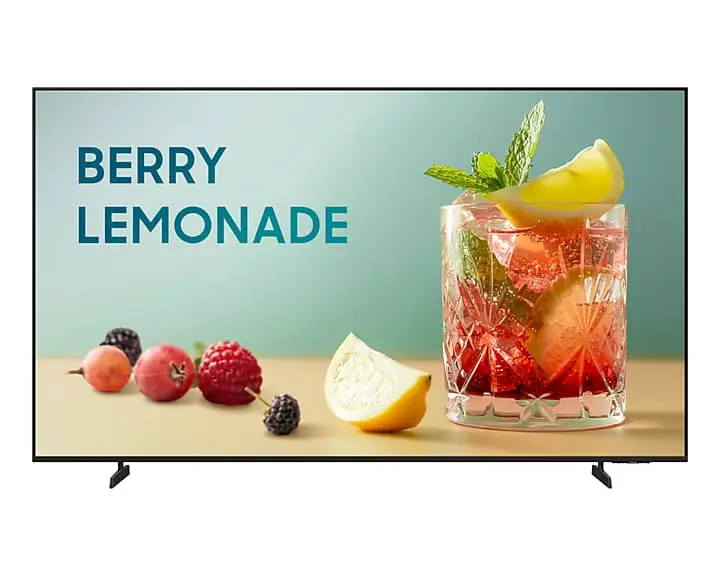
Business TV App
Create, schedule and display customised content from compatible Android or iOS devices using Samsung's Business TV workflow.

Key capabilities
Create, schedule and display customised content from compatible Android or iOS devices using Samsung's Business TV workflow.
Supports Samsung VXT cloud content/device management. Samsung specifies the VXT S Series plan for BEFX-H.
RF input and TV functionality remain available alongside business content use.
3840 × 2160 resolution with Crystal Processor 4K, HDR10+ support and 4K upscaling.
Ethernet, Wi-Fi 5 and Bluetooth 5.3 support connected business workflows.
2-channel integrated speakers rated at 10 W + 10 W in Samsung's BEFX-H technical documentation.
Technical reference
| Model | BE75FX-H |
|---|---|
| Malaysia model code | LH75BEFHVGKXXM |
| Screen size | 75″ |
| Resolution | 3840 × 2160 (4K UHD) |
| Typical brightness | 300 cd/m² |
| Operation time support | 16/7 |
| Operating system | Tizen Smart TV |
| Content tools | Samsung Business TV App; Samsung VXT support (BEFX-H: VXT S Series plan) |
| Connectivity | 3 × HDMI, 1 × USB-A, Ethernet/LAN, RF input, Wi-Fi 5, Bluetooth 5.3 |
| Dimensions without stand | 1668.1 × 957.8 × 77.0 mm |
| Weight without stand | 22.4 kg |
| VESA | 400 × 300 mm |
Malaysia model identity is verified against Samsung Malaysia support. Mechanical/platform data is cross-checked with Samsung's official BEFX-H documentation. Current availability, mounting hardware, warranty route and project compatibility should be verified at quotation stage.
System dependencies
Confirm bracket support for 400 × 300 mm VESA and at least the required safe working load, including installation/service access.
Mounting guidance →Decide whether the local Business TV App is sufficient or whether Samsung VXT is required for remote content/device management.
Samsung VXT →Plan RF/live-TV source, HDMI devices, LAN/Wi-Fi connectivity and the site's network/security requirements.
Lifecycle & selection
BE75FX-H is a verified current Malaysia BEFX-H reference. Stock/channel status, accessories and warranty should still be verified at quotation stage.
Identify the exact installed model and mounting/network conditions first. A replacement should be checked for mechanical, workflow and content-management compatibility rather than selected by screen size alone.
Assess installed product →Business TV vs signage
If the application requires 24/7 duty cycle, higher brightness, portrait orientation or signage-specific professional I/O/control, compare Samsung Smart Signage instead of assuming a Business TV is suitable.
Compare Samsung Signage Displays →Continue through PNSS
PNSS can review screen size, viewing distance, mounting, live-TV source, content workflow, network requirements and VXT needs before confirming the Malaysia model and quotation.
