Global rollout · October 2026
Tap IP 2
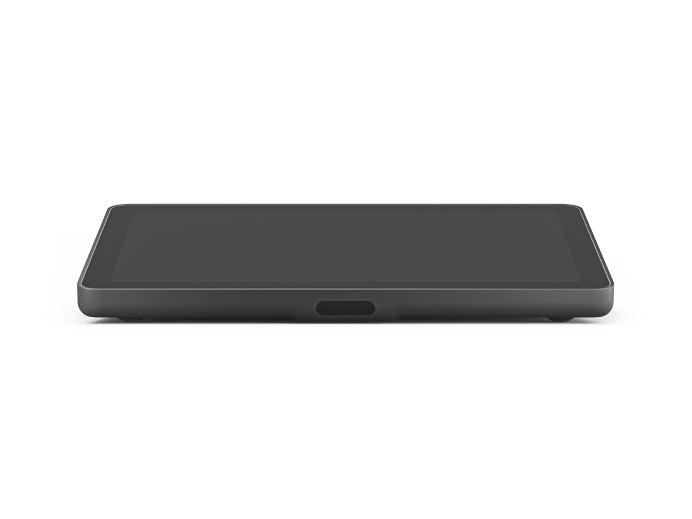
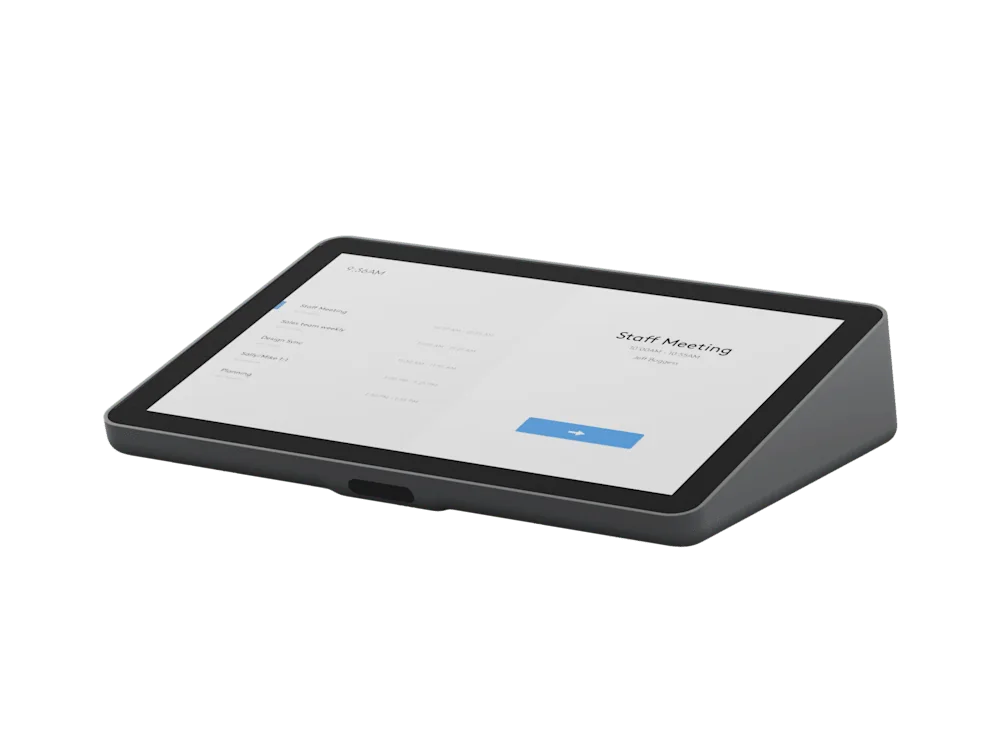
A network-connected meeting-room touch controller with a 10.1-inch anti-glare display and motion sensing. Place it inside the room for meeting control.
View Tap IP 2 details →
Meeting room control
Deploy consistent touch-room operation with Tap IP and appropriate table, riser or wall mounting.
New generation
New products announced on 8 October 2026. Malaysian supply and lead times are confirmed during quotation.
A network-connected meeting-room touch controller with a 10.1-inch anti-glare display and motion sensing. Place it inside the room for meeting control.
View Tap IP 2 details →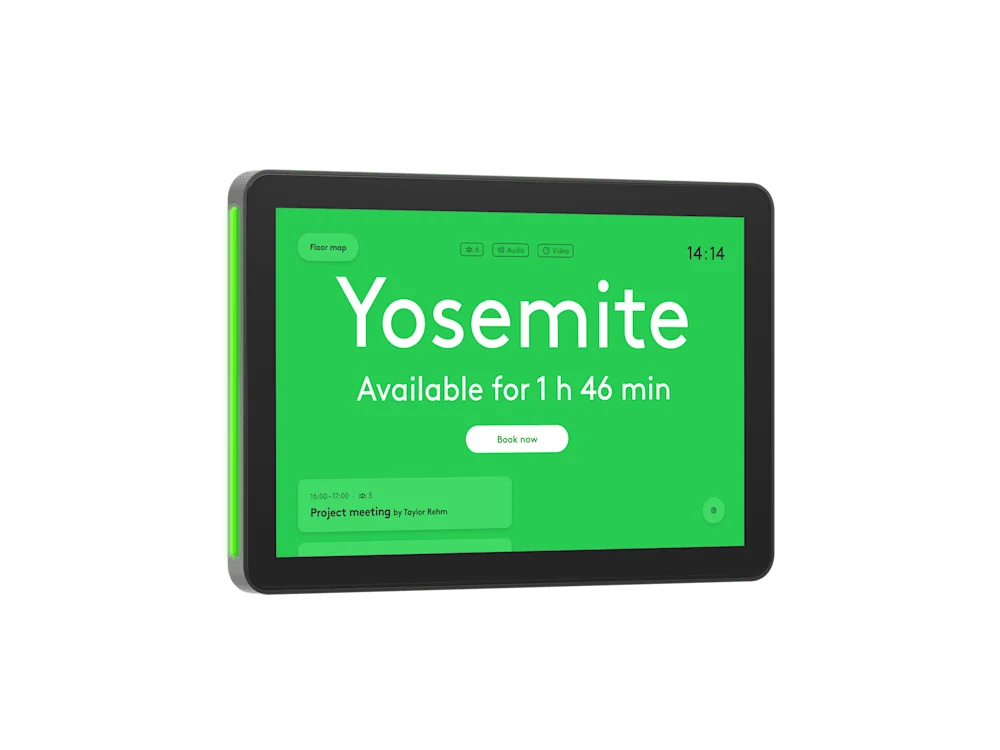
An outside-room scheduling panel with visible availability lights, a brighter 10.1-inch display and motion sensing, for supported room-booking platforms.
View Tap Scheduler 2 details →Product family
Open a model page for technical specifications, room-fit guidance, related Logitech products and integration considerations.
Selection guidance
System dependencies
A product is only one part of the deployment. Confirm the supporting components and infrastructure before final model selection or installation.
Dependency links are planning paths, not automatic compatibility claims. Exact model/SKU, interfaces, loading, firmware/software and accessories must be verified for the final project.
Room endpoint
Pair control with the selected room video architecture.
Open related area →Room endpoint
For larger/modular rooms, coordinate controller, compute, camera and audio components.
Open related area →Room architecture
Confirm network, placement, power and room workflow as part of the full design.
Open related area →Selecting for a new project
Use the listed models as the selection path. Exact Malaysia SKU, stock/channel status, warranty terms and accessories should be verified at quotation stage.
Maintaining an installed system
For installed systems, the appropriate path depends on product identification, supportability, compatibility and condition; the outcome may be repair, continued use, phased replacement or migration.
Assess an installed product →Meeting-room planning
The room platform, controller role, network requirements and complete meeting-room architecture should be confirmed as one design.