
Logitech · Room controllers & scheduling · Malaysia
Global rollout · October 2026Logitech Tap Scheduler 2
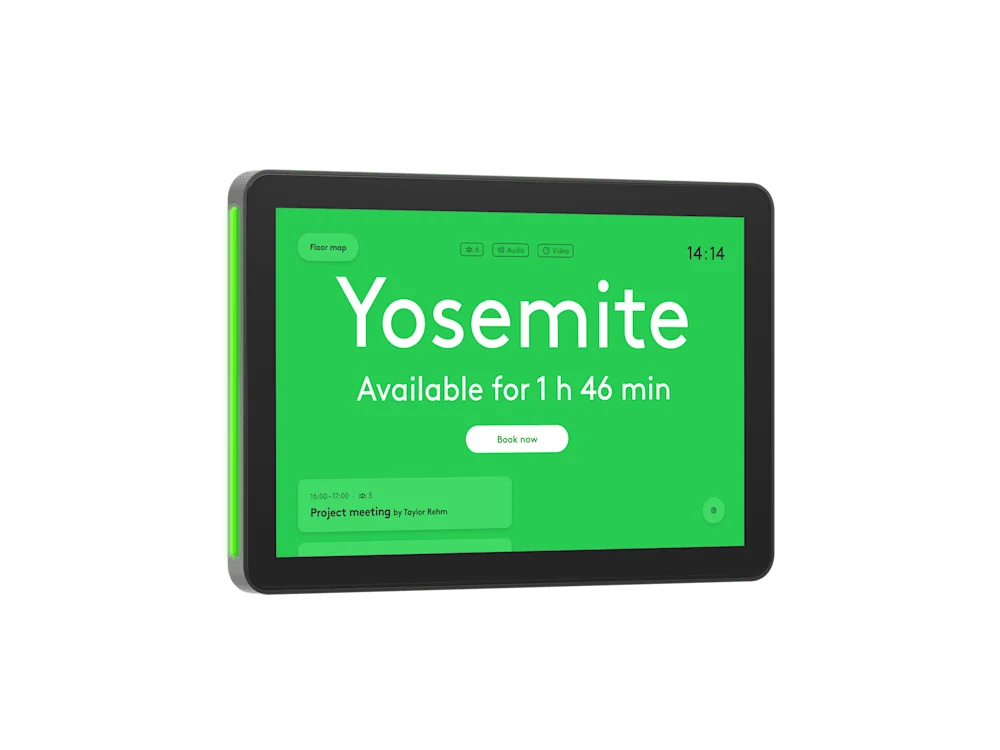
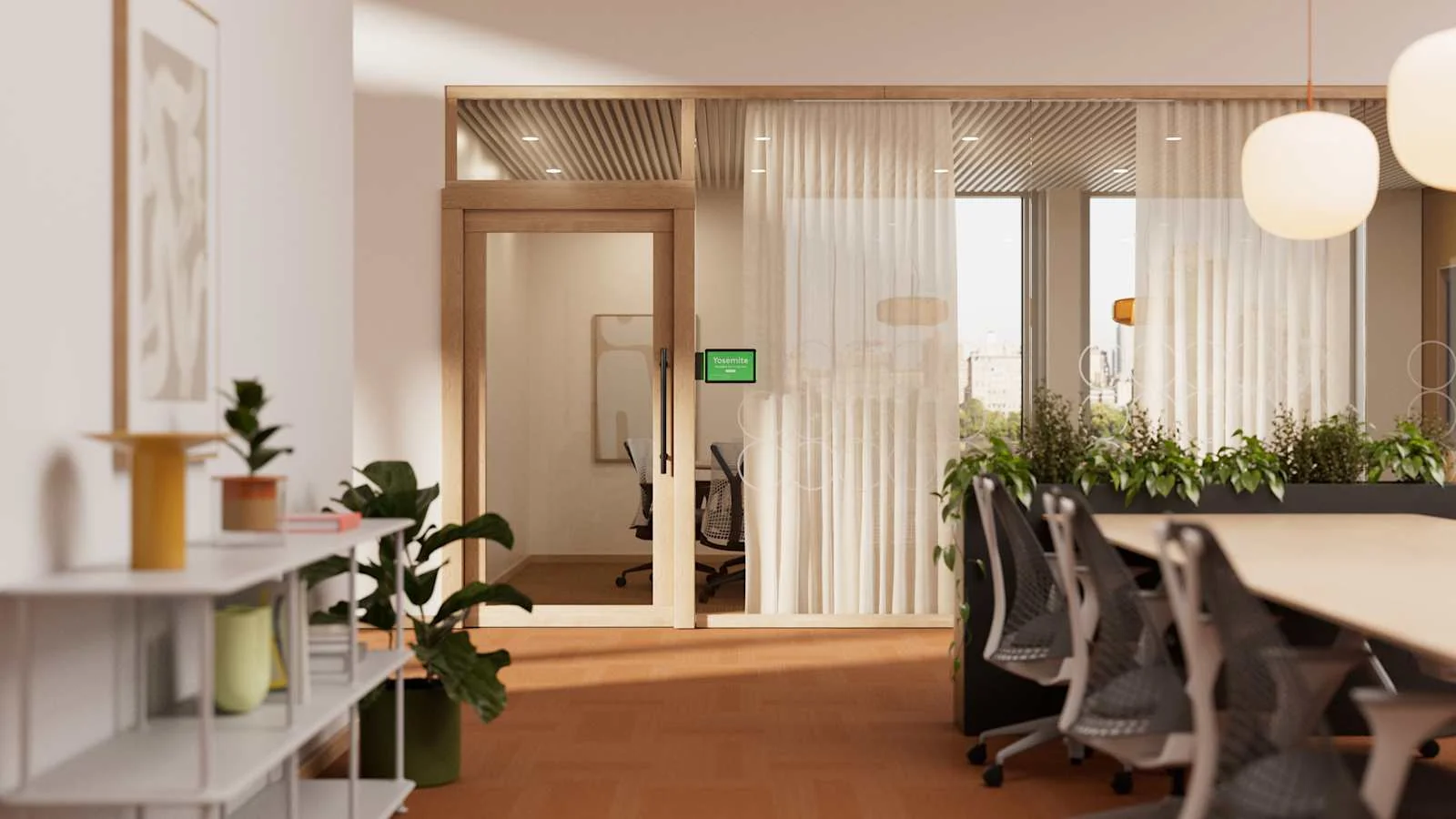
A room-booking touchscreen mounted outside the meeting room. Staff can see availability and meeting details before entering, with visible status lights and a presence-activated display.
What to know before specifying.
1920 × 1200 resolution, 380-nit brightness and room-status LEDs.
IEEE 802.3af PoE; network power and cabling are planned separately.
Microsoft Teams Panel, Zoom scheduling, Robin, Appspace and Logitech Room Booking are listed by Logitech.
PNSS installation planning
Make the system work for the room.
Confirm the organisation’s calendar and booking platform before choosing the panel. Plan outside-room visibility, accessible mounting height, glass or wall fixing, PoE cabling and any subscription or platform licences needed for the chosen workflow.
Share room drawings or photos, the meeting platform, display quantity, network conditions and completion date. PNSS will confirm the equipment, installation, commissioning and support scope.
Common questions
Is Tap Scheduler 2 a video conferencing camera?
No. It is a scheduling panel installed outside a meeting room to display availability and booking information.
Does it require a booking platform?
Yes. The selected scheduling service and calendar resources must be configured. PNSS checks the platform, account permissions, licensing and network requirements with your IT team.
Can it use an existing Tap Scheduler mount?
Logitech states that Tap Scheduler 2 works with existing mounts. PNSS still checks the specific mount, fixing surface and cable route before reusing installation hardware.
Need a complete room-system quotation?
Contact PNSS for product selection, mounting, cabling and installation advice in Malaysia.
Request Tap Scheduler 2 adviceUpdated 9 October 2026. Manufacturer specifications and roadmap may change.
