
Logitech · Room controllers · Malaysia
Global rollout · October 2026Logitech Tap IP 2
A network-connected touch controller for starting and managing meetings inside the room. PNSS coordinates the controller, room system, network connection and mounting as one usable setup.
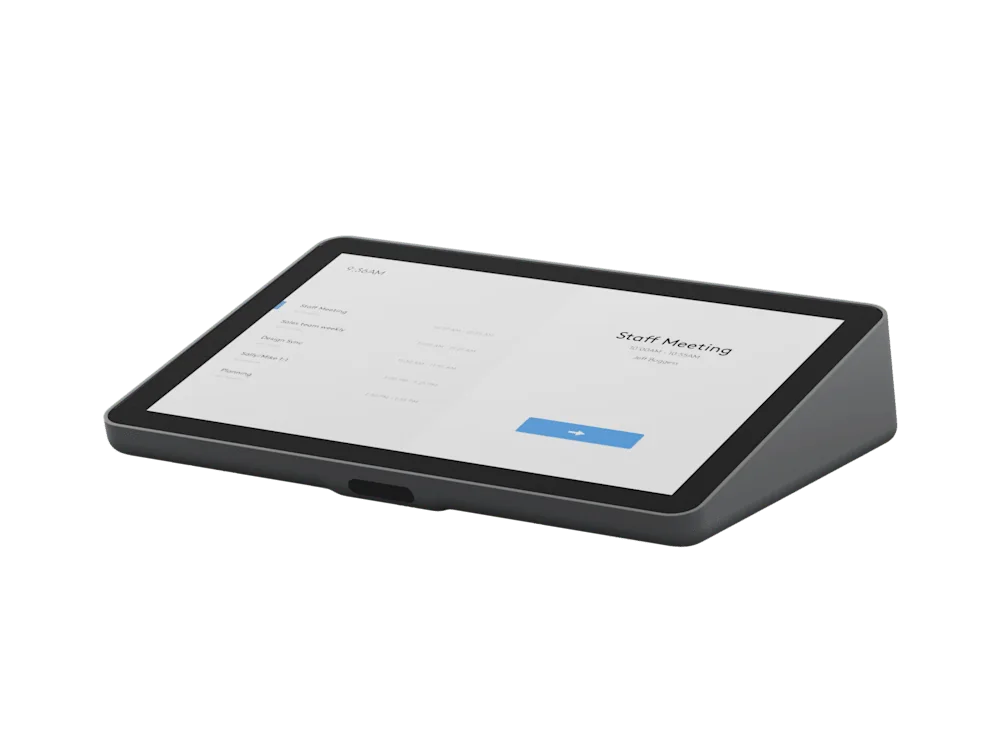
What to know before specifying.
1920 × 1200 resolution with a 380-nit display.
IEEE 802.3af PoE; suitable network power or a PoE injector and Ethernet cable are required separately.
Microsoft Teams on Android, Zoom Rooms and Google Meet, subject to current pairing and certification requirements.
PNSS installation planning
Make the system work for the room.
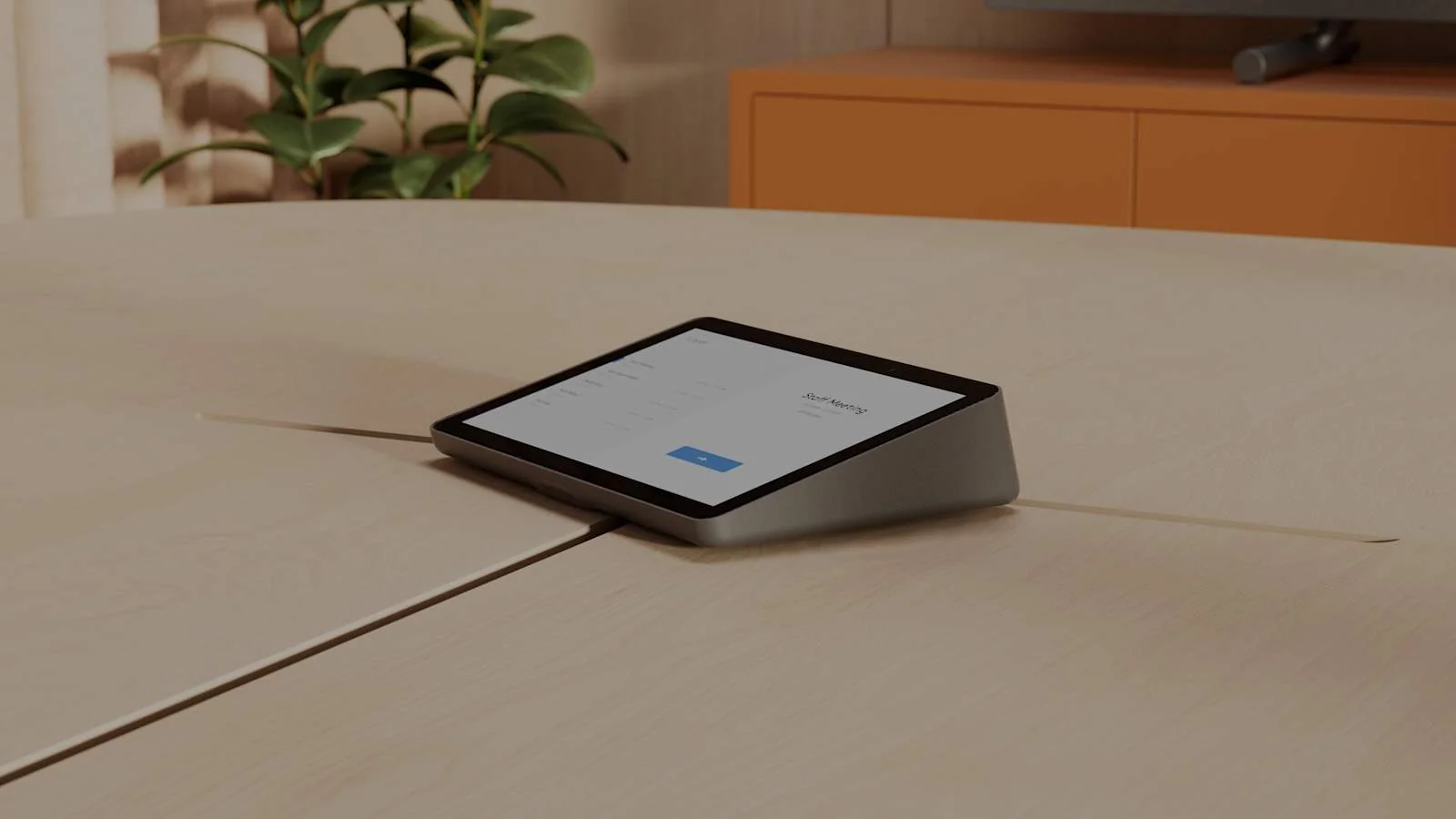
Put the controller within comfortable reach of the meeting participants. Confirm the room appliance or PC pairing, PoE capacity, network access, cable route and whether table, riser or wall mounting is appropriate.
Share room drawings or photos, the meeting platform, display quantity, network conditions and completion date. PNSS will confirm the equipment, installation, commissioning and support scope.
Common questions
What is Tap IP 2 used for?
Tap IP 2 is an in-room meeting controller. It provides the touch interface for joining and managing meetings on compatible room systems.
Does Tap IP 2 replace Tap Scheduler 2?
No. Tap IP 2 controls meetings inside the room; Tap Scheduler 2 displays booking and availability information outside the room.
Is the PoE injector included?
Logitech states that PoE-enabled networking or a PoE injector and Ethernet cable are required and not included. PNSS includes the appropriate power and cabling scope in the quotation.
Need a complete room-system quotation?
Contact PNSS for product selection, mounting, cabling and installation advice in Malaysia.
Request Tap IP 2 adviceUpdated 9 October 2026. Manufacturer specifications and roadmap may change.
