Play content reliably
Use an industrial SMP appliance where stable, purpose-built playback and multi-display output matter.

CAYIN DIGITAL SIGNAGE MALAYSIA
Plan, publish and manage professional content with dedicated SMP players, flexible software endpoints and central CMS platforms—designed around your screens, network and operating workflow.
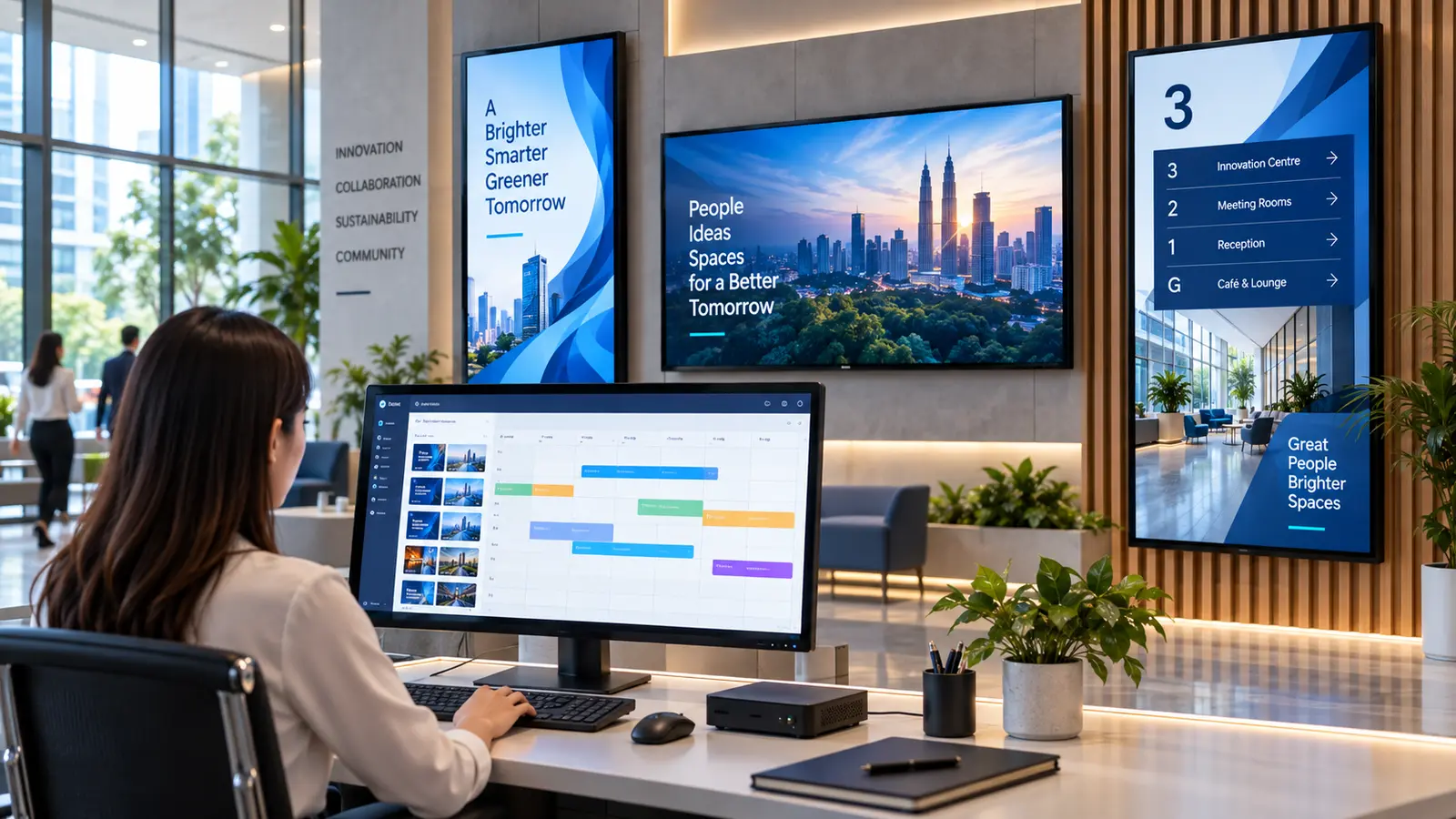
START WITH THE OUTCOME
A successful deployment needs more than a screen. Start with how content will play, who will manage it and how the team will create or automate updates.
Use an industrial SMP appliance where stable, purpose-built playback and multi-display output matter.
Schedule content, organise users and monitor supported devices with CMS-WS or a managed CAYIN cloud deployment.
Build content faster, display live meeting-room information and connect approved operational data to the signage workflow.
CURRENT PRODUCT PORTFOLIO
Model, licence, output mode, supported endpoint and Malaysian availability are confirmed during project quotation.

DEDICATED PLAYER
Industrial-grade 4K player with two displays by default and an optional licence for a third display.
View SMP-2400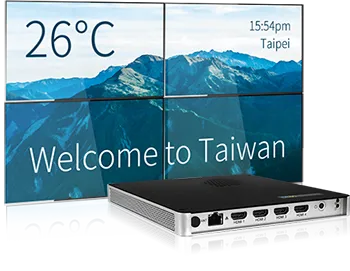
MULTI-DISPLAY PLAYER
Supports one 4K UHD output or up to four FHD outputs for multi-display and video-wall applications.
View SMP-8100
SOFTWARE ENDPOINT
Flexible playback for supported Android devices, smart TVs and PCs managed through the CAYIN ecosystem.
View Signage Player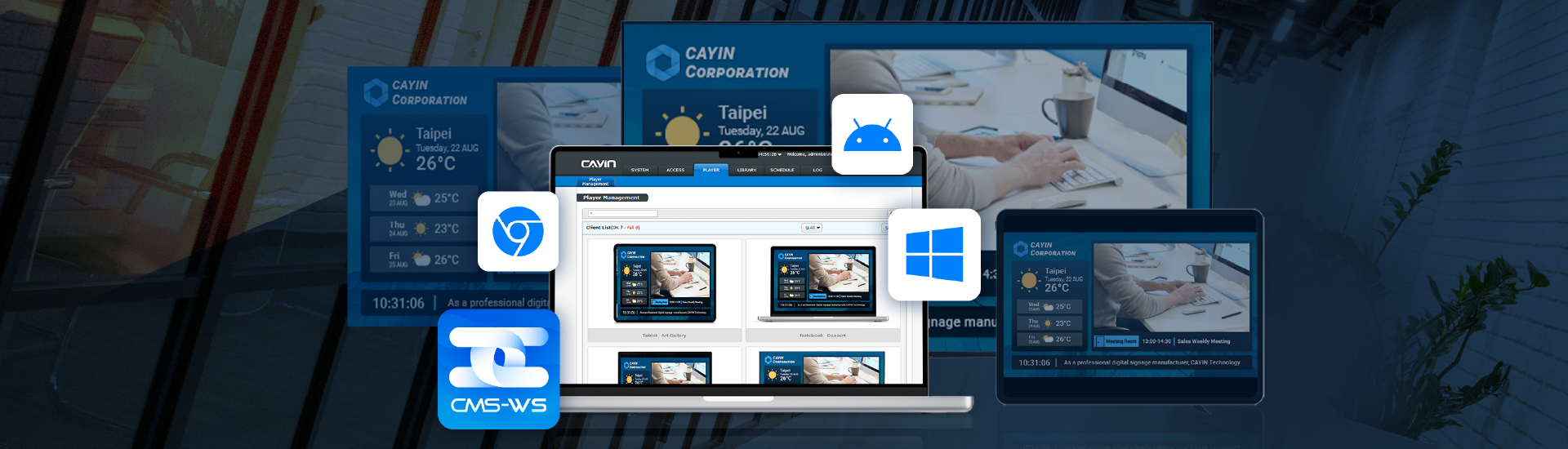
CENTRAL MANAGEMENT
Browser-managed cross-platform CMS for scheduling, publishing and managing up to 1,000 supported devices.
View CMS-WS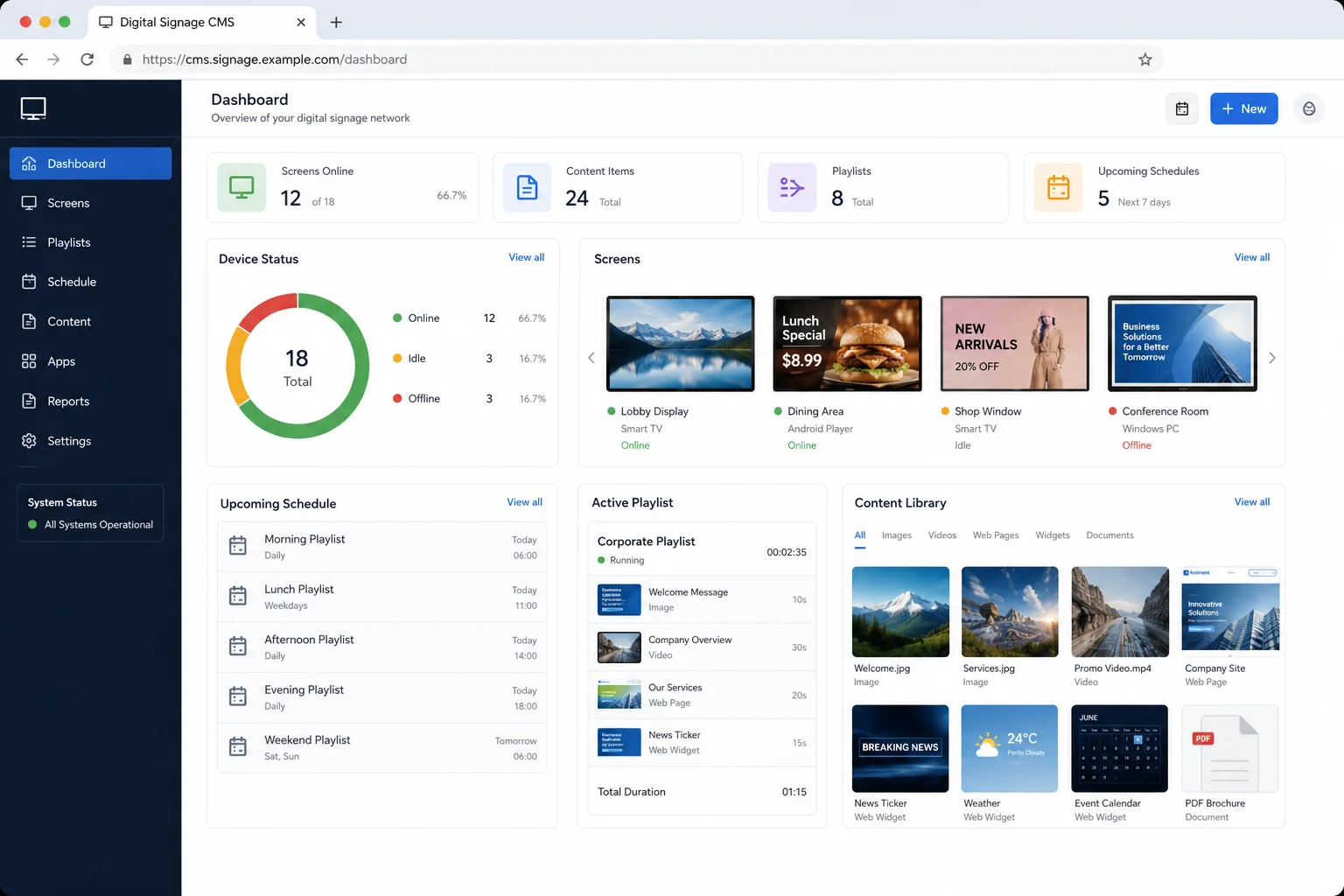
MANAGED CLOUD
CMS-WS or CMS-SE installation and maintenance on AWS, with scalable service packages and storage options.
Explore cloud options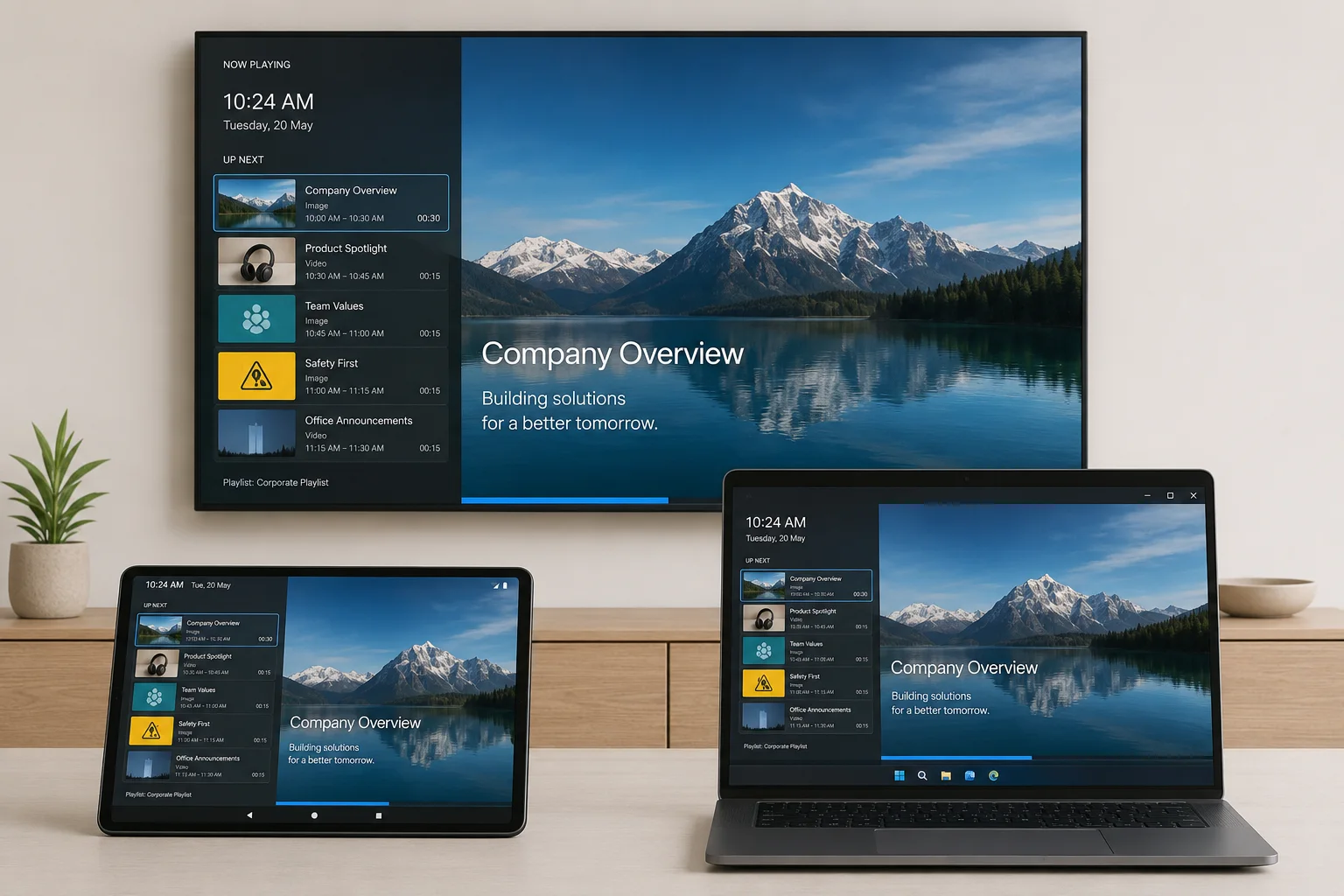
WORKFLOW SOFTWARE
Create template-based content and display room schedules from built-in, Microsoft 365 or Google calendars.
Explore workflow softwareHOW THE SYSTEM CONNECTS
PNSS maps the complete architecture before product selection so the player, CMS, network and content workflow work together.
Not sure which architecture fits? Use the visual system guide to compare dedicated players, software endpoints and CMS options.
Open the CAYIN system guideBEFORE QUOTATION
These five inputs prevent a visually suitable product from becoming the wrong technical choice after installation.
FAQ
Choose an SMP appliance where reliable purpose-built playback, fixed output requirements or specialist integration matters. A supported software endpoint may suit compatible smart TVs, Android devices or PCs.
Yes. CMS-WS is designed for cross-platform management of supported CAYIN SMP players, Android devices, smart TVs and PCs using CAYIN Signage Player.
CAYIN Cloud Service supports CMS-WS or CMS-SE installation and maintenance on AWS. The service package, storage, traffic and player compatibility must be confirmed.
meetingPost+ supports its built-in calendar as well as Microsoft 365, Google Calendar and Google Workspace integration for room information and booking workflows.
DESIGN THE RIGHT SYSTEM
Share your screen quantity, locations, content owners, network restrictions and output layout. PNSS will map the suitable player, CMS and deployment architecture.