
CAYIN DIGITAL SIGNAGE GUIDE

Choose the Right CAYIN Signage Architecture

Start from your content, screens and locations. Find out whether you need a dedicated player, a software endpoint or a central CMS to manage your CAYIN digital signage system.

Get Expert Advice
Content manager scheduling campaigns for commercial digital signage displays

HOW CAYIN WORKS

The CAYIN Digital Signage Architecture

From content to audience, every component plays a role.

Content

Create and prepare approved multimedia content.

CMS

Manage content, schedules, users and screens.

Network

Deliver content through LAN, WAN or internet.

Player

Use a dedicated player or supported software endpoint.

Display

Show content on one screen or multiple displays.

COMPARE SYSTEM OPTIONS

Which option fits your organisation?

Match your requirements across screens, locations and management needs. Use this guide to choose the most suitable CAYIN architecture.

Comparison of CAYIN digital signage system options
OptionWhat it isBest forKey advantagesConsider if
Dedicated player
(SMP series)
Purpose-built hardware appliance with HDMI, VGA or multi-output configurations.Reliable single-screen, dual-display or multi-screen installations.
  • Purpose-built endpoint
  • Local playback capability
  • Multiple-output options
  • Screens are at fixed locations
  • Playback reliability matters
  • Special output layouts are required
Software endpointCAYIN Signage Player for supported smart displays, Android, Windows or browser-enabled endpoints.Flexible deployment using compatible devices or existing screens.
  • Uses supported endpoints
  • Faster standard rollout
  • Central management available
  • You have compatible devices
  • Standard signage is required
  • OS support can be verified
Central management
(CMS-SE / CMS-WS)
Server platforms for centralised publishing, scheduling and device administration.Multi-site deployments with many screens, users or content groups.
  • Centralised control
  • User and location management
  • Scheduling and monitoring
  • You manage multiple locations
  • Role-based access is needed
  • Reporting or governance matters
Workflow tools & integrationSoftware, web technologies and APIs for specialised publishing workflows.Advanced content, room signage, reporting or integrated applications.
  • Connects business information
  • Reduces manual updates
  • Supports defined workflows
  • You need data integration
  • A specialist workflow is required
  • Compatibility can be confirmed

CAYIN SMP DEDICATED PLAYERS

Choose the right SMP model

Reliable hardware players for professional digital signage deployments. Confirm output mode, resolution, licence and Malaysian availability during quotation.
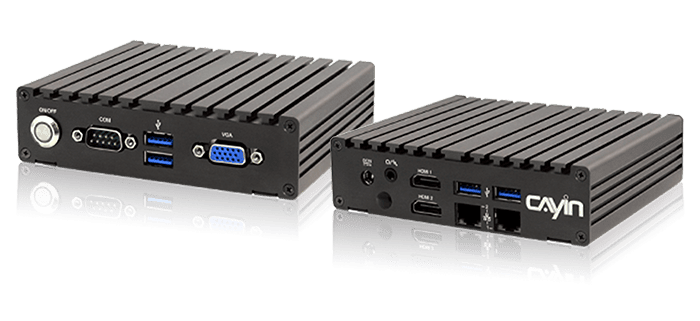
CAYIN SMP-2200 compact digital signage player

SMP-2200

Compact dedicated player with two HDMI outputs plus VGA for flexible two-display signage applications.

2 × HDMI1 × VGA
View SMP-2200 →
CAYIN SMP-2400 digital signage player

SMP-2400

Supports two displays by default and can be upgraded for three-display operation with the applicable licence.
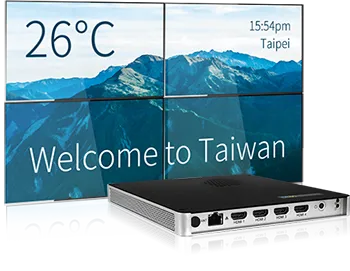
2–3 displaysUpgrade licence
View SMP-2400 →
CAYIN SMP-8100 digital signage player with four HDMI outputs

SMP-8100

Designed for demanding multi-display and video-wall applications with four HDMI outputs.

4 × HDMIMulti-display
View SMP-8100 →

REAL-WORLD APPLICATIONS

Built for a wide range of environments

From corporate communications to multi-site networks, CAYIN adapts to your industry, content and space.
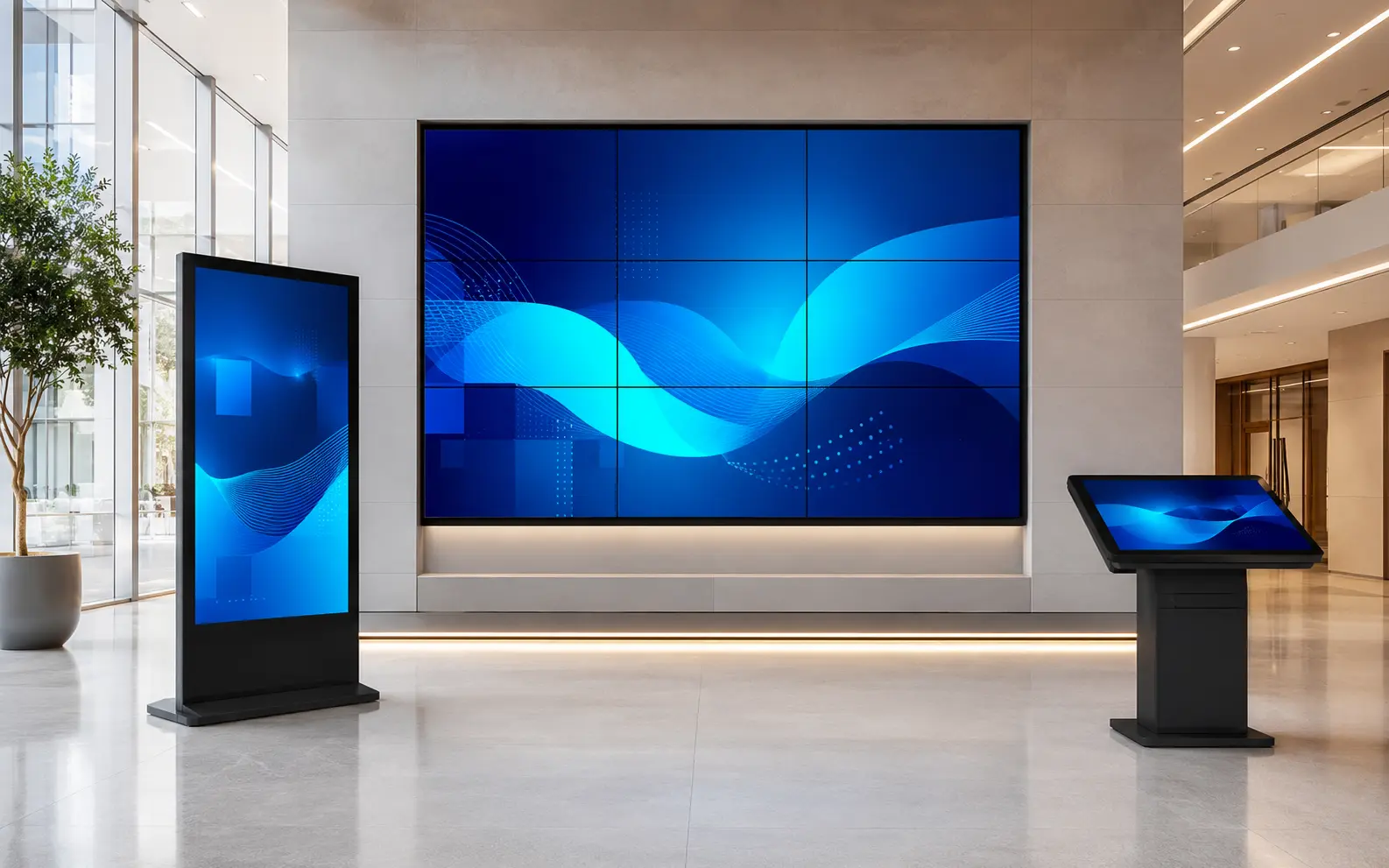
Corporate lobby with commercial digital signage displays

Corporate & Office

Internal communications, brand messaging and visitor information.
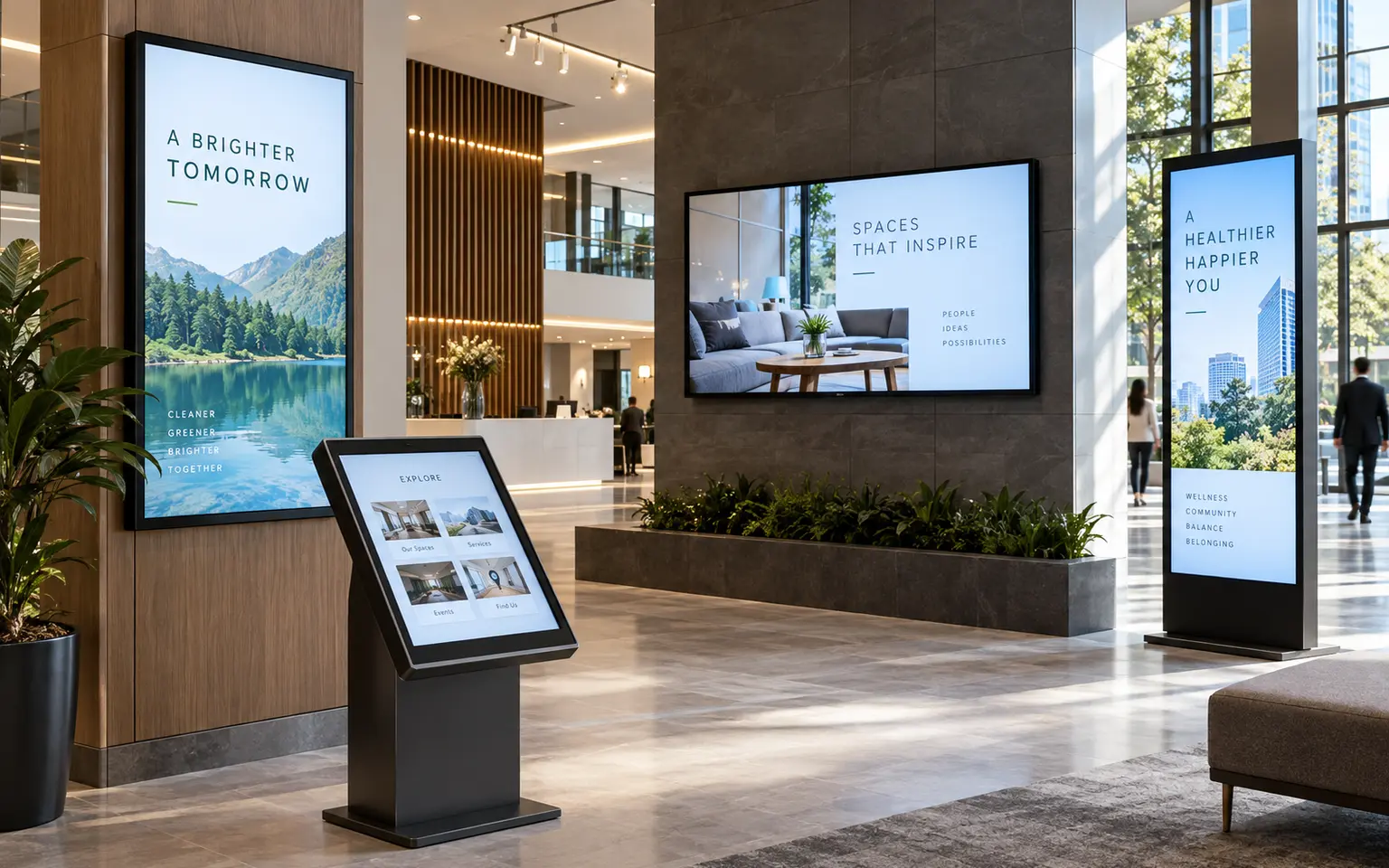
Multi-site commercial environment with coordinated digital signage

Multi-Site Communications

Manage consistent content across offices, campuses and public locations.

Hospitality room using a managed commercial display

Retail & Hospitality

Dynamic promotions, guest information and engaging customer experiences.
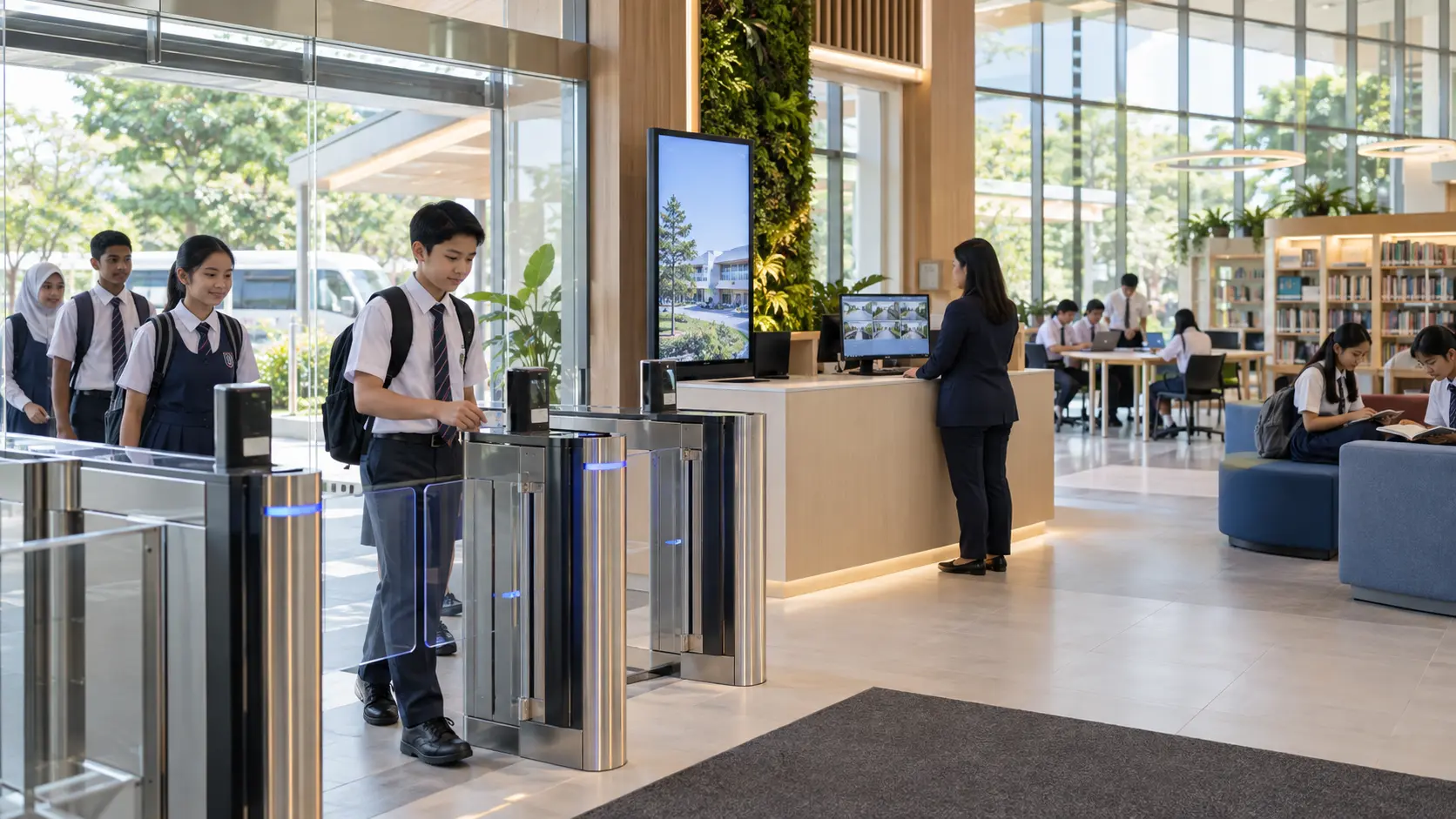
Education entrance using integrated display and information technology

Education, Government & Public Spaces

Information, wayfinding and community announcements.

FAQ

Common questions

Do I need a dedicated player or can I use a PC?

A dedicated SMP player is preferred where stable, purpose-built playback matters. Supported smart displays, Android devices, Windows PCs and browser-enabled endpoints may use CAYIN Signage Player when compatibility is verified.

How many screens can I manage?

The practical scale depends on the endpoint type, CMS architecture, licensing, network design, content workload and availability target. PNSS confirms the suitable topology during design.

What CMS is right for my organisation?

CMS-SE is designed around larger SMP-NEO player networks. CMS-WS may suit mixed supported appliance and software-player endpoints requiring browser-based management.

Can I integrate with my existing systems?

Compatible web content, APIs and SDKs can connect approved business information to the signage workflow. Data source, security, update frequency and fallback content must be defined first.

Need help choosing your CAYIN solution?

Tell us about your screens, locations, content workflow and network. We will recommend the right CAYIN architecture for your organisation.

Request a Consultation

Source & review note: Prepared using PNSS integration experience and current manufacturer documentation. Model availability, licensing, compatibility and project-specific requirements are validated during engineering and quotation. Reviewed 21 September 2026.