
Samsung Business Monitors · Ultra-wide

Samsung Ultra-wide Monitor Guide

For a wide business desktop without moving to DUHD, Samsung’s 34″ ViewFinity S6 range provides a practical 21:9 workspace with business connectivity.

34″Reference size
3440 × 1440Ultra WQHD
21:9Wide workspace
100HzRefresh rate

Current reference models

Choose by collaboration requirement

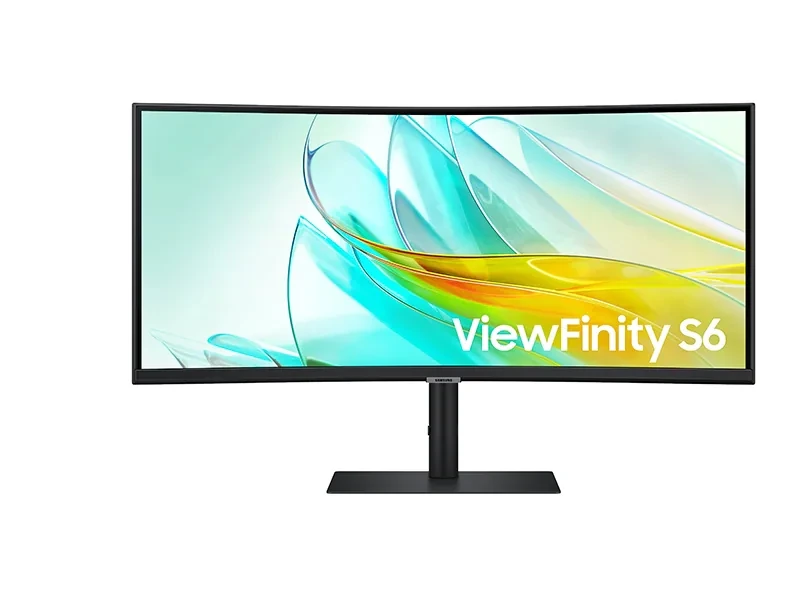
34″ ViewFinity S6 S65UC UWQHD

Samsung Malaysia reference model

34″ ViewFinity S6 S65UC UWQHD

Model code: LS34C650UAEXXS

  • 3440 × 1440 Ultra WQHD
  • 21:9 · 1000R curved
  • 100Hz refresh rate
  • USB-C 90W · LAN · KVM

A strong general-purpose ultra-wide business choice where one USB-C connection, networking and KVM functions are useful.
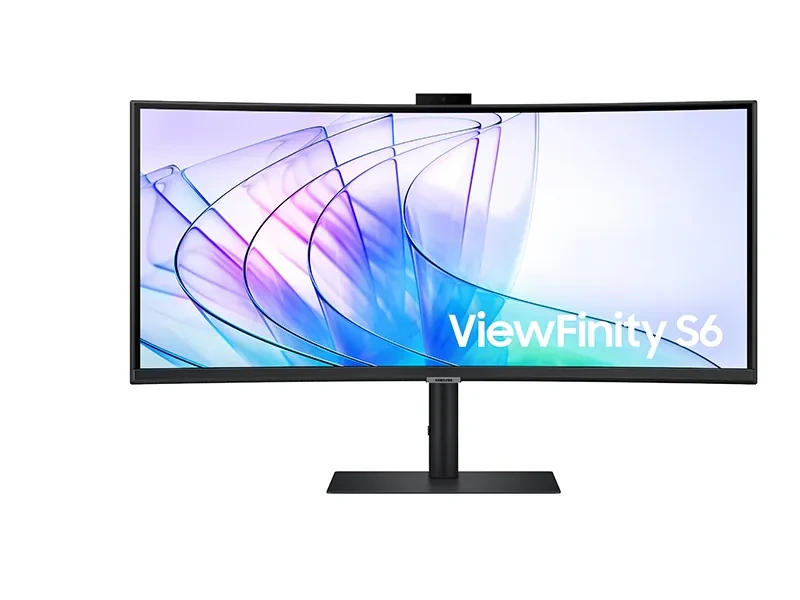

34″ ViewFinity S6 S65VC UWQHD

Samsung Malaysia reference model

34″ ViewFinity S6 S65VC UWQHD

Model code: LS34C650VAEXXS

  • 3440 × 1440 Ultra WQHD
  • 21:9 · 1000R curved
  • 100Hz refresh rate
  • Integrated pop-up camera · USB-C · KVM

Adds an integrated camera and collaboration-oriented features for users who want an ultra-wide workstation with video-call convenience.

Which one?

S65UC: choose it for a clean ultra-wide productivity desk with USB-C, LAN and KVM.

S65VC: consider it when an integrated camera is useful for regular video calls.

Both: give substantially more horizontal workspace than a normal 16:9 display while keeping useful 1440-pixel vertical resolution.

System dependencies

Complete the workstation deployment

A product is only one part of the deployment. Confirm the supporting components and infrastructure before final model selection or installation.

Dependency links are planning paths, not automatic compatibility claims. Exact model/SKU, interfaces, loading, firmware/software and accessories must be verified for the final project.

Compatibility check

Host-device capability

Confirm GPU/port capability, resolution, refresh and docking requirements for the intended workstation.

Physical integration

Desk / mounting arrangement

Verify stand, arm/VESA support and ergonomic workspace requirements where applicable.

Open related area →

Adjacent category

Business display portfolio

Return to the wider Samsung display portfolio when the application requires signage or managed displays.

Open related area →

Selecting for a new project

Choose from the family, then verify availability

Use the listed models as the selection path. Exact Malaysia SKU, stock/channel status, warranty terms and accessories should be verified at quotation stage.

Maintaining an installed system

Do not assume an older model must be replaced

For installed systems, the appropriate path depends on product identification, supportability, compatibility and condition; the outcome may be repair, continued use, phased replacement or migration.

Assess an installed product →

Need an ultra-wide monitor for business use?

PNSS can match the monitor to notebook docking, USB-C charging, camera and KVM requirements.

PNSS AI diamond mascot