
Samsung Business Monitors
Choose by resolution, feature and professional workload.
Samsung organises business monitors by resolution, feature and profession. PNSS uses the same logic: define the work, desk space, connectivity and ergonomic requirement before selecting a model.
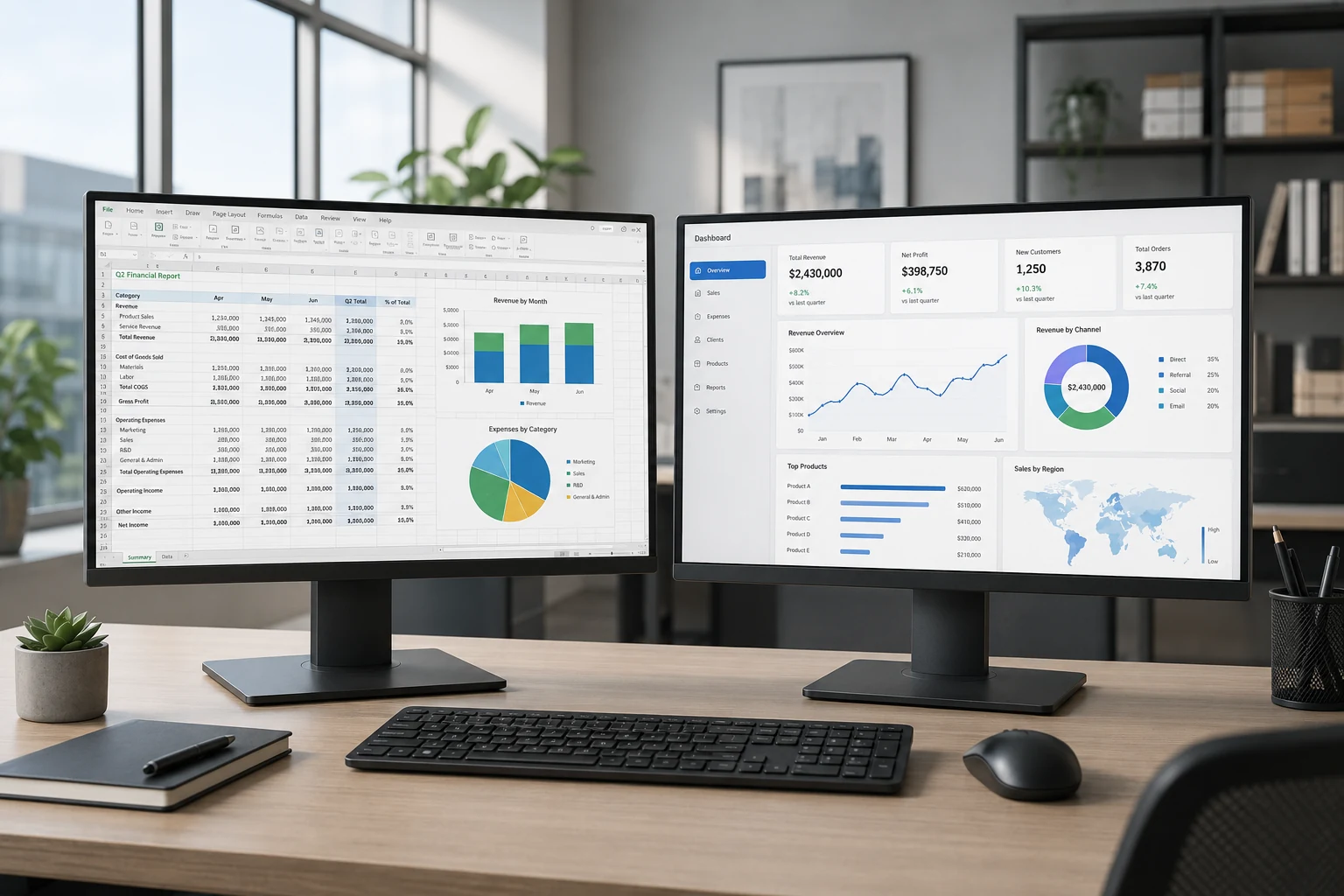
Selection path
Choose the suitable family.
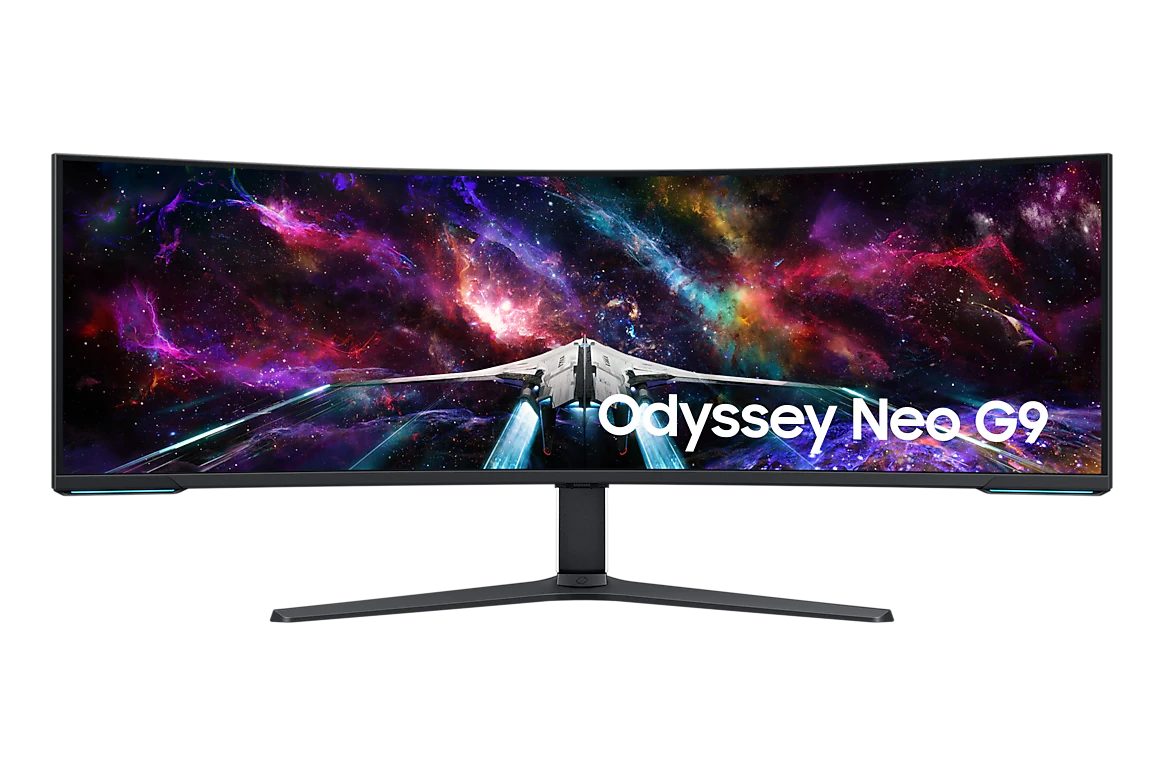
DUHD / very wide workspace
For large horizontal workspaces and specialised multi-window use.
View family →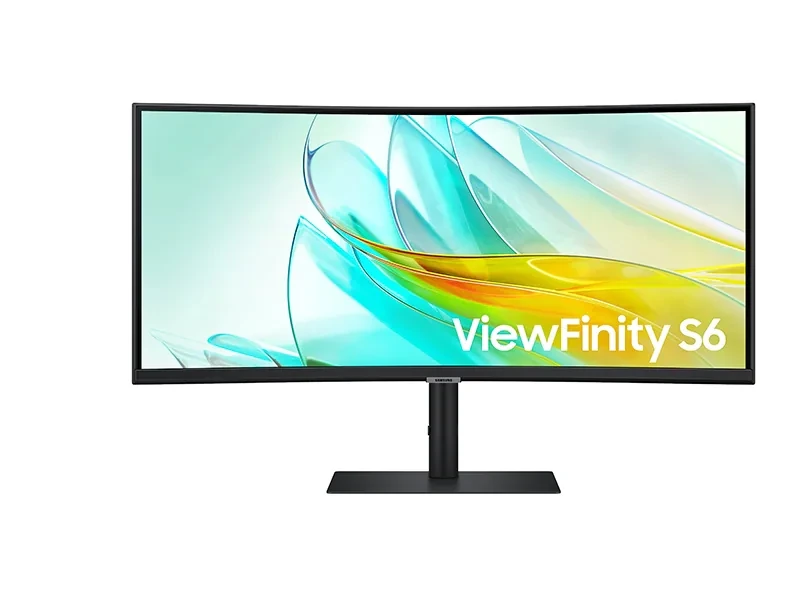
Ultrawide
For productivity, financial analysis and multi-application workflows.
View family →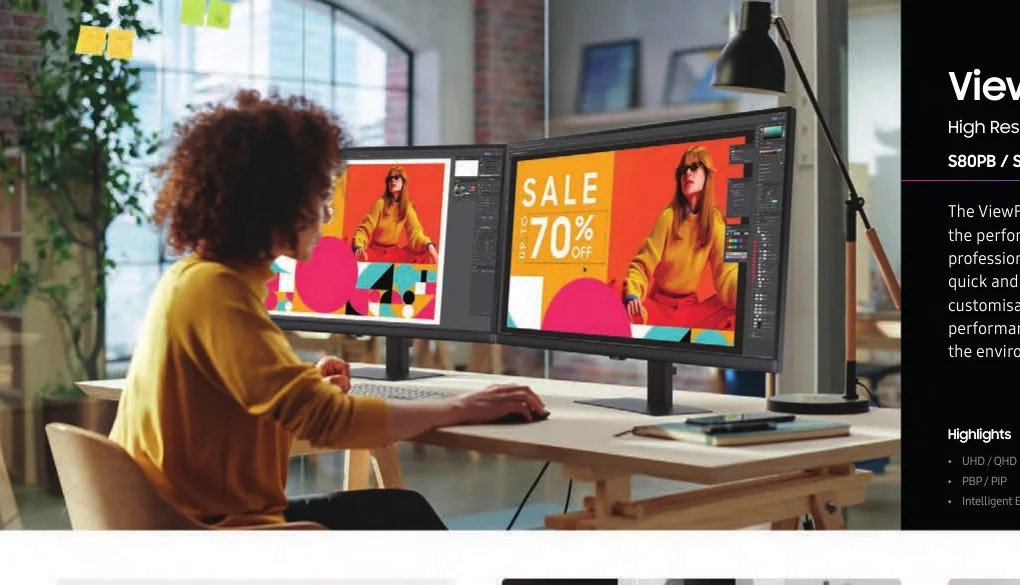
QHD / ViewFinity
For detailed office, creative and professional work.
View family →For standard office displays, view Full HD business monitors →.
Complete system scope
The display is one part of the workstation display setup.
PNSS can coordinate the display, mounting, power, signal cabling, source equipment, network connection, content platform and commissioning as one project scope.
Before quotation
Share the operating requirement.
Provide the site, quantity, screen size, operating hours, content source, orientation, mounting condition and required completion date. PNSS will confirm suitable models and Malaysia availability.
