Quantum Mini LED Pro
Samsung combines Mini LED backlighting with its picture processing for large-screen content. QH115FX is a standalone LCD signage display; it is not a modular direct-view LED wall.


Samsung QHFX · Supersized Smart Signage
A single large-format commercial screen for indoor visual communication, with portrait and landscape installation, an anti-glare panel and continuous-operation support.
Malaysia model code: LH115QHFEBGXXS
PNSS confirms current Malaysia availability, package contents, accessories, warranty and installation scope at quotation stage.
Commercial display platform
Samsung combines Mini LED backlighting with its picture processing for large-screen content. QH115FX is a standalone LCD signage display; it is not a modular direct-view LED wall.
Choose horizontal presentation and information layouts or vertical retail and wayfinding content. Plan the mounting orientation and content format together.
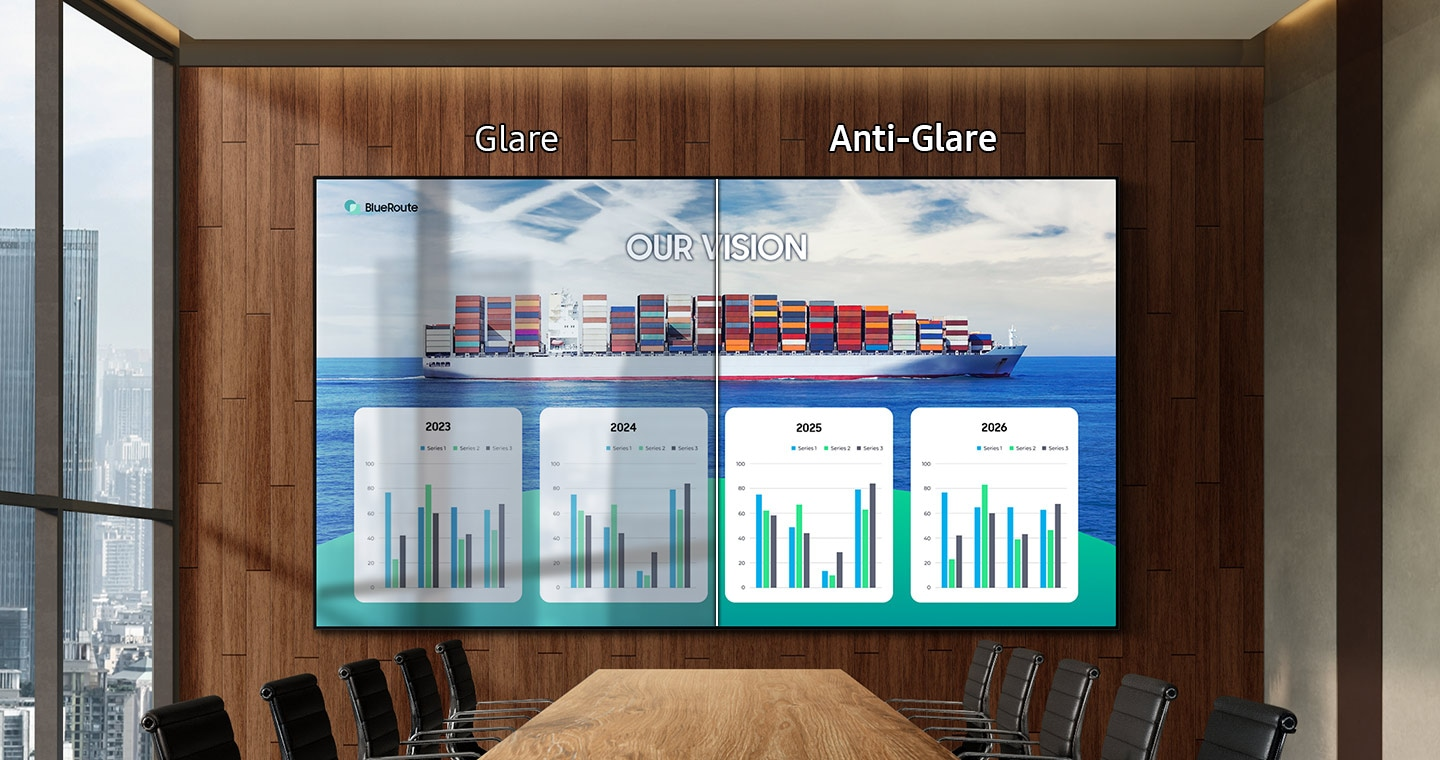
The screen treatment helps reduce reflections. Assess lighting, viewing angles and content readability at the actual site rather than treating anti-glare as a substitute for placement planning.
Samsung specifies a 60 W 4.2.2-channel speaker system and Tizen 8.0. External audio, sources and management software remain application-dependent.
Exact model reference
| Model / Malaysia reference | QH115FX / LH115QHFEBGXXS |
|---|---|
| Screen size | 115-inch class |
| Resolution | 3,840 × 2,160 (4K UHD) |
| Brightness | 1,000 nit (typical) |
| Operating class | 24/7 |
| Orientation | Landscape / portrait |
| Picture platform | Quantum Mini LED Pro; LCD signage |
| Panel / haze | VA / 25% glass haze |
| Cabinet dimensions (W × H × D) | 2,565.2 × 1,467.6 × 34.1 mm |
| Display weight | 83.7 kg |
| Package dimensions (W × H × D) | 2,765.0 × 1,652.0 × 250.0 mm |
| Package weight | 133.6 kg |
| VESA mounting pattern | 1,000 × 600 mm |
| HDMI | 3 × HDMI 2.1; HDMI 3 supports ARC |
| DisplayPort | 1 × DisplayPort 1.4 |
| USB | 2 × USB-A |
| Network / wireless | RJ45 LAN, Wi-Fi and Bluetooth |
| Control | RS232 In / Out; IR In |
| Built-in speakers | 60 W, 4.2.2 channels |
| Platform / storage | Tizen 8.0 / 16 GB |
| Power supply | AC 100–240 V, 50/60 Hz |
Specification reference checked 30 October 2026. Manufacturer specifications may change. Consult the linked manual for model-specific installation and supported signal modes.
Orientation and application

Suitable planning uses include tall-format brand visuals and public information. Confirm viewing distance, content scaling and access for maintenance.
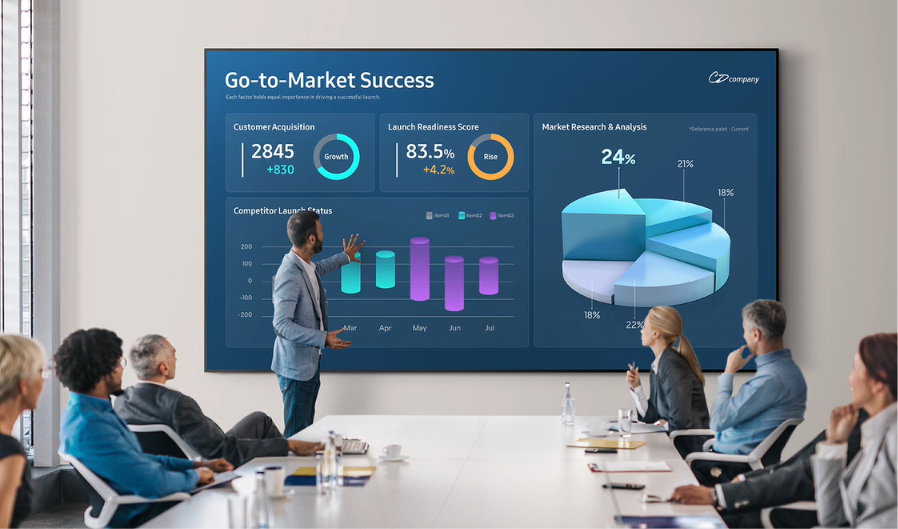
Review the complete signal and audio workflow for presentations, dashboards or shared content. A signage display does not by itself provide a complete video-conferencing system.
Installation planning
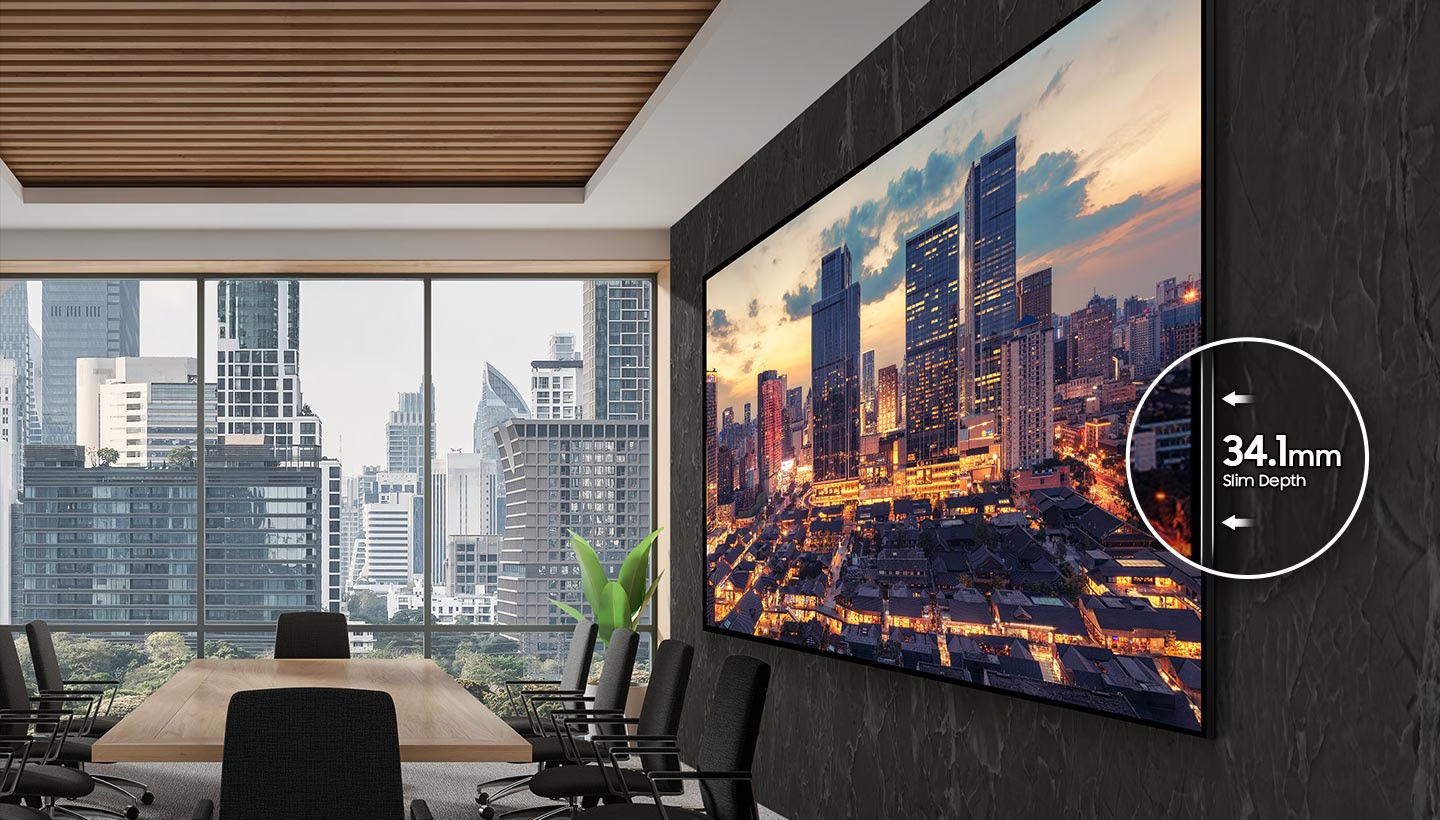
The cabinet is 2,565.2 × 1,467.6 × 34.1 mm and weighs 83.7 kg. Its 1,000 × 600 mm VESA pattern must be considered together with the selected mount and the supporting structure. The package is larger and heavier than the display itself, so delivery access, lifting and handling need a site-specific plan.
Content and control
Use the display's supported sources and internal platform around the application. For centrally managed signage, Samsung VXT is a separate purchase; confirm licence, regional feature availability, network requirements and configuration. Samsung also lists SmartThings Pro as separately purchased, with regional availability conditions.
Additional features include SmartView+, Custom Home, Smart Calibration and professional picture modes. DICOM Simulation Mode is intended for non-diagnostic viewing. Check supported devices and source formats for the chosen workflow.
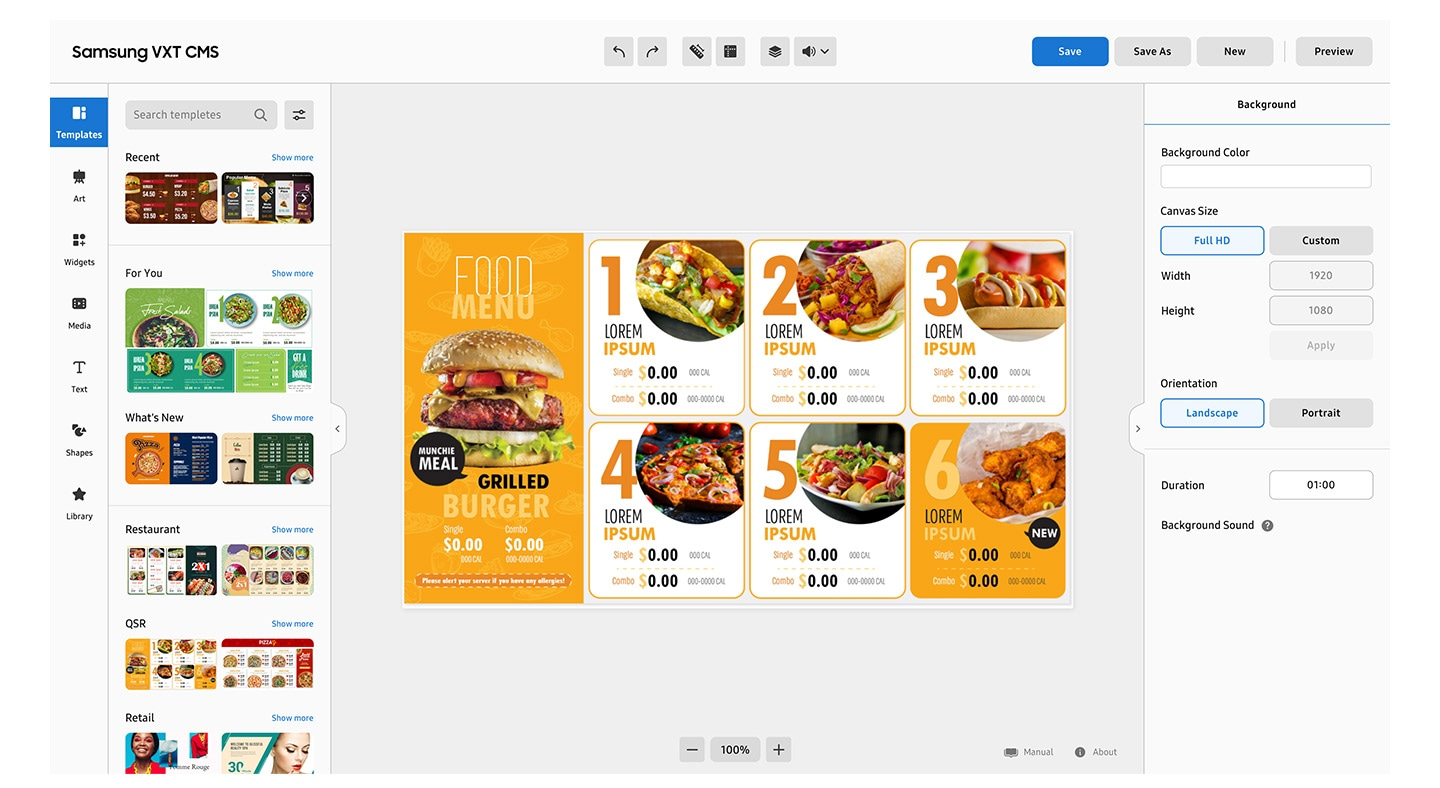
Samsung VXT platform · Digital signage systems and installation
Official product resources
Samsung shared manual for QPDX-5K and QHFX. Use the QH115FX sections; revision 260916.0.
Open English user manual (PDF)Manufacturer feature and specification reference for LH115QHFEBGXXS.
View Samsung Malaysia referenceBuying questions
No. QHFX is listed separately. Use its own model code, specifications and installation instructions when preparing a quotation or design.
Samsung specifies 24/7 operation support. Confirm the installation environment and the intended content and management workflow.
No. Cameras, microphones, room computing, source selection and controls depend on the project. PNSS can help define the complete scope.
Provide the quantity, site, application, orientation, viewing distance, content sources, proposed mounting position and desired completion date. Photographs and access-route information help establish the installation requirements.