Multi-channel BGM
Supports up to 10 simultaneous audio channels for different areas or programme zones.

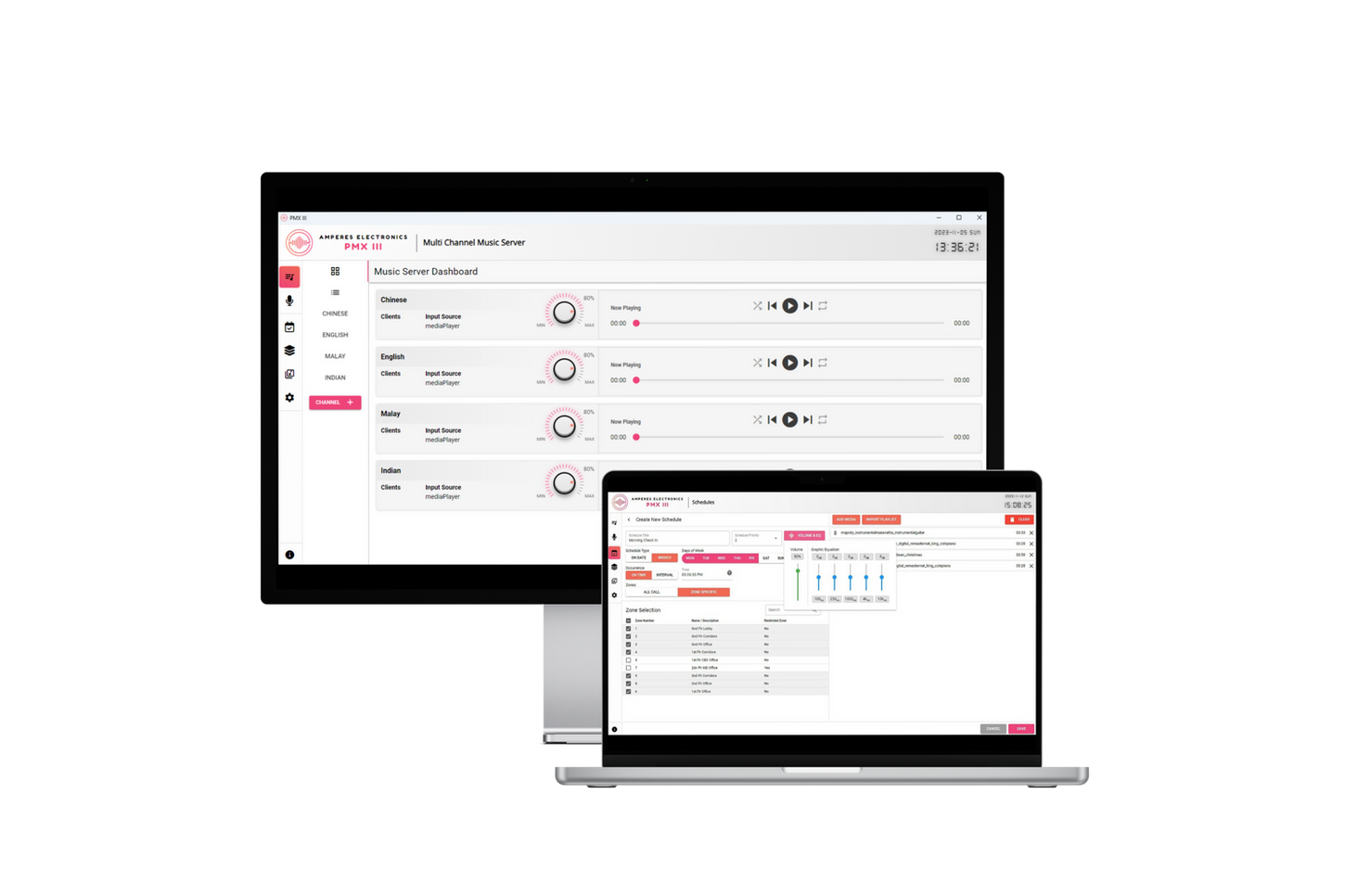
Official Amperes PMX III product/software visual. Interface and software version may change.
Amperes · IP-PA Management Software
IP-based PA management software for Amperes iPX systems, combining multi-channel BGM, zone management, scheduling, PC paging and optional Premium monitoring/TTS functions.
Selection guidance
Supports up to 10 simultaneous audio channels for different areas or programme zones.
Current product reference states support for up to 1,000 zones.
Weekly and calendar-based scheduling supports tones, messages and stored audio playback.
Premium adds remote monitoring, visual zone mapping and Google-based multilingual text-to-speech.
Technical reference
| System type | Integrated IP-based PA management software |
|---|---|
| Audio channels | Up to 10 simultaneous channels |
| Zones | Up to 1,000 zones in current product specification |
| Scheduling | Weekly programmable timer and calendar-based scheduling |
| Paging | PC paging, group paging and priority integration with supported Amperes paging microphones |
| Premium functions | Remote monitoring · zone mapping · Google-based multilingual TTS |
| Current software reference | Version 3.3.2 (Oct 2025) listed on manufacturer page at time of review |
Applications
Continue exploring
System dependencies
A product is only one part of the deployment. Confirm the supporting components and infrastructure before final model selection or installation.
Dependency links are planning paths, not automatic compatibility claims. Exact model/SKU, interfaces, loading, firmware/software and accessories must be verified for the final project.
System components
Move from a single device to paging, zone, amplification, monitoring and power categories.
Open related area →System architecture
Confirm zoning, priorities, amplifier loading, monitoring and integration requirements.
Open related area →Solution context
Coordinate sources, interfaces, speakers/cabling and commissioning around the final design.
Open related area →Product family navigation
Return to PA, Paging & Voice Alarm, move back into the relevant PNSS solution, or open a selection guide without losing the product context.
New project / active selection
Use the parent family and solution links to compare application fit. Current Malaysia availability, exact SKU, warranty terms and compatible accessories should be verified at quotation stage.
Existing installed product
Already installed? Identify the exact model and condition first, then verify lifecycle, parts/software support and the practical repair or migration path.
Open legacy & replacement support →The final equipment schedule should be based on the application, interfaces, system topology, site conditions and support requirements.
