
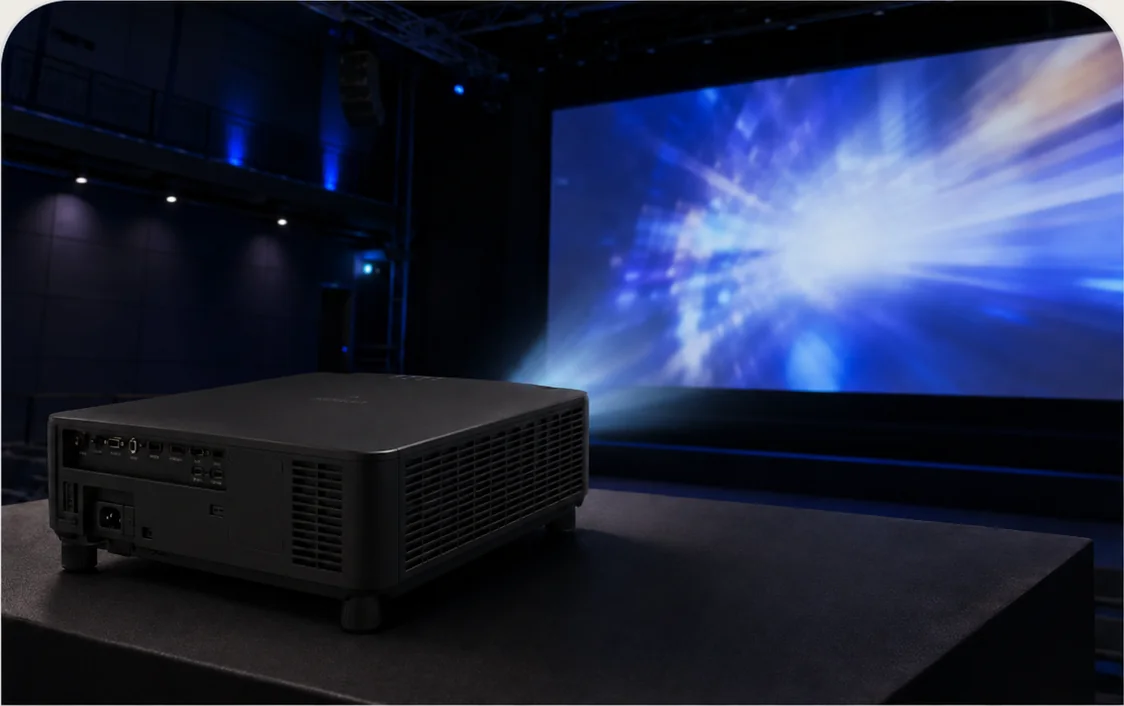
The throw ratio tells you how far the lens must sit from the image for a given image width. Lower ratios place the projector closer to the screen. The practical choice also depends on mounting height, people moving through the beam, ceiling obstructions, image size, service access and the available wall or screen surface.
Quick comparison
| Projection class | Representative PNSS reference | Throw reference | Best starting point |
|---|---|---|---|
| Standard throw | EB-L210W | 1.41–2.26 | Meeting rooms, classrooms and training rooms with normal ceiling depth. |
| Short throw | EB-L210SW | 0.48–0.65 | Classrooms and presentation spaces where the projector must stay closer to the image. |
| Ultra-short throw | EB-725W / interactive variants | about 0.28–0.37 | Teaching walls, interactive use and rooms where presenters must avoid the beam. |
| Interchangeable lens | EB-PU / EB-PQ families | Depends on selected lens | Auditoriums, halls, stages and engineered large-format projection. |
Standard throw: maximum flexibility when depth is available
Standard-throw projectors usually give the installer more flexibility in ceiling position and optical zoom. Epson lists the EB-L210W with a 1.41–2.26 throw ratio and 1.62× optical zoom. This class is often a strong starting point when the room can accommodate a conventional ceiling mount without creating presenter shadows.
Short throw: reduce beam interference
Epson lists the EB-L210SW at 0.48–0.65 throw ratio. That allows a large image from a much shorter lens-to-screen distance, which can reduce shadows and glare on the presenter while retaining a familiar projector installation workflow.
Ultra-short throw: wall geometry becomes critical
Ultra-short-throw models sit very close to the wall. They can be excellent for classrooms and interactive spaces, but the wall must be sufficiently flat and the mounting geometry must be accurate. Small alignment errors become visible quickly on a large image. Epson lists the EB-725W at 0.28–0.37 throw ratio; newer UST families can go even shorter.
Browse Epson short / ultra-short throw models →
Large venue: do not assign one throw ratio to a projector without a lens
For Epson high-brightness interchangeable-lens projectors, the projector body does not have one universal throw ratio. The selected lens determines the projection distance, image size and lens-shift envelope. PNSS therefore treats the lens as part of the projection design rather than a later accessory.
Browse Epson high-brightness projectors →
Selection notes
- Measure image width and lens-to-screen distance before choosing a model.
- Check ceiling height, beam obstruction, presenter position and service access.
- For UST, inspect wall flatness and mounting tolerances.
- For interchangeable-lens systems, calculate the lens and lens-shift requirement together.
- Confirm final Malaysia model availability and warranty route before quotation.
If the required image width and possible projector position are known, the suitable throw class can be calculated before models are compared.
Manufacturer references
Specifications and product positioning should be verified against the current manufacturer documentation before final quotation.
