Touch-enabled shared canvas
Display, annotation interface, presentation inputs and optional room camera/audio.

Five distinct display categories
Interactive teaching, managed signage, large-format LED, hospitality television and desk productivity require different Samsung display families and different supporting systems.
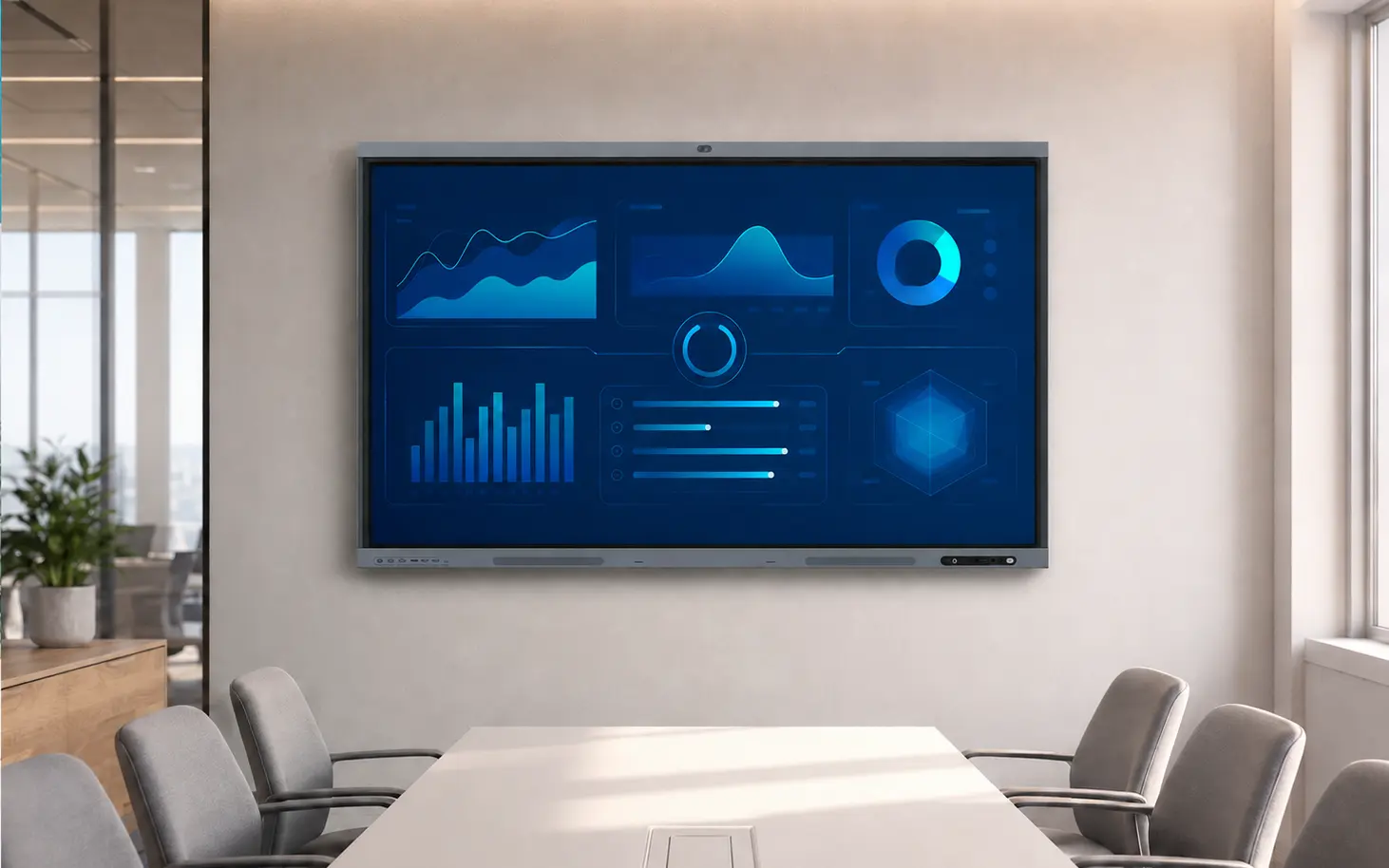
Category before model
PNSS considers content, viewing distance, operating hours, touch requirement, brightness, mounting, content management and service access. A display intended for classroom annotation should not be treated as the same product as an always-on signage screen or a modular LED wall.
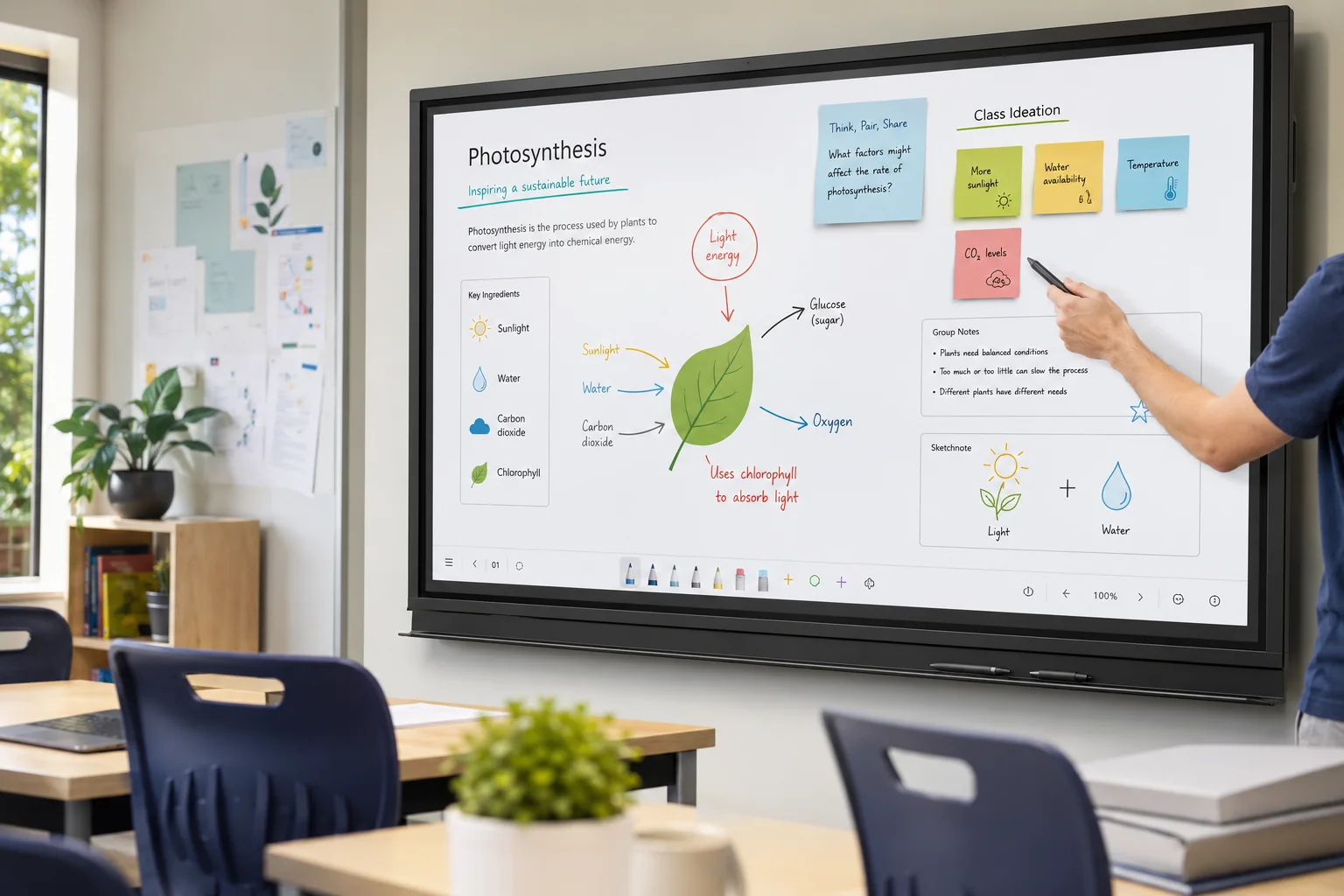
Large touch displays for teaching, annotation, ideation and shared work.
Display, annotation interface, presentation inputs and optional room camera/audio.
Teachers and teams can write, move, explain and share content on one surface.
For lessons, workshops, planning and hybrid collaboration.
Mounted at an accessible height with suitable viewing distance.
Users need a simple, repeatable way to present and interact.
PNSS plans mounting, inputs, wireless sharing, camera/audio and user training.
Final size and accessories follow room width, viewing distance and user reach.
Discuss interactive displays ↗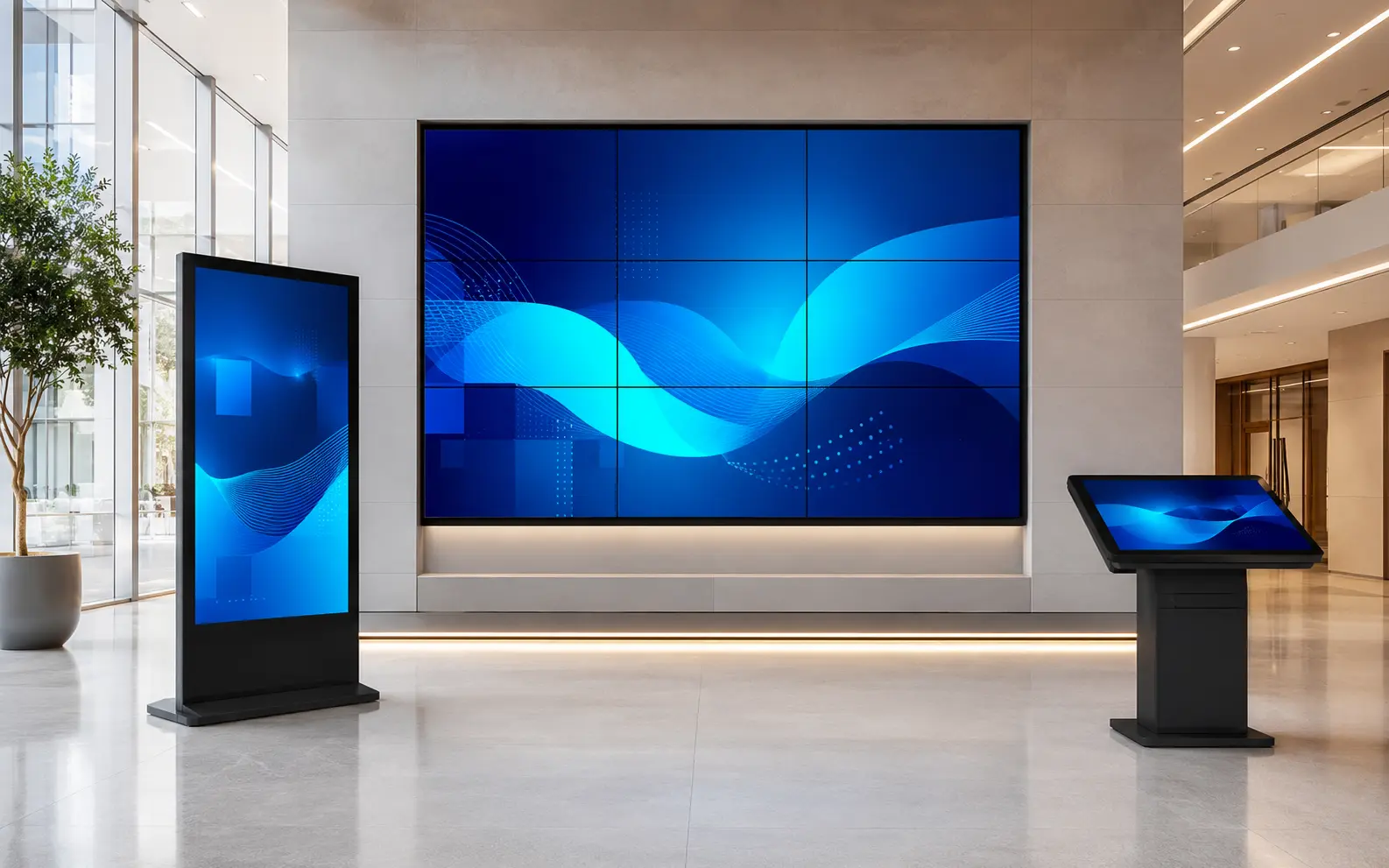
Commercial displays for scheduled, remotely managed information, promotion and wayfinding.
Screen, media source or SoC, content platform, network and mount.
Content can be scheduled and updated without replacing printed material.
For promotions, notices, queues, menus, dashboards and wayfinding.
Lobbies, retail, campuses, transport, meeting areas and building circulation.
Marketing or operations manage approved content for the intended audience.
PNSS plans display class, brightness, orientation, VXT workflow and support.
Operating hours and content-management ownership are essential selection inputs.
Discuss Smart Signage ↗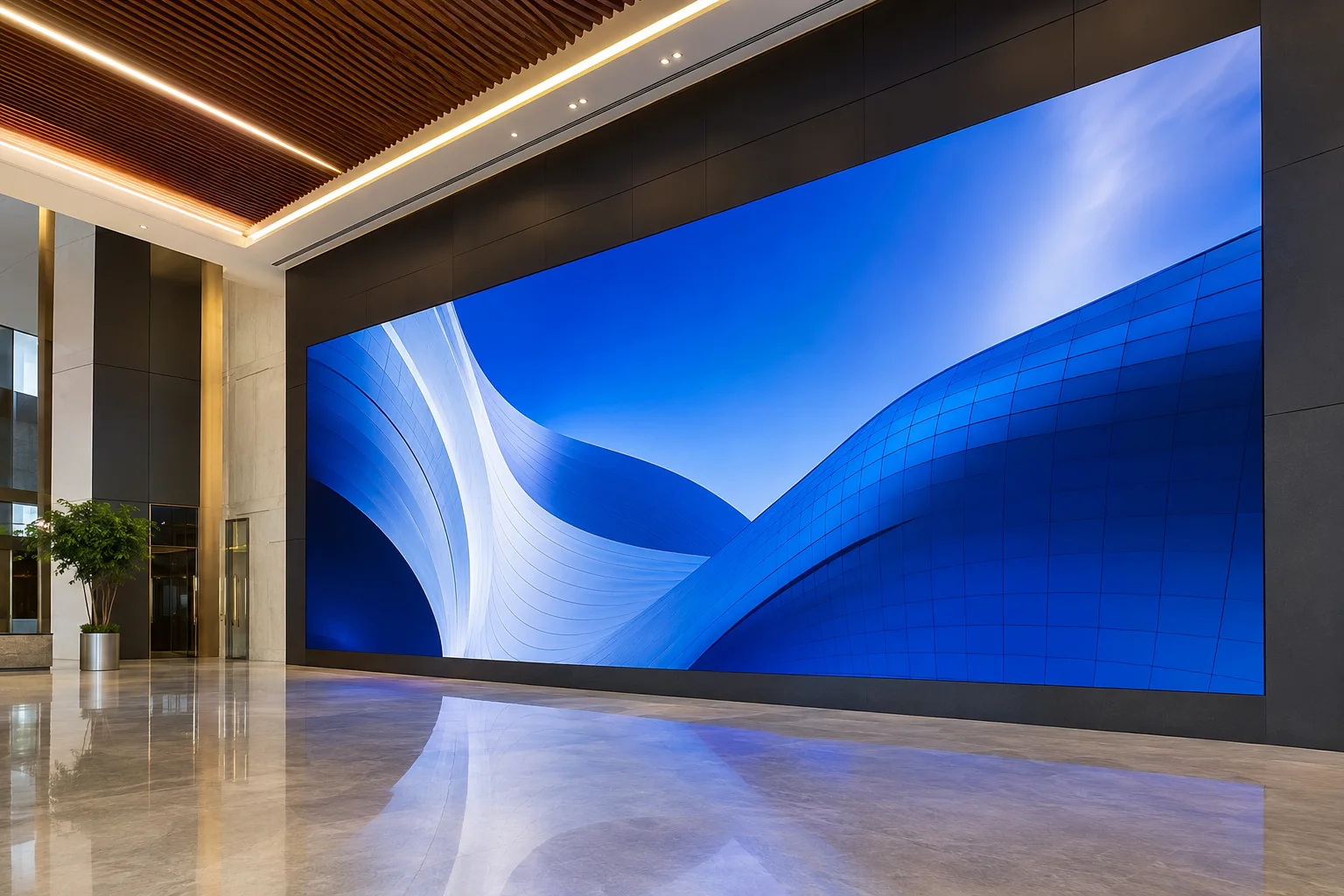
Modular direct-view LED for large, bright or architectural visual canvases.
LED cabinets, processing, structure, power and signal infrastructure.
Supports large custom dimensions and high-impact content.
For command centres, stages, auditoriums, retail and façades.
Structure, ventilation and service access must be planned.
Pixel pitch is selected from viewing distance and content detail.
PNSS coordinates geometry, load, power, processing, calibration and maintenance.
LED is a system design, not only a screen quotation.
Discuss LED Signage ↗
Television platforms designed for managed hospitality, guest information and business operation.
Commercial TV with approved channel, welcome and guest-information workflow.
Supports central configuration beyond normal consumer-TV use.
For hotels, healthcare, serviced residences and selected business spaces.
Connectivity and management are planned across the property.
The user experience and central administration both matter.
Assessment covers channel source, network, mounting and management integration.
Commercial TVs are selected for managed deployment, not as substitutes for every signage application.
Discuss Commercial TVs ↗
Desktop and specialised monitors for productivity, creative work, control rooms and professional use.
Monitor, stand or arm, connection and workstation integration.
Resolution, aspect ratio and ergonomics affect daily productivity.
For office, design, data, monitoring and specialist workflows.
Positioned around posture, reach, sightline and shared-display visibility.
Different roles may require different resolution, inputs or layouts.
Assessment covers computer outputs, software layout, desk depth and mounting requirements.
For command-centre workstation planning, continue to the dedicated solution page.
Explore operator displays ↗Display-specific recommendation
The application, content, users and operating conditions should be matched to the appropriate Samsung display class.
