A decision-support environment
Video wall, operator consoles, source routing, control, collaboration and room infrastructure.

Mission-focused room integration
From source systems to operator screens and the main video wall, PNSS designs the visual, control and ergonomic workflow around the decisions the room must support.
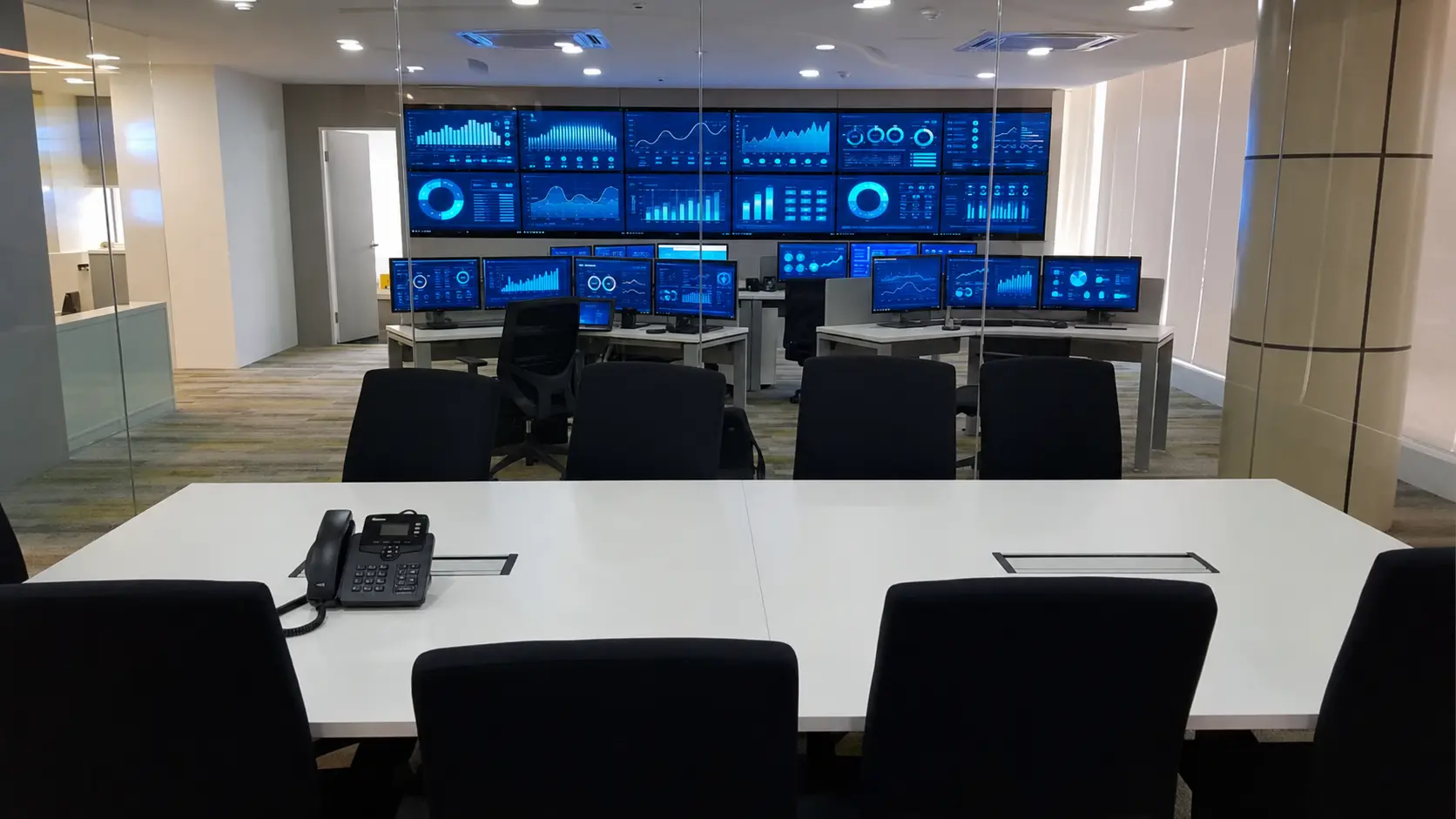
A command centre is not simply a wall of displays. The room must help operators see the right source, take the right action and maintain continuity during normal and exceptional conditions.
Video wall, operator consoles, source routing, control, collaboration and room infrastructure.
Operators need shared situational awareness without losing access to their own systems.
For daily monitoring, incident response, coordination and management briefings.
Security operations, network operations, utilities, transport, facilities and crisis coordination.
Each role requires appropriate information, permissions, sightlines and controls.
PNSS documents workflows before selecting displays, KVM, AV distribution and control.
A main visual canvas sized for the farthest operator, the smallest critical detail and the required source layouts.
Shows dashboards, maps, cameras, alerts and collaboration content in controlled layouts.
Supervisors and teams can see common priorities without crowding one workstation.
Layouts change by shift, incident, task and management requirement.
Positioned against viewing distance, room depth, ceiling height and lighting.
Content size is designed for operators, supervisors and briefing participants.
PNSS plans display technology, resolution, processing, structure and service clearance.
Display choice is based on content detail, operating hours, bezel tolerance, room light and maintenance model.
Discuss the video wall ↗Personal displays and controls arranged around task frequency, posture, sightlines and escalation workflow.
Local screens, keyboard and mouse control, communication tools and shared-wall interaction.
A logical interface helps operators maintain attention through long shifts.
Controls must remain consistent during routine work, handover and incidents.
Each workstation is planned against viewing, reach and collaborative sightlines.
Permissions and source access follow the responsibilities of each role.
PNSS reviews source switching, shared-wall actions, communications and login workflow.
Aesthetic furniture alone does not solve sightline, reach, noise and cable-access requirements.
Discuss operator positions ↗Securely extends and switches approved sources between equipment rooms, operator desks and shared displays.
Routes video, keyboard, mouse and control according to the approved architecture.
Central sources can be secured, cooled and maintained while users retain authorised access.
Useful when flexible routing, redundancy or remote equipment rooms are required.
Endpoints, network switches and management servers form the distribution path.
Users receive task-based access; administrators manage endpoints and permissions.
PNSS coordinates bandwidth, switching, redundancy, authentication and recovery procedures.
Network design, access control and KVM/AV configuration must be validated as one system.
Discuss KVM over IP ↗A command centre is accepted only when normal operation, failure response and support ownership are understood.
Documented testing, handover, training and support procedures.
Teams need a known response when a screen, endpoint, source or network path fails.
Testing establishes the baseline; maintenance preserves it.
Support covers the visible interface and the infrastructure behind it.
Responsibilities and escalation contacts are documented by system layer.
PNSS verifies switching, layouts, permissions, recovery, monitoring and service access.
Customer names, live screens and operational data are never published without written approval.
Explore service & support ↗Operational design workshop
PNSS can help turn your operational requirement into a room, display, KVM, AV and support architecture.