On-Site Diagnostics
Structured fault isolation using visual inspection, signal testing, logs, configuration review and practical reproduction of the problem.

Technical service and lifecycle support
Keep projectors, commercial displays, collaboration rooms and integrated AV systems working through structured diagnostics, practical repair and preventive maintenance.
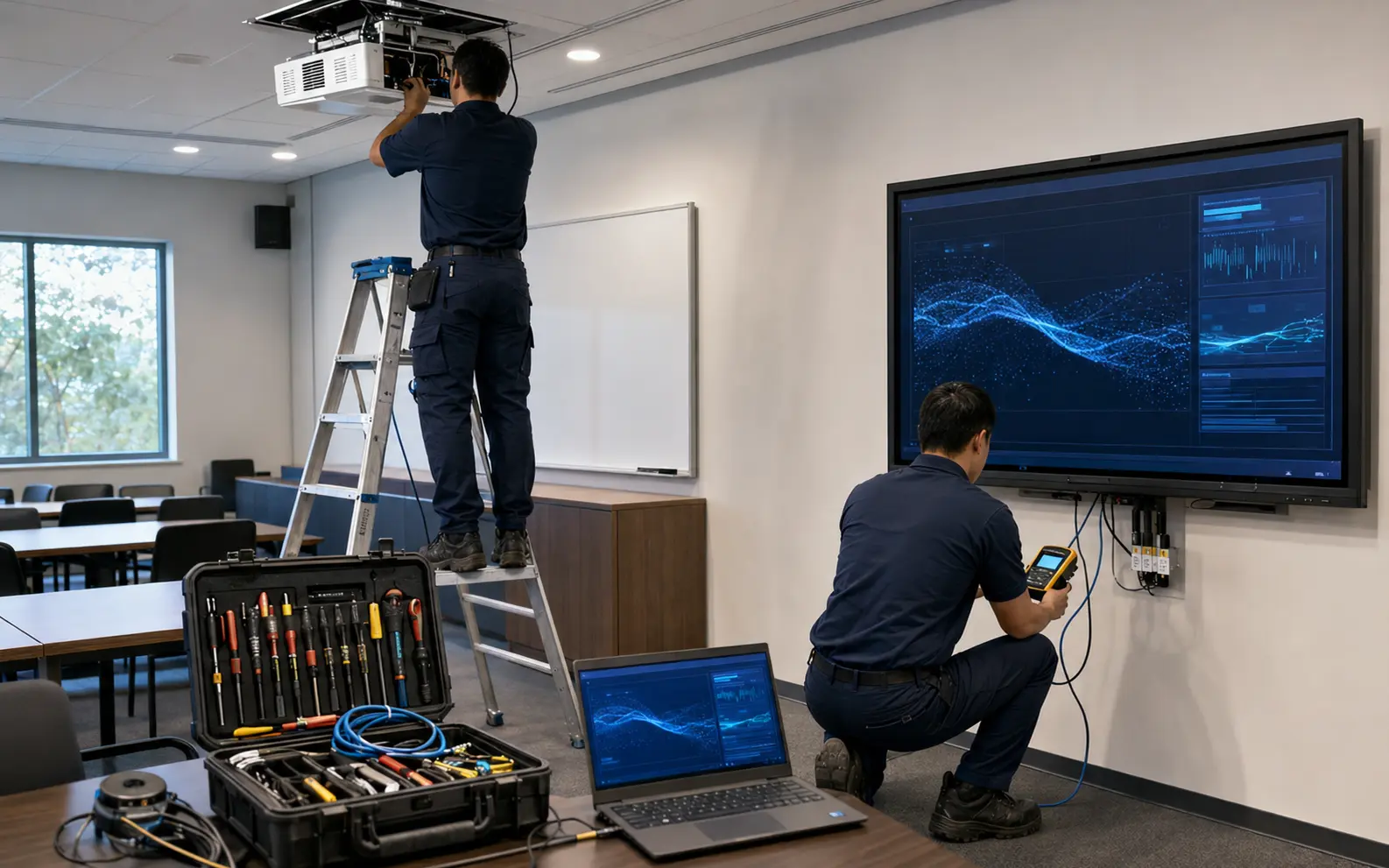
PNSS reviews the symptom, equipment history, signal path, power, network, cabling, configuration and operating environment before recommending repair, replacement or a practical recovery plan.
Structured fault isolation using visual inspection, signal testing, logs, configuration review and practical reproduction of the problem.
Commercial-display checks, input and control troubleshooting, mounting inspection and repair coordination where supportable.
Image, light-source, lens, alignment, cooling, signal, mounting and control checks for business and large-venue projection.
Cleaning, inspection, operational testing, cable checks, configuration backup and early identification of developing faults.
Room-control, switching, audio DSP, signage and conferencing configuration review, backup and restoration where available.
Practical user guidance, operating notes, cable labels and escalation information to reduce repeat incidents.
Support workflow
Capture the symptom, affected equipment, urgency, access and operating history.
Inspect and test the complete path instead of changing parts without evidence.
Repair, reconfigure, replace or propose the most practical next action.
Test the real user workflow and document the outcome before handover.
Service recommendations remain subject to safe access, manufacturer support status, equipment condition and availability of compatible parts.
Resolve camera, audio, display, switching, USB, network and control problems that interrupt daily meetings.
Restore reliable display, projection, sound and source connectivity before the next lesson or event.
Check players, signals, networks, panels, controllers and content workflows across visible communication systems.
Assess the installed system and propose a support, repair or staged migration path based on evidence.
Initial information helps PNSS prepare the correct tools, access plan and technical resources before attending site.
Share the equipment brand and model, fault symptom, when it started, photos of the installation, error messages, urgency and site-access conditions. Do not share passwords in the enquiry.
No. Some faults require workshop repair, manufacturer service, replacement parts or complete replacement. PNSS confirms the practical path after assessment.
Yes. The scope can include inspection, cleaning, testing, configuration backup, cable checks, reporting and recommended corrective actions.
Need technical assistance?
PNSS will help identify the right diagnostic or service next step.