Image
WXGA presentation resolution with 2,200 lm colour / white brightness class using Epson 3LCD projection technology.

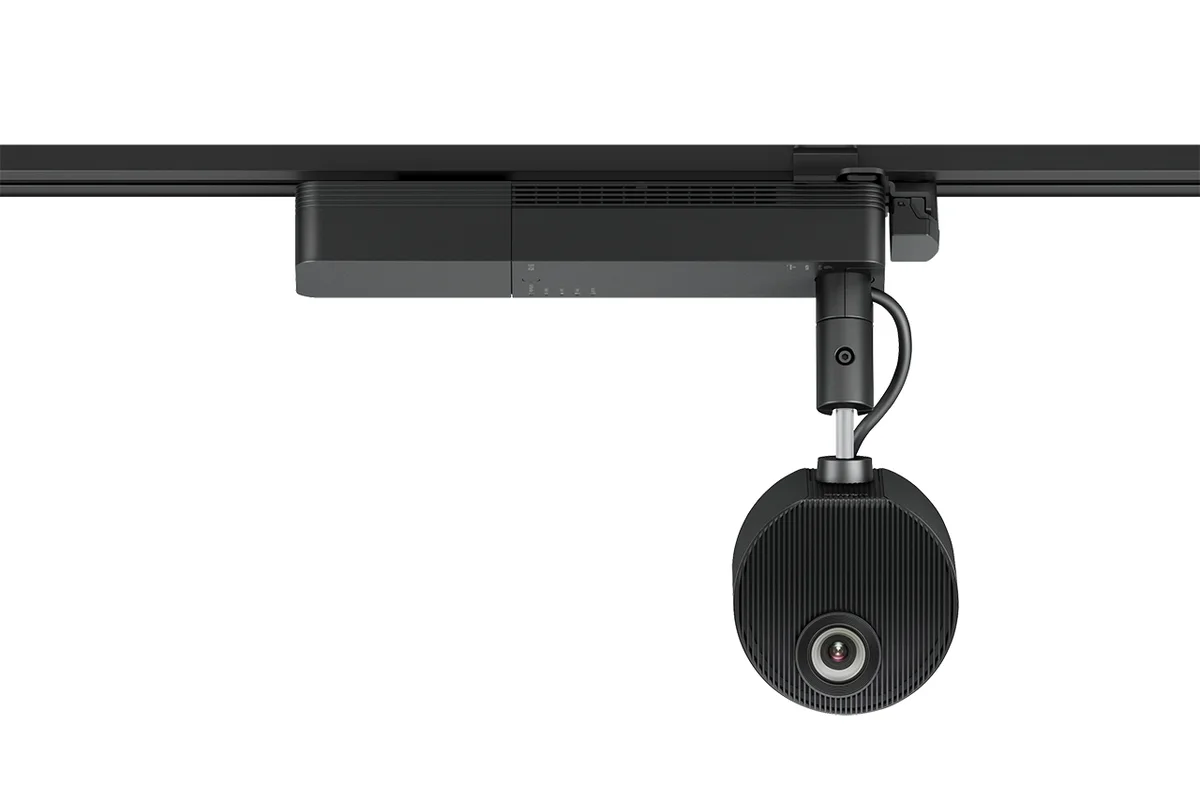
Official Epson product image from Epson Malaysia.
Epson projector · LightScene · Malaysia reference
Exact-model technical reference for the Epson EV-115, including verified lens and throw information plus screen-size, projection-distance and installation planning guidance.
Quick answers
WXGA presentation resolution with 2,200 lm colour / white brightness class using Epson 3LCD projection technology.
Powered optical zoom / powered focus; 1.0–2.21× combined (1.0–1.58× optical + digital); verified throw ratio 1.38–2.19.
Designed for digital art, retail, hospitality and experiential signage where directional installation and creative projection are important.
Laser light source reduces routine lamp replacement requirements; verify the exact operating mode and rated life for the model before lifecycle planning.
Technical reference
| Model | EV-115 |
|---|---|
| Manufacturer product-code reference | V11HA22152 |
| Projection technology | Epson 3LCD |
| Native / presentation resolution | WXGA |
| Brightness class | 2,200 lm |
| Light source | Laser |
| Projection lens type | Powered optical zoom / powered focus |
| Lens F-number | 1.51–1.92 |
| Focal length | 18.2–28.4 mm |
| Zoom | 1.0–2.21× combined (1.0–1.58× optical + digital) |
| Throw ratio | 1.38–2.19 |
| Screen-size reference | 30″–150″ |
Lens and throw data are based on official Epson manufacturer specifications. These figures support preliminary planning; final screen dimensions, projection distance, image offset, mounting position, product suffix, included accessories, warranty and Malaysia availability should be verified at quotation stage.
Manufacturer & technical references
Use the official Epson reference for current model information. Lens and throw specifications should then be translated into the required screen, mounting and cabling geometry.
Official Epson product information for EV-115, including specifications and compatible accessories where available.
Malaysia projector selection, system integration, mounting and support context.
Screen size, throw distance, signal transport, mounting and room-integration considerations.
Installation guidance
The 1.38–2.19 throw ratio is a key starting point, but final suitability still depends on the required image size, room geometry, mounting surface, ambient light and cable route. The actual projection distance should be calculated from the selected screen size before installation.
Frequently asked questions
The manufacturer throw-ratio reference is 1.38–2.19. The actual projector-to-screen distance varies with the required image width and zoom position.
Powered optical zoom / powered focus, with 1.0–2.21× combined (1.0–1.58× optical + digital). Focal length is 18.2–28.4 mm and the lens F-number is 1.51–1.92.
Designed for digital art, retail, hospitality and experiential signage where directional installation and creative projection are important. Final suitability depends on screen size, viewing distance, ambient light and installation geometry.
Projection distance is calculated from the required image size, projector throw ratio or lens range, room geometry and the proposed mounting position. Final dimensions should be checked against the selected model before installation.
System dependencies
A product is only one part of the deployment. Confirm the supporting components and infrastructure before final model selection or installation.
Dependency links are planning paths, not automatic compatibility claims. Exact model/SKU, interfaces, loading, firmware/software and accessories must be verified for the final project.
Image surface
Confirm size, gain/surface and room conditions.
Open related area →Physical integration
Confirm bracket/structure, alignment and safe service access.
Open related area →System design
Validate throw geometry and lens requirement where applicable, plus source/control transport.
Open related area →Product family navigation
Return to Epson Projectors, continue to the relevant solution, or open a selection guide without losing product context.
New project / active selection
Use the parent family and solution links to compare application fit. Current Malaysia availability, exact SKU, warranty terms and compatible accessories should be verified at quotation stage.
Existing installed product
Already installed? Identify the exact model and condition first, then verify lifecycle, parts/software support and the practical repair or migration path.
Open legacy & replacement support →Project selection should consider the current Malaysia specification together with screen size, lens/throw geometry, mounting, signal distribution and control requirements.
