
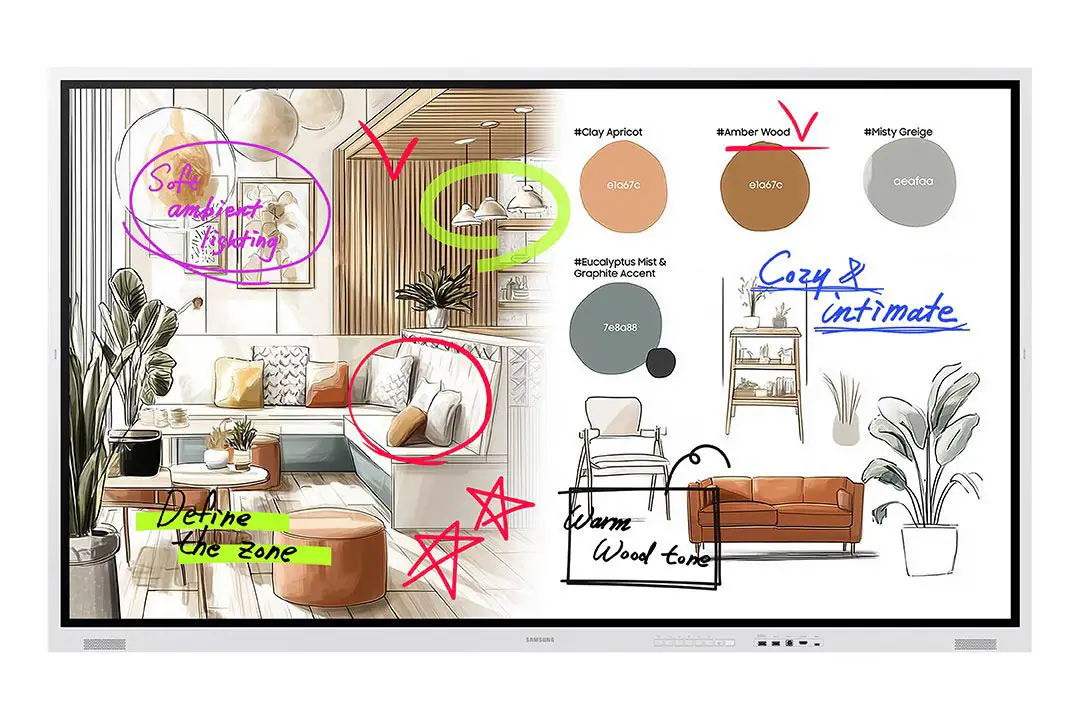
Searches for Samsung Flip Pro often refer to the WMB generation rather than the newer WMFX models. Samsung Malaysia identifies WM65B as a 65-inch Interactive Display WMB Flip Pro, while WM65FX is currently titled 65-inch The Flip WMFX. These generations are kept connected for lifecycle support, but the product names should not be treated as interchangeable.
First, separate the product names
The WMB Flip Pro family includes WM55B, WM65B, WM75B and WM85B on Samsung Malaysia's Flip Pro range page. The newer WMFX family in the PNSS Product Library currently covers WM55FX and WM65FX. This naming distinction is important for quotations, spare/accessory checks, support cases and search accuracy.
Open the Samsung Flip Pro Malaysia lifecycle hub →
Samsung Flip Pro WM65B vs WM65FX at a glance
| Item | Samsung WM65B | Samsung WM65FX |
|---|---|---|
| Samsung generation/name | WMB · Flip Pro | WMFX · The Flip |
| Screen / resolution | 65″ / 3840 × 2160 | 65″ class / 3840 × 2160 |
| Typical brightness | 350 nit without glass | 450 nit without glass |
| Contrast ratio | 4,000:1 without glass | 4,000:1 without glass |
| Operation support | 16/7 | 12/7 |
| Operating system | Tizen 6.5 | Tizen 9.0 |
| Flash memory | 32GB | 64GB |
| VESA mount | 400 × 400 mm | 400 × 400 mm |
| Set dimensions | 1522.4 × 897.6 × 62.9 mm | 1522.4 × 897.6 × 62.9 mm |
| Set weight | 39.7 kg | 39.7 kg |
| DisplayPort | Samsung lists 1 × DP 1.2 | Current Samsung Malaysia WM65FX specification page does not list DP input |
WM65FX raises listed brightness and moves to a newer Tizen platform with more flash storage, but Samsung's current Malaysia pages list 12/7 operation support for WM65FX versus 16/7 for WM65B. Confirm the actual daily operating requirement before treating WM65FX as a replacement.
What stays familiar
Samsung's current Malaysia pages list the same 1522.4 × 897.6 × 62.9 mm set dimensions, 39.7 kg weight and 400 × 400 mm VESA pattern for WM65B and WM65FX. That is useful during upgrade planning, but mounting suitability still has to be checked against the exact bracket, installation orientation, structure, cable access and any existing tray/accessory arrangement.
What changes most
- Product naming: WM65B is Flip Pro; WM65FX is The Flip WMFX.
- Brightness: 350 nit without glass on WM65B versus 450 nit without glass on WM65FX.
- Platform: Tizen 6.5 on WM65B versus Tizen 9.0 on WM65FX.
- Storage: 32GB flash on WM65B versus 64GB on WM65FX.
- Operating class: Samsung lists 16/7 for WM65B and 12/7 for WM65FX.
- Connectivity: do not assume old inputs, trays or accessories carry across. Verify the final connection design.
Replacement criteria for an installed WM65B
- Confirm the exact installed model code and whether the unit is actually WM65B.
- Review operating hours, brightness requirement and room lighting.
- Confirm wall bracket, VESA, orientation, load and service access.
- Check HDMI, DisplayPort, USB-C, USB, touch-out and network requirements against the final model.
- Identify existing Samsung trays, pens, stands or accessories rather than assuming reuse.
- Review whiteboard, screen-sharing, account, security and device-management workflow.
- verify Malaysia SKU, stock/channel status, warranty and delivery timing before quotation.
View Samsung WM65FX 65″ technical page →
Manufacturer references
The comparison uses current Samsung Malaysia pages. Availability and final project configuration are verified by PNSS before quotation.
Continue your Samsung interactive-display shortlist
Samsung Flip Pro Malaysia · Samsung Flip WMFX Series · Samsung WAFX-P Interactive Displays · Interactive Display Solutions
