
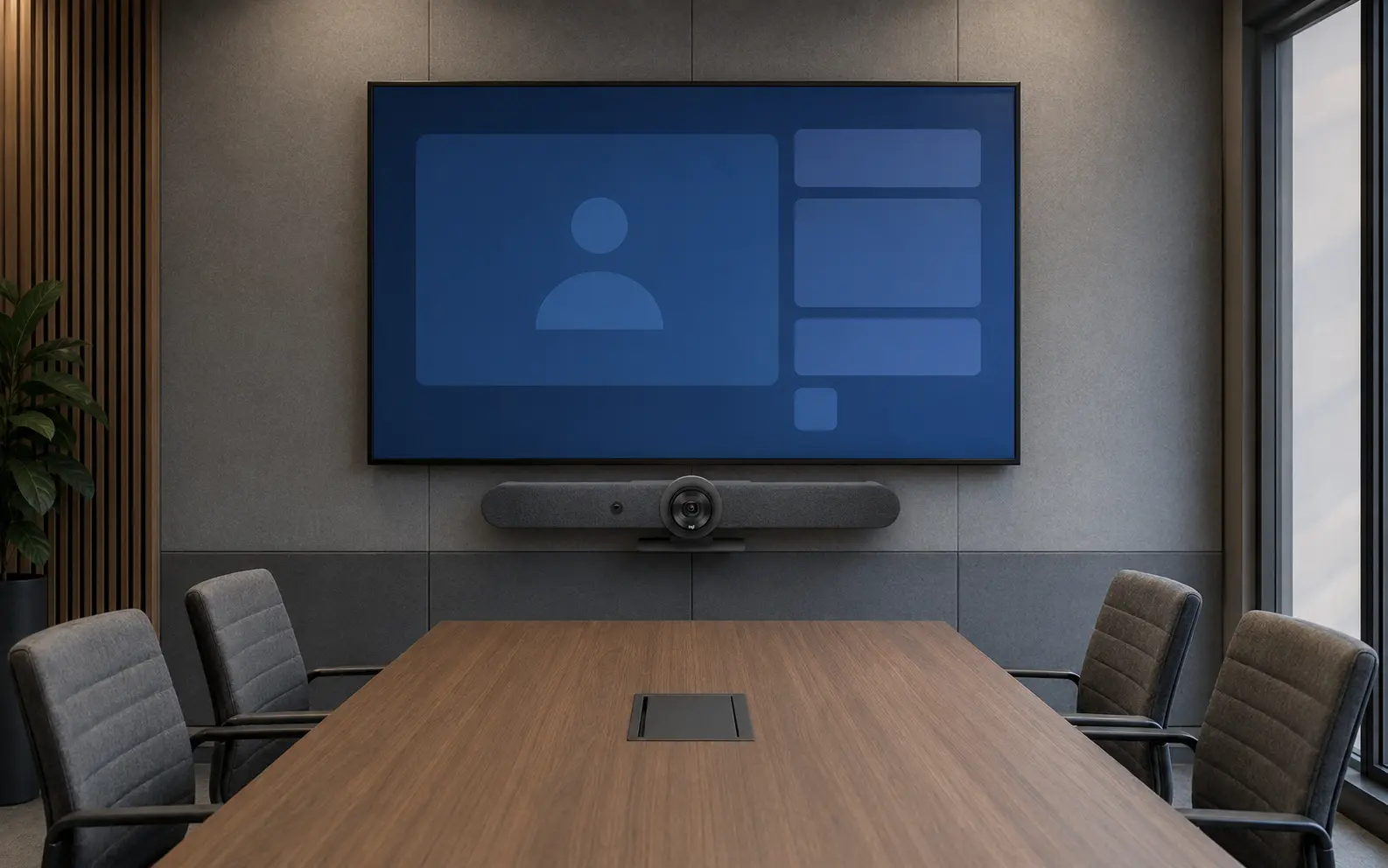
The right video bar is determined by the physical room, seating depth and audio coverage—not only the number of people on a platform licence. Camera field of view, zoom, microphone expansion, display arrangement and mounting position should all be considered together.
Rally Bar family comparison
| Item | Rally Bar Huddle | Rally Bar Mini | Rally Bar |
|---|---|---|---|
| Typical room starting point | Huddle / small rooms | Small rooms | Medium rooms |
| Diagonal camera FOV | 120° | 120° | 90° |
| Zoom | 4× HD digital | 4× HD digital | 15× HD (optical + digital) |
| Built-in mic architecture | 6-mic array | 6 beamforming mics | Room-scale integrated audio |
| Mic Pod expansion | Not the primary expansion path | Up to 3 additional Mic Pods | Up to 4 additional Mic Pods |
| PNSS positioning | Compact collaboration | Small room with stronger expansion path | Deeper rooms needing more zoom and audio reach |
Rally Bar Huddle: compact and wide
Rally Bar Huddle is designed for huddle and small rooms. Logitech specifies a 120° diagonal field of view, 4× HD digital zoom and a six-microphone array. Its compact body is useful where the camera is close to participants.
Rally Bar Mini: small-room all-in-one with expansion
Rally Bar Mini retains the wide 120° diagonal field of view but adds a stronger room-audio expansion path. Logitech supports up to three Rally Mic Pods, making Mini useful where a small room is acoustically challenging or the table extends beyond the built-in pickup area.
Rally Bar: more reach for deeper rooms
Rally Bar uses a narrower 90° diagonal field of view but much stronger 15× HD zoom, making it better suited to deeper rooms where participants sit farther from the display. Logitech also supports up to four Rally Mic Pods.
Room design checks
- Measure the farthest participant distance from the camera.
- Confirm one or two display requirements and mounting height.
- Check table depth and whether Mic Pods are required.
- Decide appliance mode, Windows room system or BYOD workflow.
- Confirm platform certification and current Malaysia bundle/part number before quotation.
Open the Logitech Room Guide →
For help choosing a meeting room system in Malaysia, ask PNSS to review your meeting room. Share the room dimensions, seating layout, meeting platform and existing displays so we can plan the video bar, mounting, cabling and commissioning scope.
Manufacturer references
Specifications and product positioning should be verified against the current manufacturer documentation before final quotation.
Continue your shortlist
Logitech Video Conferencing · Logitech Video Bars · Logitech Room Guide · Technology Selection Guides