SMP Appliance Players
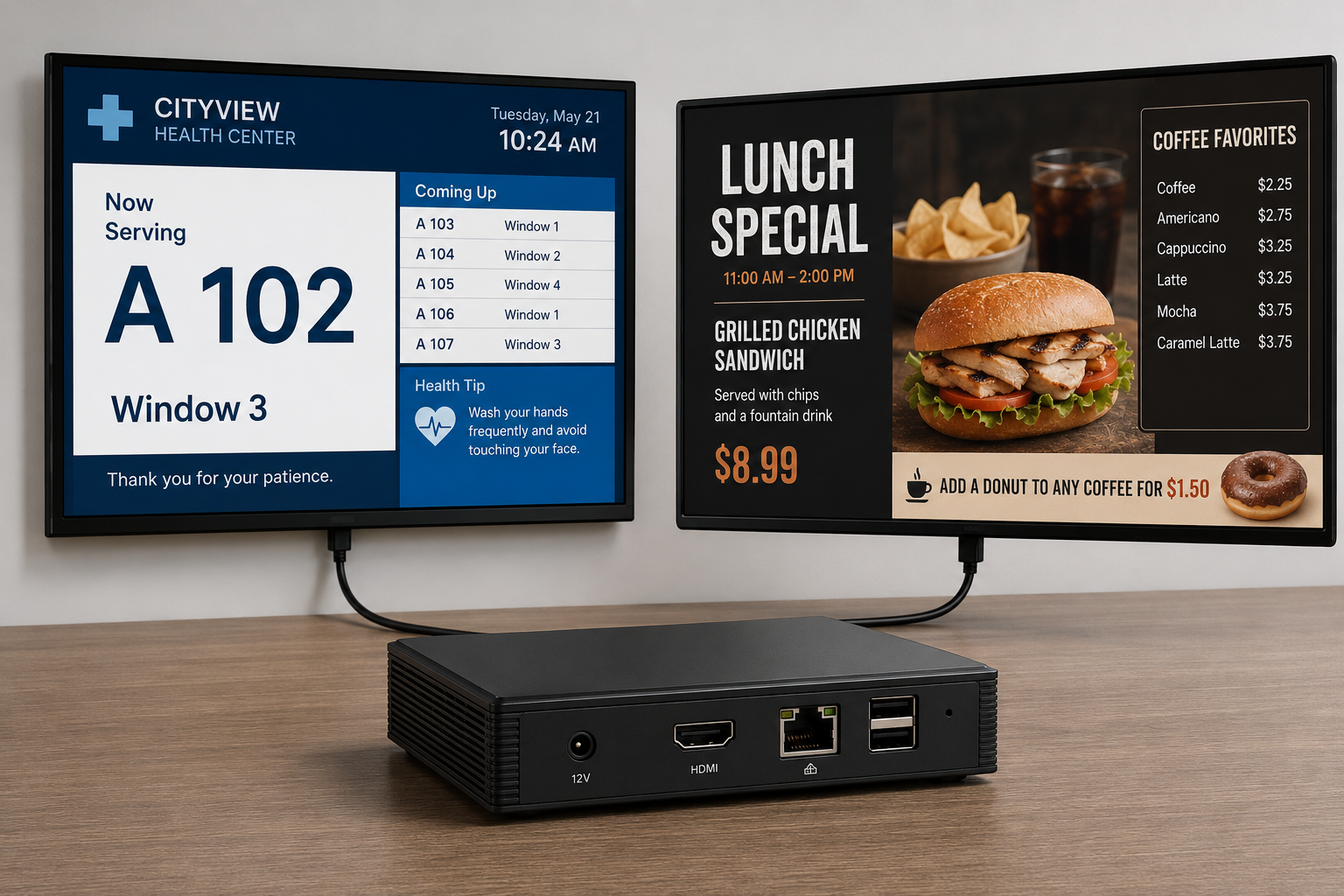
Dedicated CAYIN players with SMP-NEO for reliable standalone or centrally managed playback. Current manufacturer families include SMP-2200, SMP-2400 and SMP-8100.
Open the SMP player guide
Networked visual communication
CAYIN
Centralise content, schedule playback and manage signage endpoints across one display or many locations—with an architecture selected around your users, network and operating workflow.
Choose by operating architecture
Product families are shown for orientation. PNSS confirms current Malaysian availability, compatibility, licensing and specifications before quotation.
Dedicated CAYIN players with SMP-NEO for reliable standalone or centrally managed playback. Current manufacturer families include SMP-2200, SMP-2400 and SMP-8100.
Open the SMP player guideA software-player route for compatible smart displays, Android devices, PCs and other supported endpoints connected to CMS-WS or GO CAYIN.
Open the flexible-player guideCentralised server management for scalable SMP-NEO networks, grouped scheduling, player administration and multi-site operations.
Open the CMS-SE guideCross-platform, browser-managed content and device operation for CAYIN SMP players and supported software-player endpoints.
Open the CMS-WS guideExtend content creation, room signage, reporting or vertical workflows using relevant CAYIN software such as meetingPost+, Poster App, xPost and SuperReporter 2.
Open the software guideWhy it matters
Suitable applications
The same CAYIN family can serve very different workflows. The system guide explains where each architecture fits.
Open the detailed system guideCAYIN search guide
PNSS connects CAYIN digital signage searches to the correct system architecture: SMP appliance players, CAYIN Signage Player, CMS-SE, CMS-WS, content scheduling, playlist approval, multi-site publishing, hotel signage, school signage, corporate signage and DOOH-style display networks.
Open CAYIN system guideStart with the workflow
Tell PNSS how many locations and displays you have, who publishes content, what must be shown and how the system should be supported.