
← CAYIN Digital Signage
Architecture and selection guide
Choose the signage workflow before the player.
PNSS starts with content ownership, endpoint count, locations, network policy, required media, scheduling and support. The CAYIN player and CMS architecture follows those operating needs.
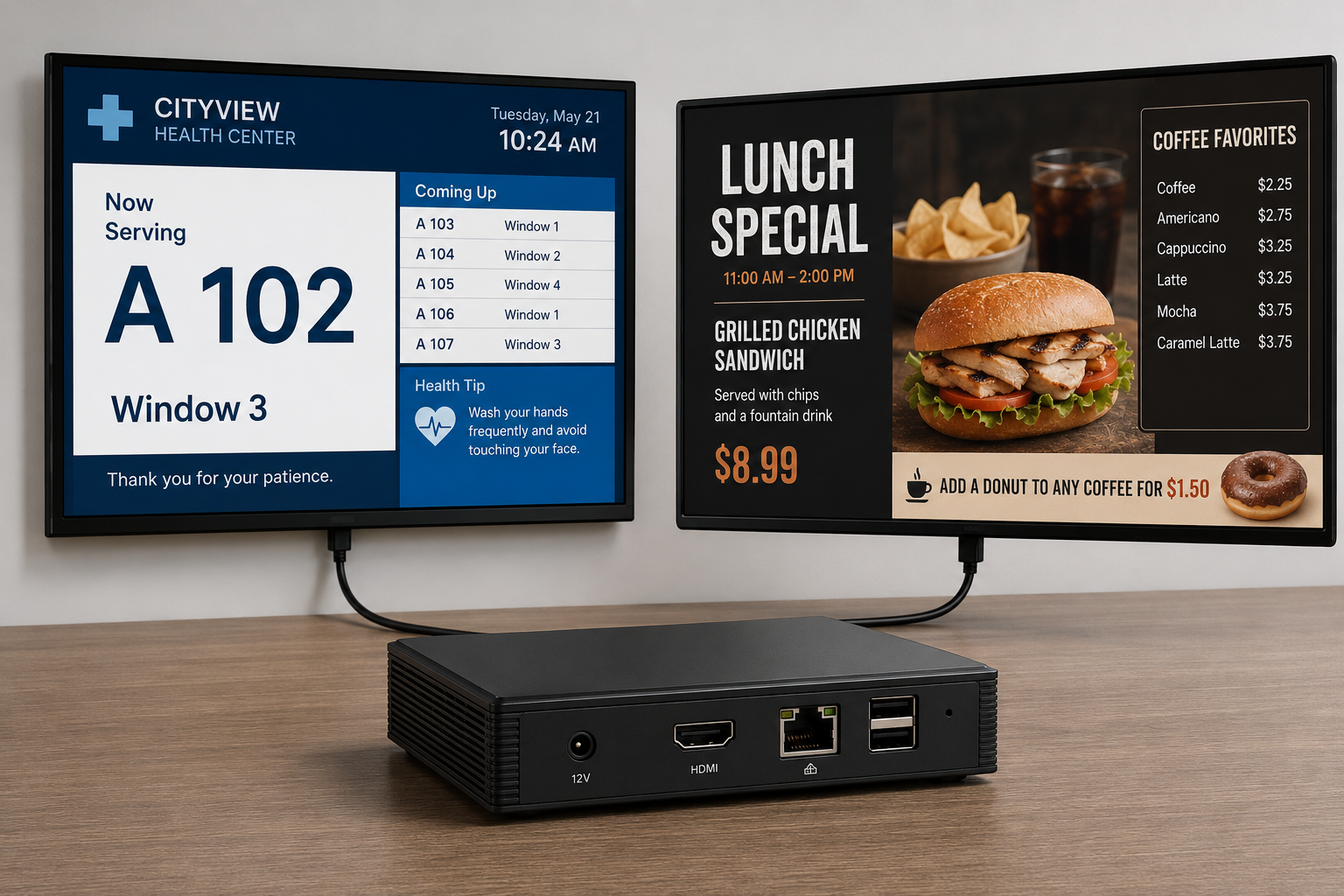
One ecosystem, different architectures
Match control, resilience and scale to the application.
A dedicated SMP appliance, a software player and a central CMS solve different operational problems. This guide explains what each layer does, why it is used, when and where it fits, who operates it and how PNSS would plan the deployment.
01 · Dedicated playback appliance
SMP appliance players
Purpose-built CAYIN players bundled with SMP-NEO for standalone playback or centrally managed signage networks.
Current manufacturer families
Dedicated player options by output and application
Models shown on the current CAYIN product site include SMP-2200, SMP-2400 and SMP-8100. PNSS confirms current Malaysian supply and the correct output configuration before quotation.
A dedicated signage endpoint
Hardware and embedded signage software provide scheduled multimedia playback without relying on a general office PC.
Prioritise stable operation
Dedicated playback, local storage and player management suit screens expected to run consistently.
Playback is business-critical
Use when scheduled content, multi-zone layouts, web data or special output arrangements are required.
Professional signage locations
Lobbies, campuses, retail outlets, transport sites, healthcare, factories and public information points.
Operations and communications teams
Content owners publish while IT or facilities maintains network, endpoint and display availability.
Select by output and resilience
PNSS checks display count, resolution, orientation, content, LAN policy, mounting, recovery and CMS requirements.
Design question: does the endpoint need one display, multiple independent outputs or a multi-screen canvas?
Discuss an SMP player ↗
02 · Software-player endpoint
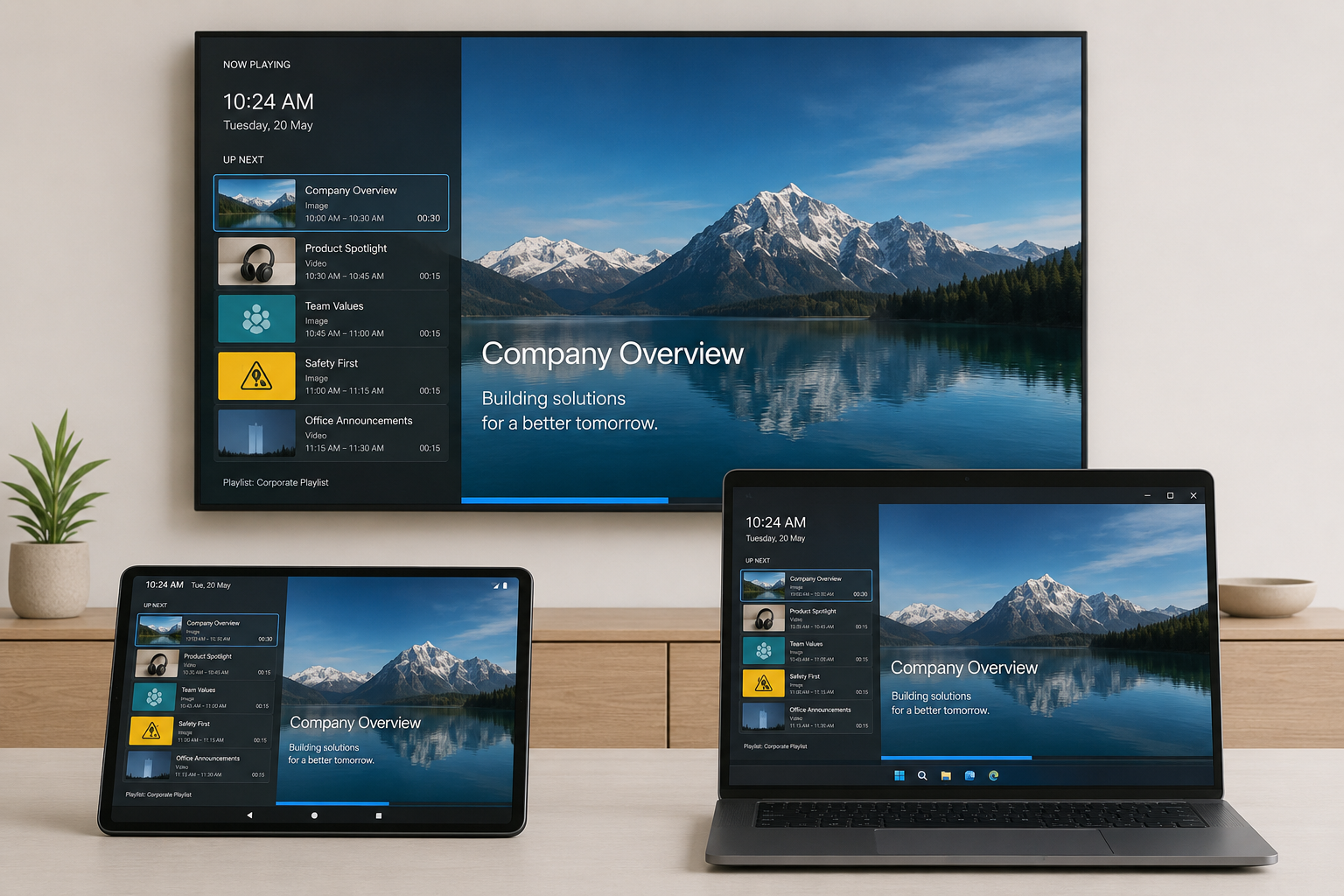
CAYIN Signage Player
A software-player route for supported smart displays, Android devices, Windows PCs and browser-enabled endpoints.
Supported endpoint approach
Use compatible devices as managed signage players
The current CAYIN site describes Android, Android TV, Windows, Chrome and Samsung Tizen support. Exact versions and device compatibility must be checked before deployment.
Software-based signage playback
A compatible device runs CAYIN Signage Player and receives content from CMS-WS or GO CAYIN.
Use flexible endpoint choices
Useful when compatible devices already exist or a lighter deployment is suitable for the operating risk.
Fast rollout matters
Consider for standard playlists, announcements and campaigns where appliance-only functions are not required.
Distributed general signage
Retail, offices, classrooms, meeting-room signs and supported smart-display environments.
Central content teams
Administrators manage content while local teams keep devices, connectivity and displays operational.
Validate the endpoint first
PNSS checks OS version, supported app, orientation, auto-start, local playback, network and remote support.
Design question: is the endpoint platform supported for the complete operating period and required content type?
Discuss a software player ↗
03 · Scalable SMP management
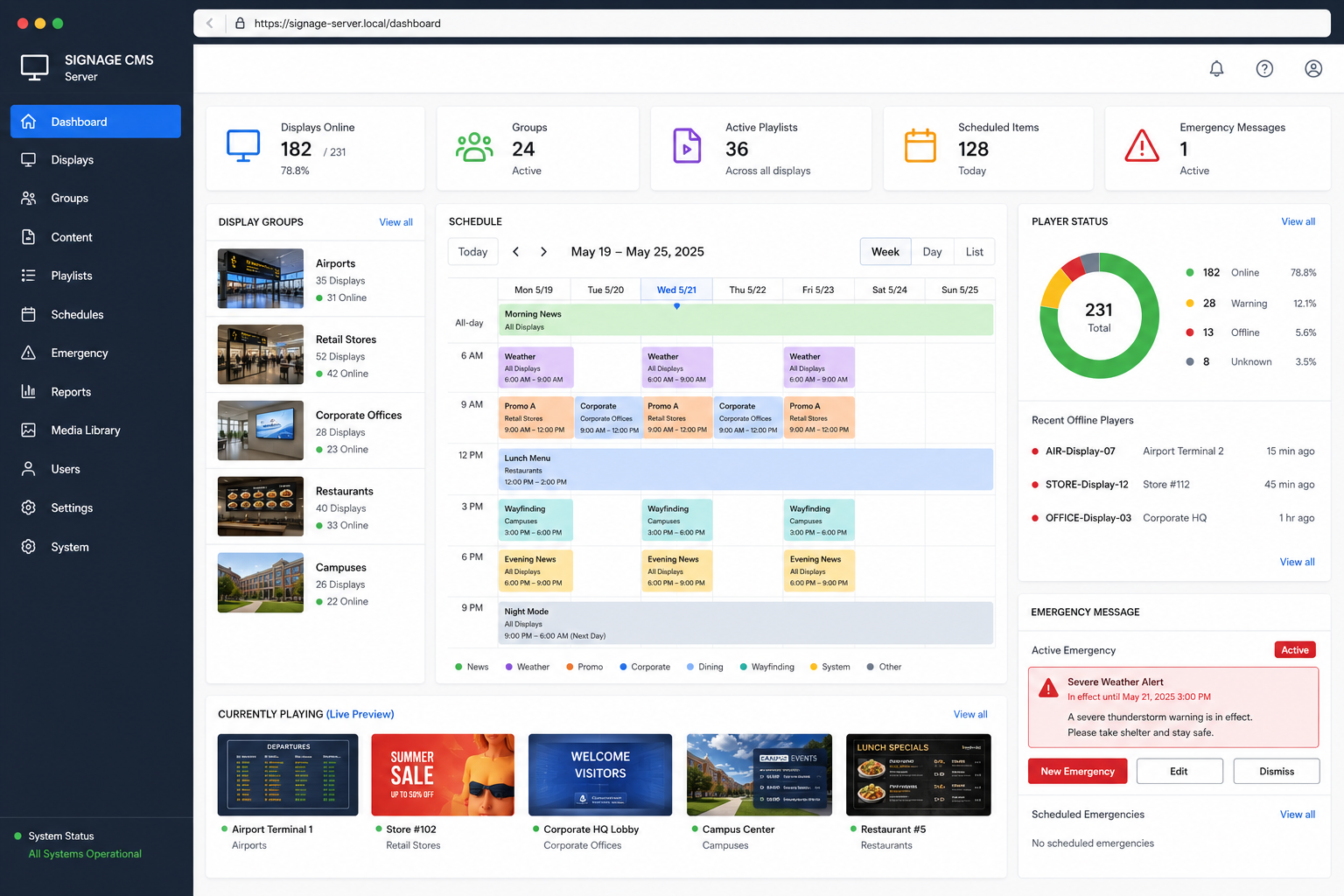
CMS-SE
Central server management for SMP-NEO player networks requiring grouped administration, scheduling and multi-site control.
Architecture fit
Structured management for larger SMP networks
CMS-SE is designed for CAYIN SMP-NEO players. Server sizing, redundancy and deployment topology depend on network scale, policy and availability targets.
A central SMP control layer
Administrators organise players, content and schedules from a managed server environment.
Standardise many endpoints
Central control reduces inconsistent local updates and improves operational visibility.
Scale and control increase
Suitable when many SMP players, locations, groups or publishing responsibilities must be coordinated.
Headquarters and multi-site estates
Corporate, government, campus, retail, transport and other centrally governed networks.
Authorised administrators
Central communications and technical teams manage groups, schedules, access and support.
Design the server topology
PNSS reviews endpoints, sites, bandwidth, security, permissions, backup, availability and support procedures.
Design question: what happens to publishing and playback if a server, network link or site becomes unavailable?
Discuss CMS-SE ↗
04 · Cross-platform management
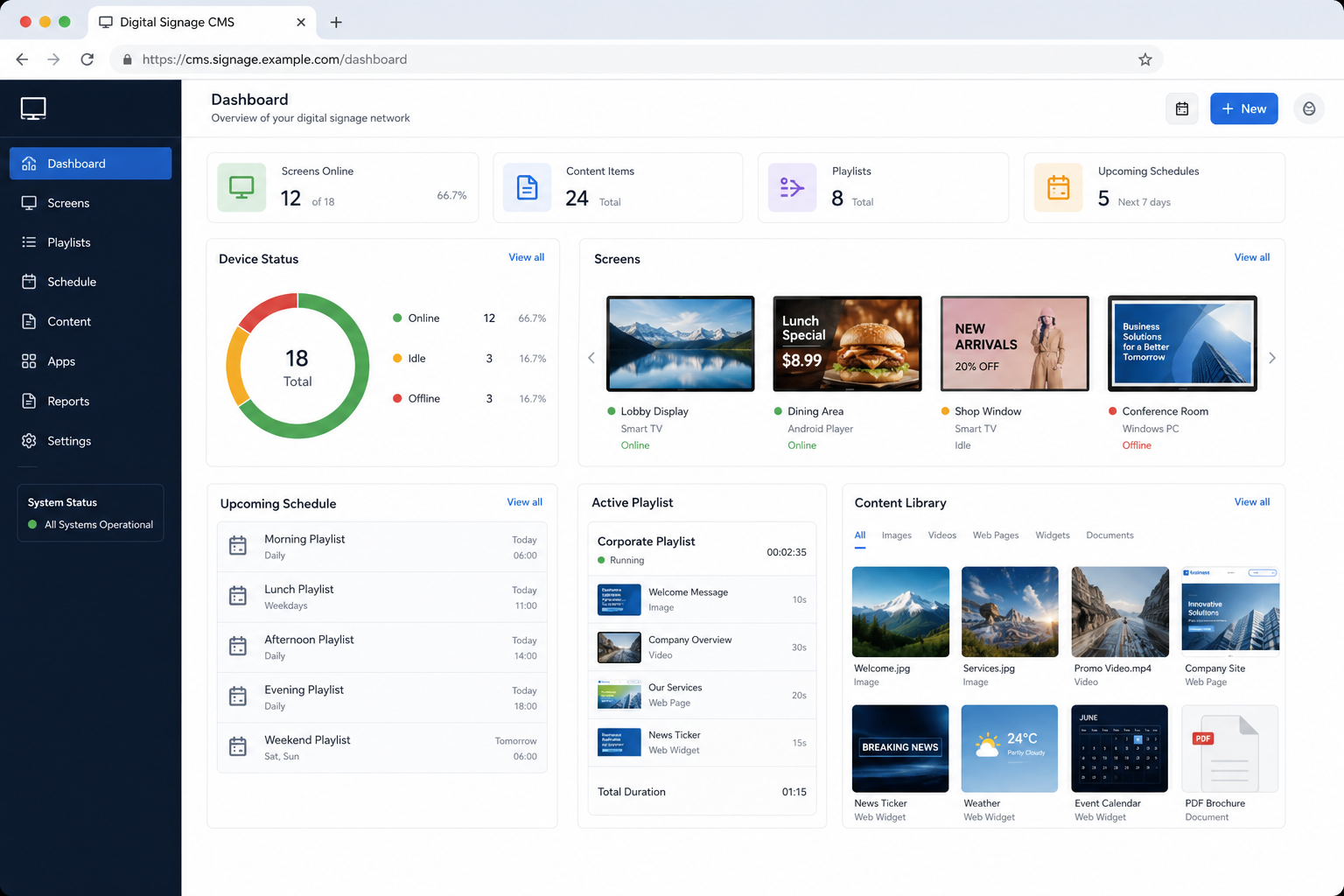
CMS-WS
Browser-managed content and device operation for CAYIN SMP players and supported software-player endpoints.
Architecture fit
One management layer across mixed supported endpoints
The current CAYIN platform includes scheduling, emergency playback, web administration, synchronised local playback and support for controlled on-premise or private-cloud deployment.
A cross-platform signage CMS
Content, playlists, schedules and compatible endpoints are administered through a browser-based system.
Unify mixed device types
One management layer can simplify campaigns across supported appliance and software-player endpoints.
Flexibility is important
Consider when endpoint diversity, web administration and subscription-based scale suit the operating model.
Single-site or distributed networks
Retail, SME, corporate, education and other environments using supported device platforms.
Content and system administrators
Approved teams publish, schedule and review status through role-controlled access.
Define devices and governance
PNSS checks compatible endpoints, device count, licensing, hosting, HTTPS, backup, content roles and network traffic.
Design question: which devices, OS versions and content types must operate under the same management platform?
Discuss CMS-WS ↗
05 · Content and operational tools
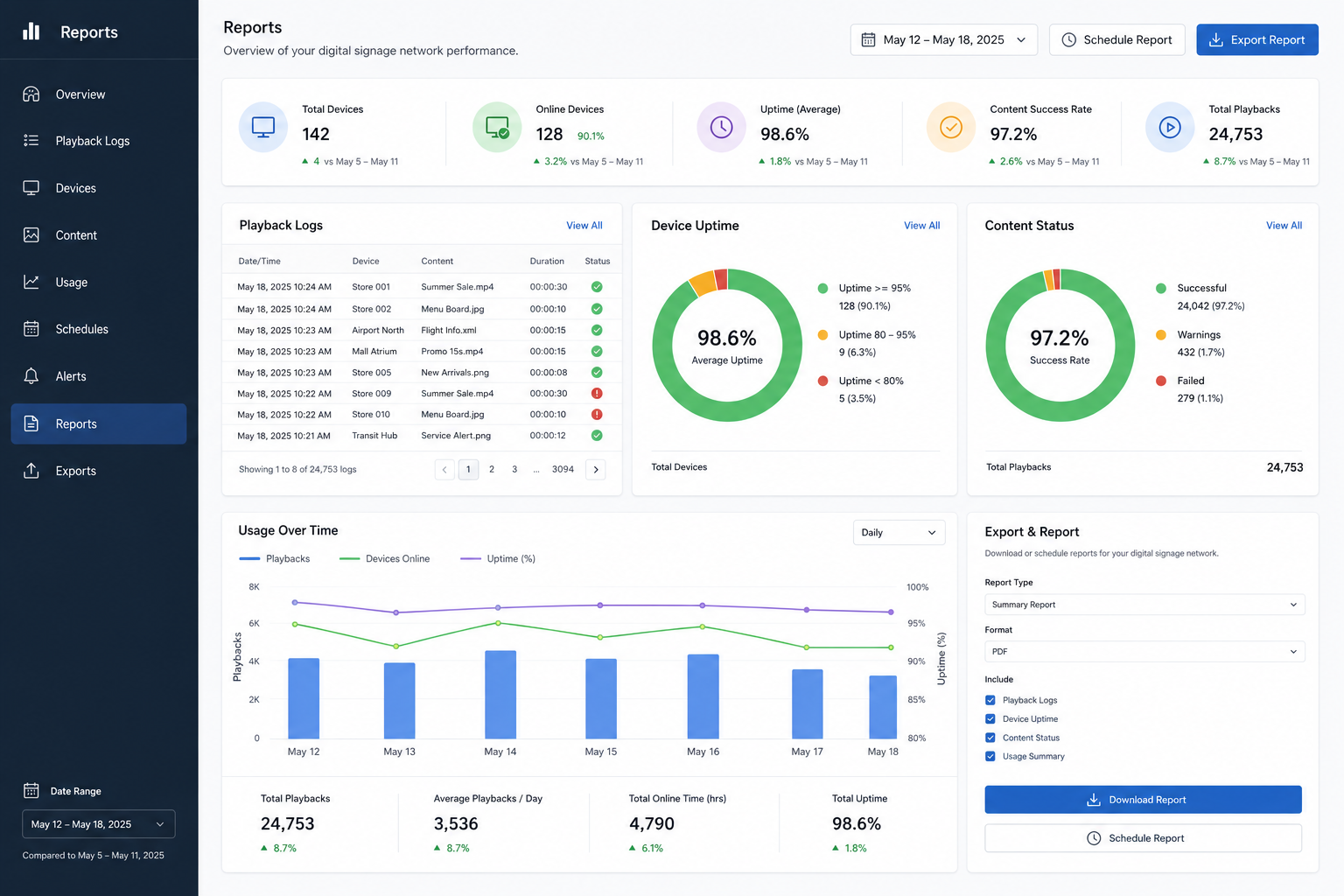
Workflow & reporting software
Add specialised tools only when they solve a defined content, room-signage, reporting or vertical-market workflow.
Relevant CAYIN software
Extend the platform around the operating need
CAYIN currently lists meetingPost+, Poster App, xPost and SuperReporter 2 among its premium software. Exact compatibility and licensing are confirmed during design.
Purpose-specific software layers
Tools support content creation, room information, vertical publishing and playback or status reporting.
Reduce manual work
A suitable workflow tool can make content easier to produce, update, verify and reuse.
A repeatable process exists
Add software when the organisation has a clear owner, content cycle and measurable operational requirement.
Meeting rooms and managed networks
Room signage, marketing screens, DOOH estates and networks needing playback or system reports.
Content creators and reviewers
Marketing, communications, facilities, administrators and teams responsible for audit or performance reporting.
Map the workflow first
PNSS defines inputs, approvals, templates, output devices, reports, permissions, training and support.
Design question: which manual task should the additional software remove or make measurable?
Discuss workflow software ↗Before a quotation
What PNSS checks first.
Sites, screens and content
Endpoint count, locations, display types, orientation, resolution, operating hours and required media.
Users, approval and emergencies
Content owners, publishing permissions, approval steps, expiry, urgent messaging and audit expectations.
Network, security and support
LAN/WAN design, bandwidth, hosting, certificates, local fallback, monitoring, backup and incident response.
Application-led recommendation
Send PNSS your location and screen list.
Include who will publish, the content types, update frequency, network restrictions and any emergency-message requirement.