Space-conscious deployment
Standing and desktop formats are designed for libraries where floor space is limited.

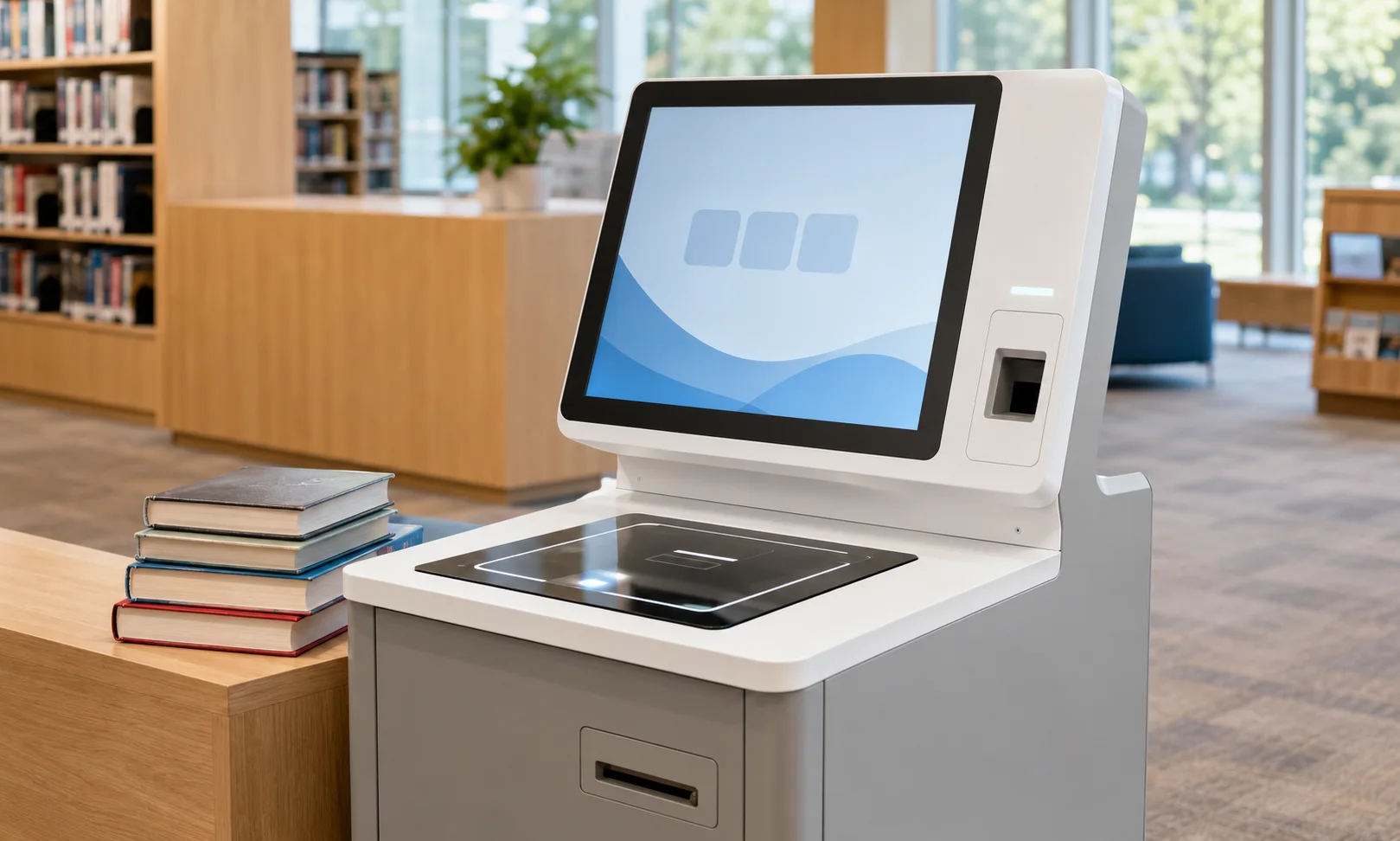
PNSS library self-service application visual. Refer to the official Bibliotheca source for exact current selfCheck 2500 appearance and configuration.
Bibliotheca · Compact Library Self-Service
A compact modern self-service kiosk for libraries that need RFID/barcode borrowing and account workflows in a smaller footprint, powered by Bibliotheca quickConnect.
Selection guidance
Standing and desktop formats are designed for libraries where floor space is limited.
quickConnect provides simplified steps, adjustable fonts and support for 74 languages.
Current manufacturer reference supports both RFID and barcode checkout workflows.
libraryConnect can support remote settings, reports and alerts for supported deployments.
Technical reference
| System type | Compact library self-service kiosk |
|---|---|
| Circulation | RFID and barcode checkout |
| Interface | quickConnect patron interface |
| Language support | 74 languages in current quickConnect reference |
| Display | Anti-glare screen |
| Payments | Secure card-only payment option in current reference |
| Configurations | Compact standing and desktop options |
| Management | libraryConnect remote configuration, reporting and alerts |
Applications
Continue exploring
System dependencies
A product is only one part of the deployment. Confirm the supporting components and infrastructure before final model selection or installation.
Dependency links are planning paths, not automatic compatibility claims. Exact model/SKU, interfaces, loading, firmware/software and accessories must be verified for the final project.
Item layer
Confirm tags/labels and item-preparation standards for the circulation workflow.
Open related area →Integration
Confirm LMS/SIP/API/network integration before deployment.
Open related area →System design
Coordinate self-service, security, returns and operating procedures as one system.
Open related area →Product family navigation
Return to Self-Service, continue to the relevant solution, or open a selection guide without losing product context.
New project / active selection
Use the parent family and solution links to compare application fit. Current Malaysia availability, exact SKU, warranty terms and compatible accessories should be verified at quotation stage.
Existing installed product
Already installed? Identify the exact model and condition first, then verify lifecycle, parts/software support and the practical repair or migration path.
Open legacy & replacement support →The final equipment schedule should be based on the application, interfaces, system topology, site conditions and support requirements.
