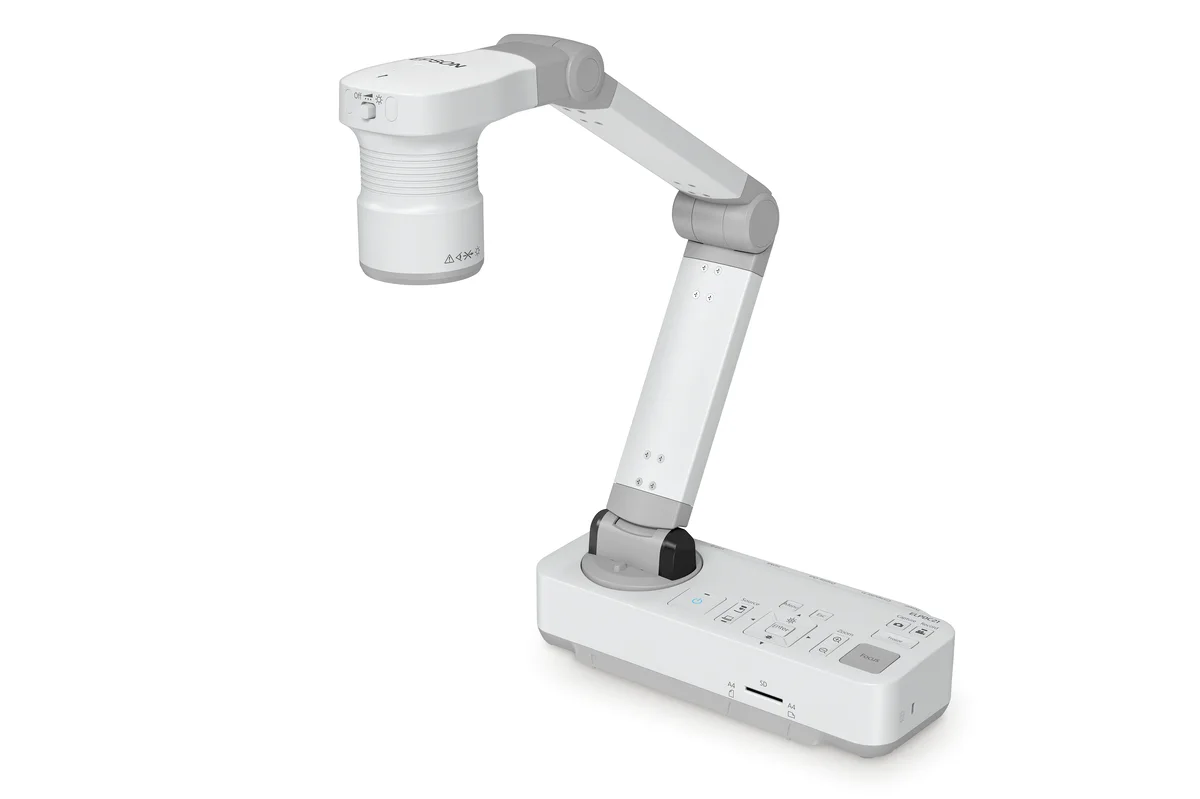
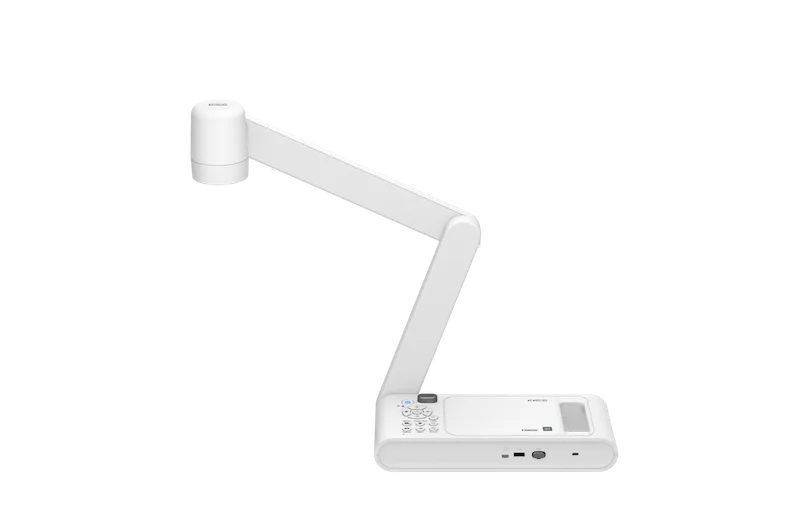
Capture detail
Match the camera resolution and optical zoom to the size and detail of the objects or documents being demonstrated.

Epson visual accessories
Document cameras for live classroom demonstrations, object capture, hybrid teaching and presentation workflows.
Select a model below for the exact Epson Malaysia manufacturer reference.
Product selection guide
Document cameras are most useful when the capture resolution, optical zoom, camera positioning and output workflow match the way presenters demonstrate documents, objects and practical work. PNSS can integrate them with classroom projectors, interactive displays and conferencing systems.
Match the camera resolution and optical zoom to the size and detail of the objects or documents being demonstrated.
Confirm how the document camera connects to the projector, display, PC or conferencing platform used in the room.
Consider live demonstrations, recording, annotation and hybrid-teaching requirements rather than treating the camera as a standalone accessory.
System dependencies
A product is only one part of the deployment. Confirm the supporting components and infrastructure before final model selection or installation.
Dependency links are planning paths, not automatic compatibility claims. Exact model/SKU, interfaces, loading, firmware/software and accessories must be verified for the final project.
Display endpoint
Confirm the intended display endpoint and image path.
Open related area →Room system
Coordinate switching, presentation, audio and control where required.
Open related area →Connectivity check
Confirm the actual HDMI/USB/computer workflow for the selected model and room.
Selecting for a new project
Use the listed models as the selection path. Exact Malaysia SKU, stock/channel status, warranty terms and accessories should be verified at quotation stage.
Maintaining an installed system
For installed systems, the appropriate path depends on product identification, supportability, compatibility and condition; the outcome may be repair, continued use, phased replacement or migration.
Assess an installed product →Selection support
Document-camera selection should consider the teaching or presentation workflow, connectivity and current Malaysia model availability.