
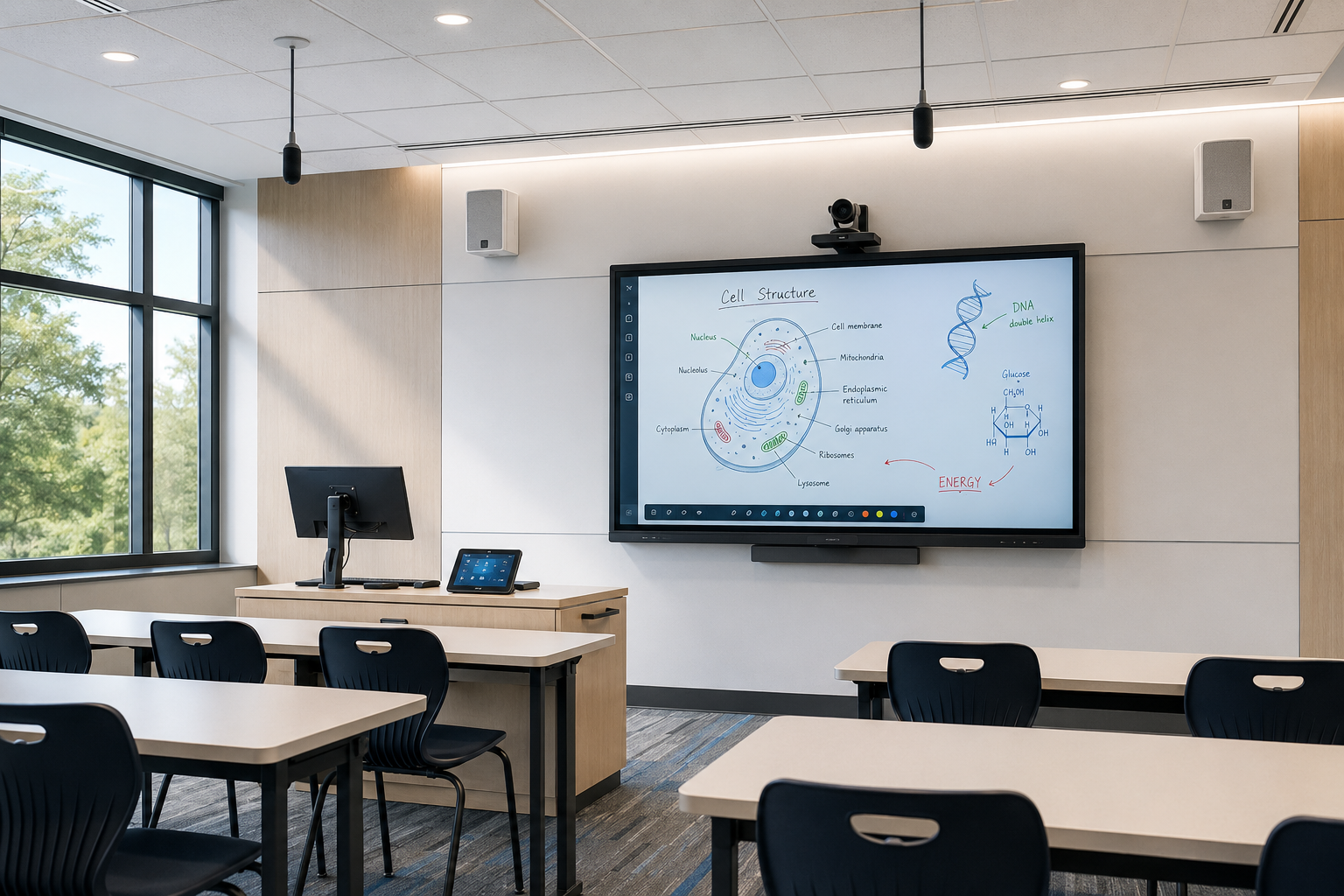
Selecting an interactive display is only one part of classroom planning. Room dimensions, seating, ambient light, audio coverage, camera placement, connectivity and daily teaching habits determine whether the technology improves the lesson or becomes an obstacle.
Start with the room and its users
Confirm the teaching position, student seating, viewing distance, mounting surface, power, network points and any accessibility needs. Large displays are not automatically better if they are mounted too high or create poor viewing angles.
Choose display technology for the actual use
Interactive displays suit direct annotation and shared work. Projection may remain appropriate for very large images or specialised rooms. Consider brightness, touch points, operating system, warranty, device management, ports and compatibility with the school’s preferred platforms.
Plan audio and camera coverage
Hybrid learning requires clear voice capture and intelligible room audio. Camera position should support natural eye lines and useful framing. Avoid treating microphones, speakers and cameras as late accessories after the room layout is fixed.
Make the teacher workflow consistent
- Use a predictable way to start and select sources
- Minimise logins and complex control steps
- Support wireless and wired presentation when appropriate
- Document how teachers access annotation and lesson content
Include training and lifecycle support
Teacher training should use real classroom scenarios rather than a feature list. The school also needs clear warranty records, cable labels, configuration documentation, spare strategy and a support path when a room is needed for the next lesson.