A repeatable small-room kit
Front-of-room camera, speakers and microphones with a touch controller or appliance-mode interface.

Room-by-room selection guide
Start with the room, participants and meeting behaviour—not a camera model. PNSS then matches the camera, controller, microphone coverage, display and platform configuration.
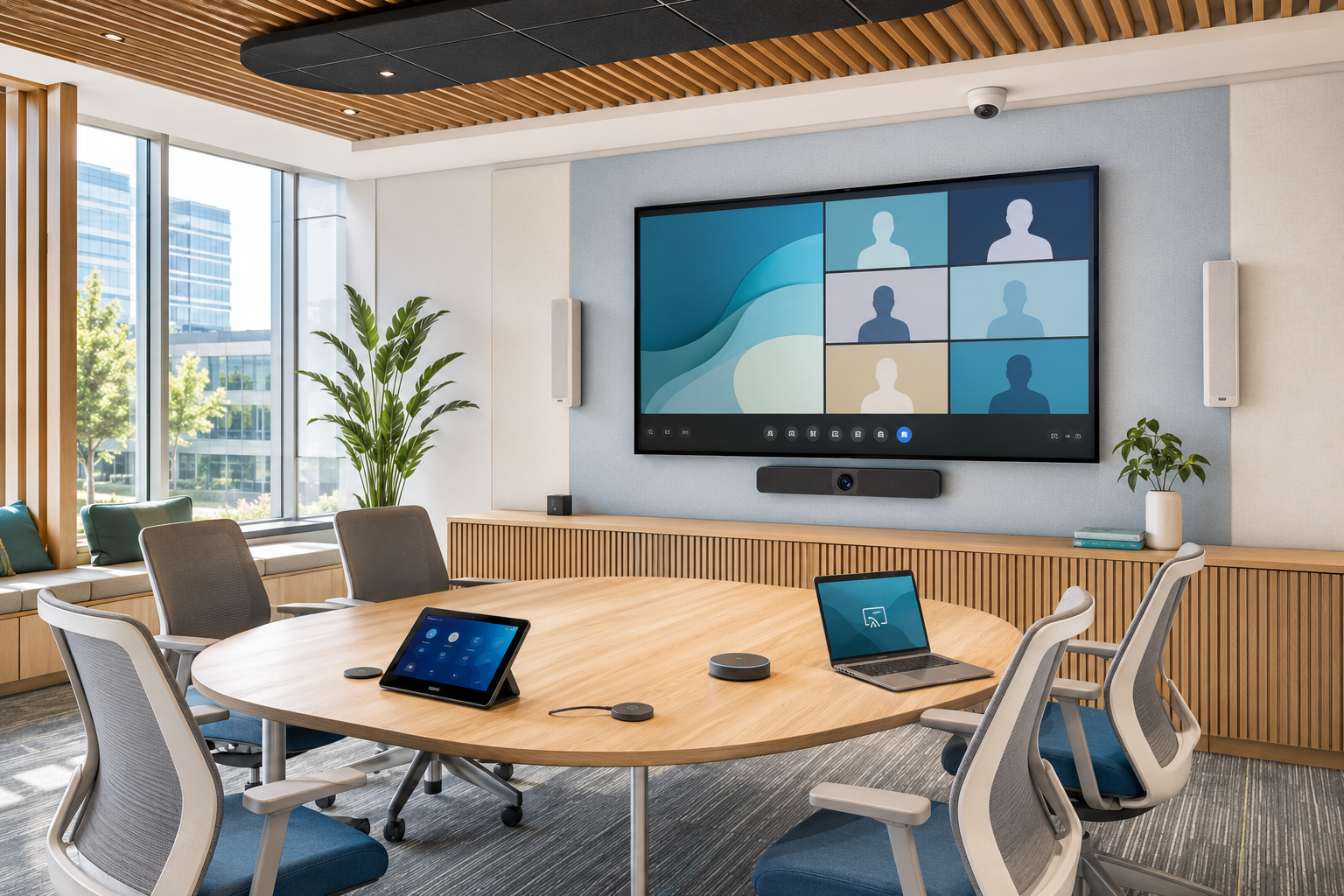
A clearer buying path
Room size alone does not decide the solution. Camera framing, microphone pickup, speaker coverage, content sharing, platform choice, cable paths, room acoustics and support expectations all affect the result. The sections below explain the 5W1H before any bill of materials is prepared.
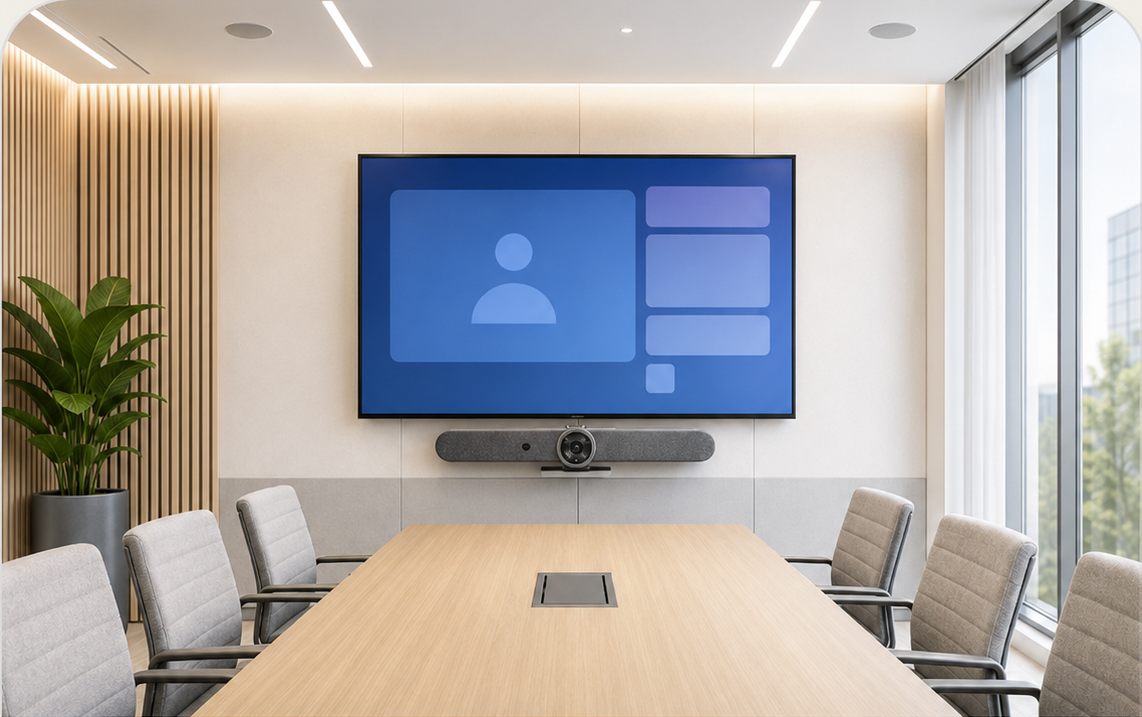
Fast, consistent video meetings for two to six people in compact rooms and focus spaces.
Shortlist only after checking display size, viewing distance, table depth and conferencing platform.
Front-of-room camera, speakers and microphones with a touch controller or appliance-mode interface.
Users enter, start and share without assembling loose webcams, speakers and cables.
Best when compact spaces host daily stand-ups, ad-hoc calls and short team discussions.
Focus rooms, manager rooms, consultation rooms and small project spaces.
For staff who need a familiar experience across many rooms with minimal support.
PNSS checks platform certification, mounting, network, power, acoustics and remote management.
Typical design question: can the camera capture everyone without an ultra-wide distorted view?
Discuss a huddle room ↗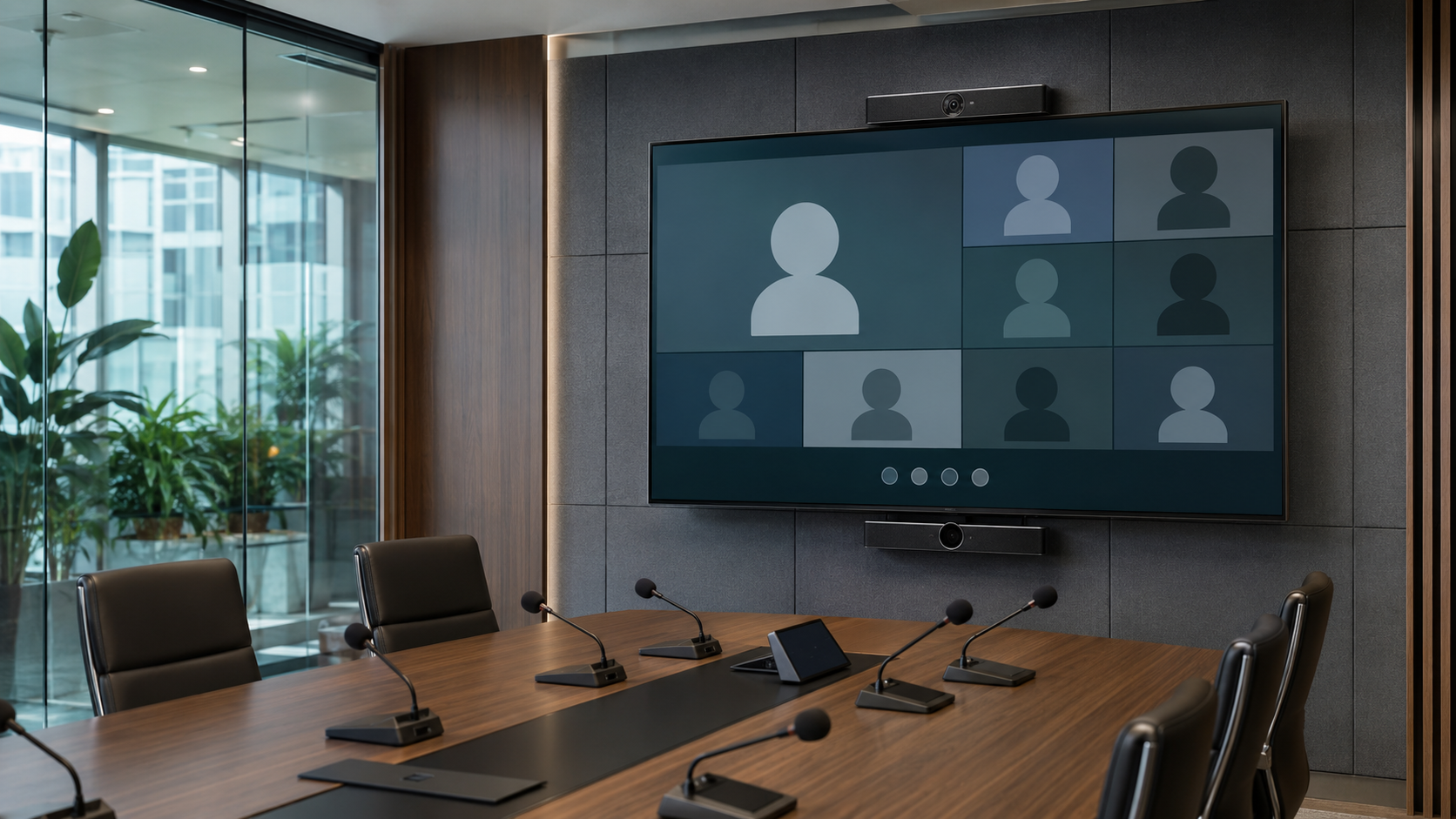
Professional coverage for longer tables, senior meetings, presentations and hybrid decision-making.
The right combination depends on participant distance, table shape and microphone coverage.
Camera, room audio, controller, one or two displays, presentation sharing and optional room control.
Clear framing and speech pickup help remote attendees follow discussion and content.
For management reviews, client meetings and sessions where reliability matters.
Boardrooms and executive meeting rooms with longer viewing and pickup distances.
For mixed in-room and remote audiences presenting, discussing and deciding together.
PNSS maps camera views, microphone positions, loudspeaker coverage, cable paths and control flow.
Typical design question: should the room use an all-in-one bar or a modular camera and audio system?
Discuss a boardroom ↗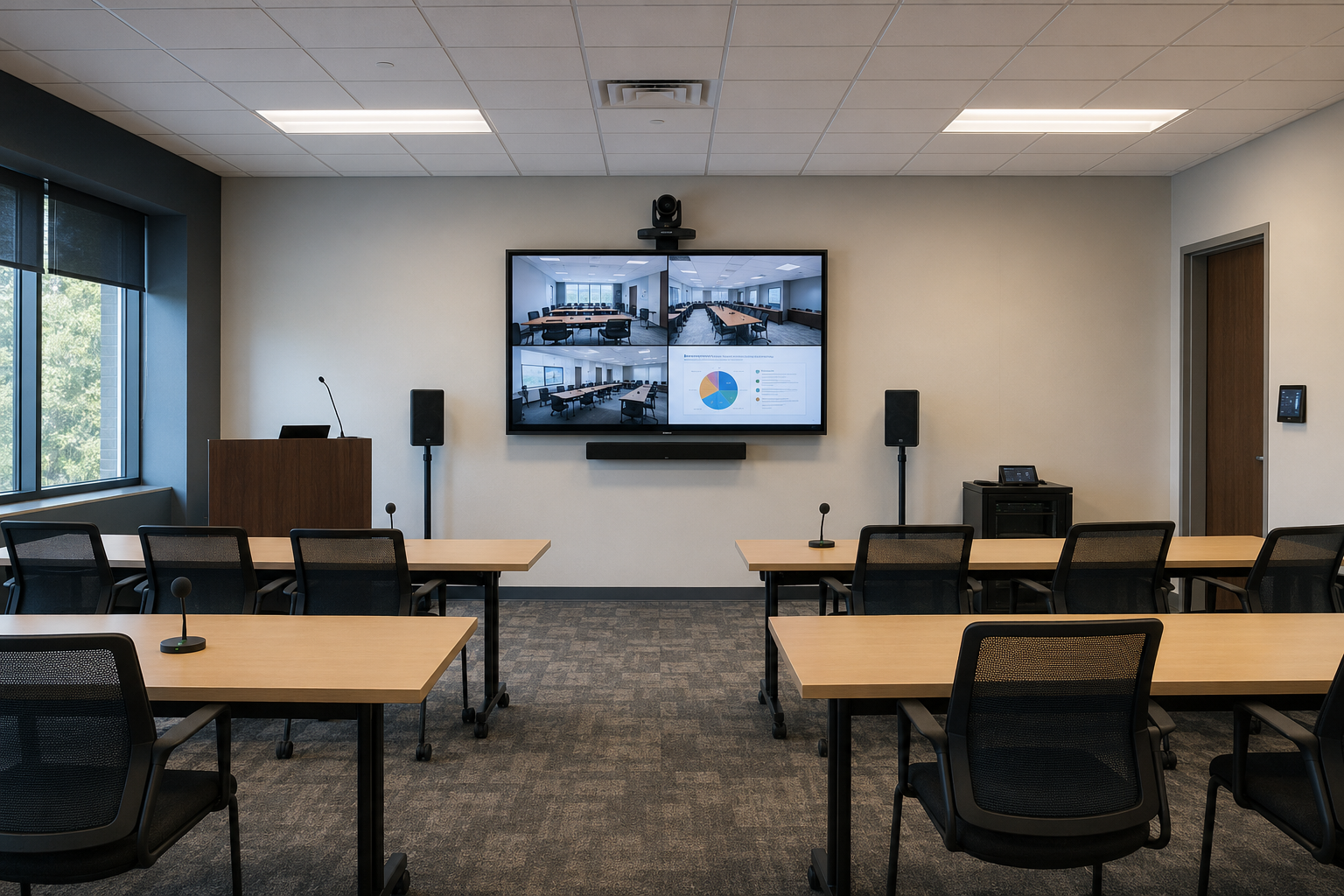
Flexible capture and intelligible audio for instructors, demonstrations, questions and shared content.
Training rooms often need wider coverage and more careful audio design than a standard boardroom.
Video collaboration combined with presentation displays, microphones and room loudspeakers.
Remote learners need to hear the presenter, see content and follow questions from the room.
For onboarding, workshops, professional development and recurring internal training.
Spaces with classroom, theatre, cluster or U-shape seating arrangements.
For facilitators presenting to an in-room group and remote participants simultaneously.
PNSS validates camera angles, presenter movement, audience pickup, content routing and control presets.
Typical design question: how will remote learners hear questions from the back of the room?
Discuss a training room ↗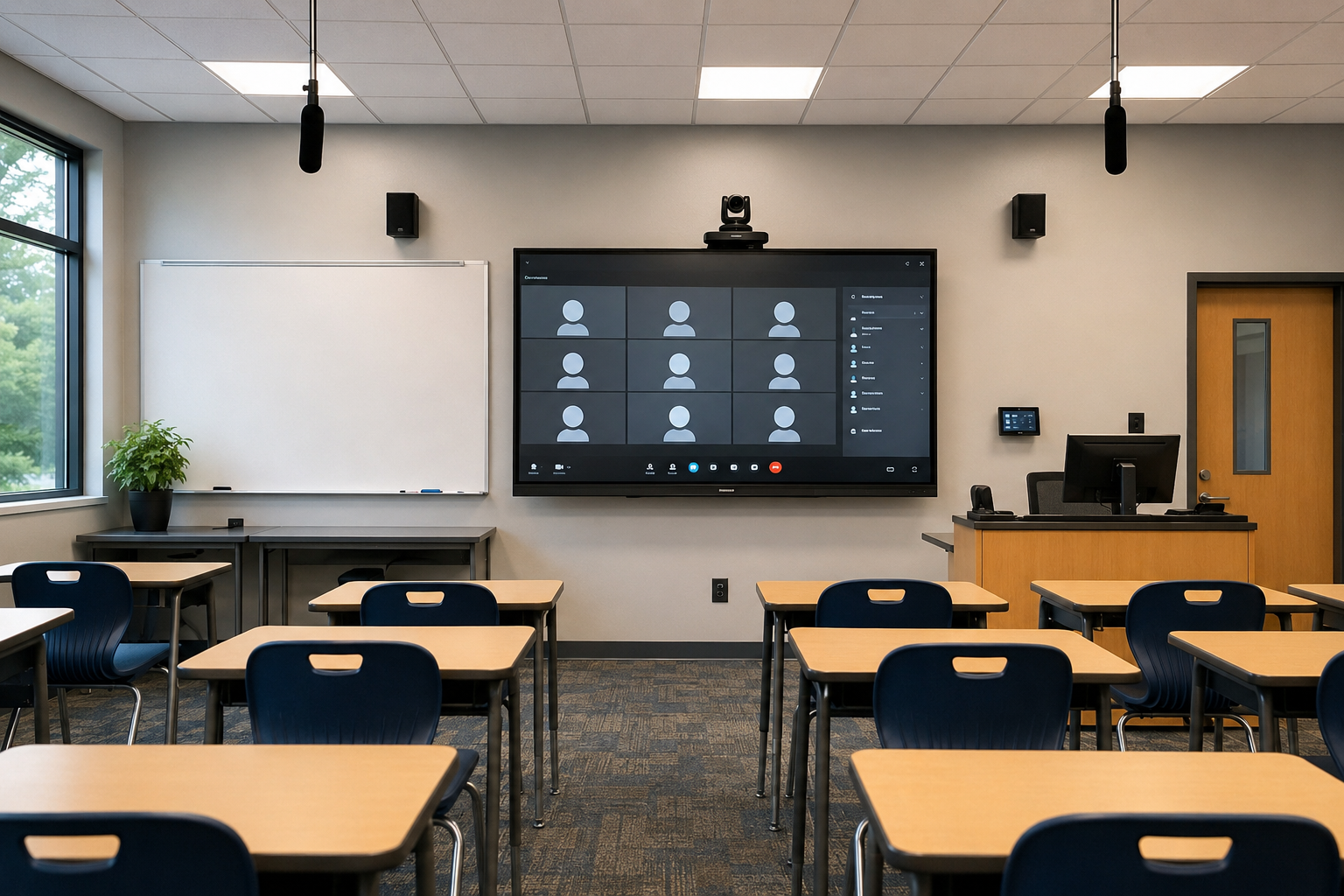
A teaching-first system that combines the conferencing platform with classroom display, projection and audio.
The camera is one component; the complete workflow must also handle teaching content and classroom sound.
Camera, teacher voice, student pickup, content sharing and the main visual system working together.
One consistent control flow reduces setup time and helps lessons start on schedule.
For hybrid classes, guest lectures, remote participation and cross-campus teaching.
From compact tutorial rooms to larger teaching spaces with projection or interactive displays.
Designed for simple daily use with manageable support, permissions and room standards.
PNSS maps teacher position, board visibility, student audio, content sources and platform controls.
Typical design question: can remote students see both the teacher and teaching content clearly?
Discuss a hybrid classroom ↗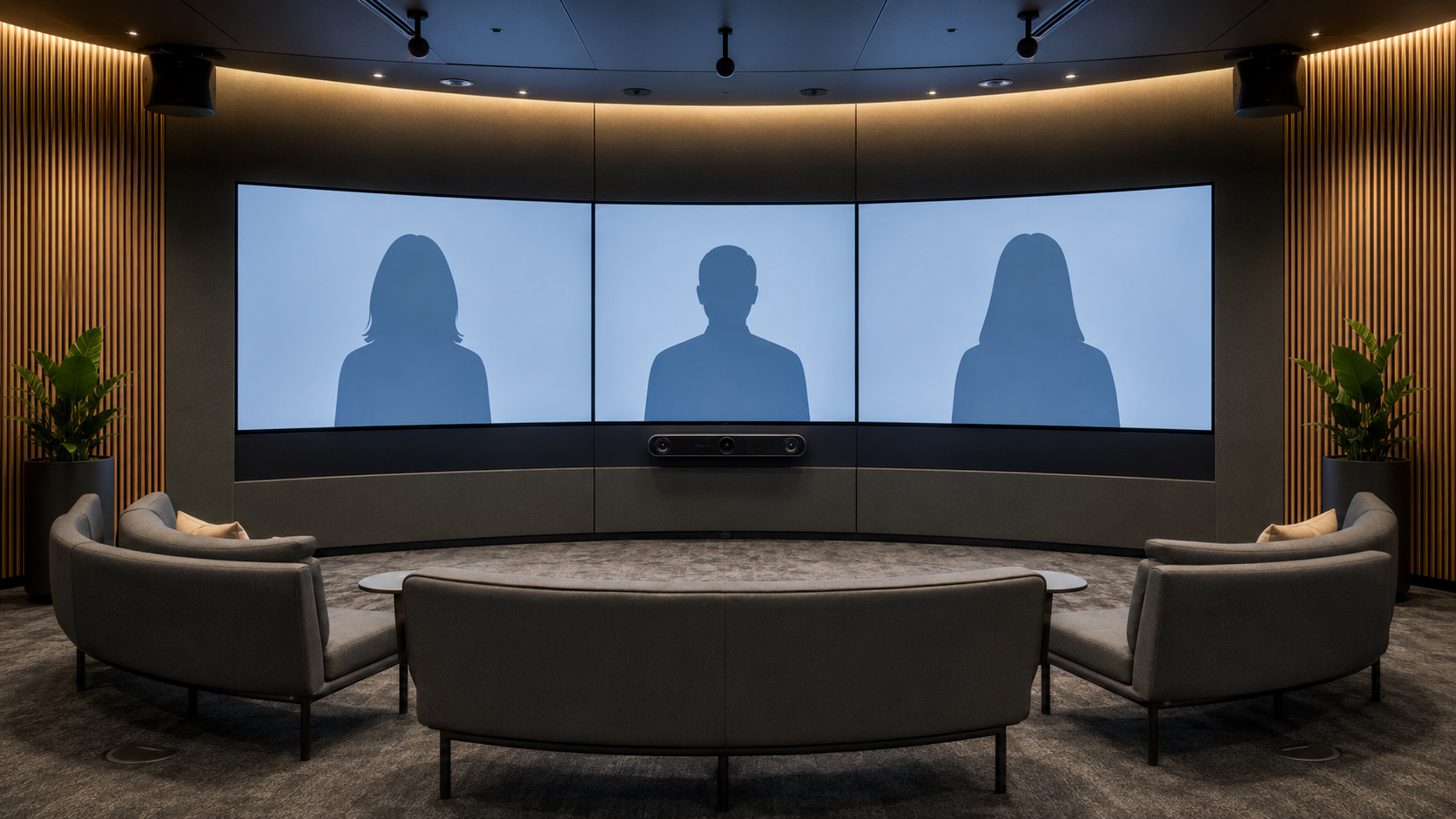
Purpose-designed sightlines, displays, furniture and camera positions for a more natural hybrid conversation.
The experience is created by the total room design, not by a single product.
Displays, cameras, room audio, lighting, table geometry and control form one meeting experience.
Thoughtful positioning makes remote colleagues feel less separated from the room.
For organisations conducting important remote collaboration every day.
Executive, project and client spaces where the room can be planned around video.
For participants who need natural conversation, shared content and consistent operation.
PNSS coordinates AV, acoustics, lighting, network, furniture interfaces and platform configuration.
Typical design question: what room geometry gives remote and in-room participants a balanced experience?
Discuss an immersive room ↗Before a quotation
Dimensions, seating, participant count, viewing distances, lighting and acoustic conditions.
Microsoft Teams, Zoom, Google Meet, USB/BYOD needs, calendar workflow and guest access.
Network readiness, remote management, room standards, training, warranty and service expectations.
Room-specific recommendation
PNSS can help translate the room, meeting workflow and platform requirement into a practical design.