← Projector Screens

Application and selection guide

Choose the screen around the audience and room.

This guide explains what each screen type does, why it is used, when and where it fits, who operates it and how PNSS checks the installation.

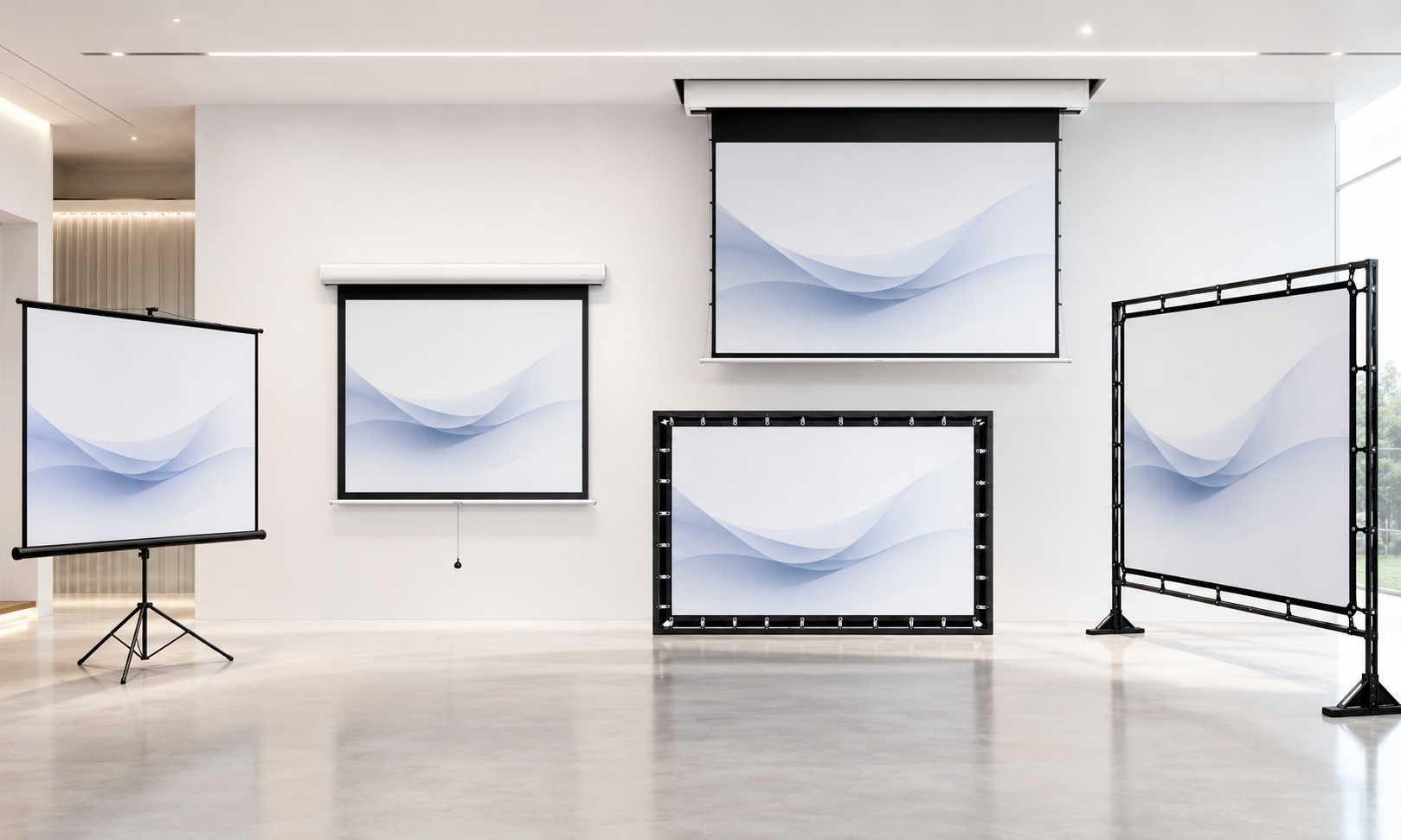
Projector screen product range including portable, manual, motorised and fast-fold screens
Product visual. Final screen type, size, surface, supporting structure and control method are confirmed against the room and audience.

Selection before model

Six applications, six different priorities.

Image width, audience distance, aspect ratio, projector light output, ambient light, mounting, control and surface behaviour determine the right screen family.

01 · Portableportable product category

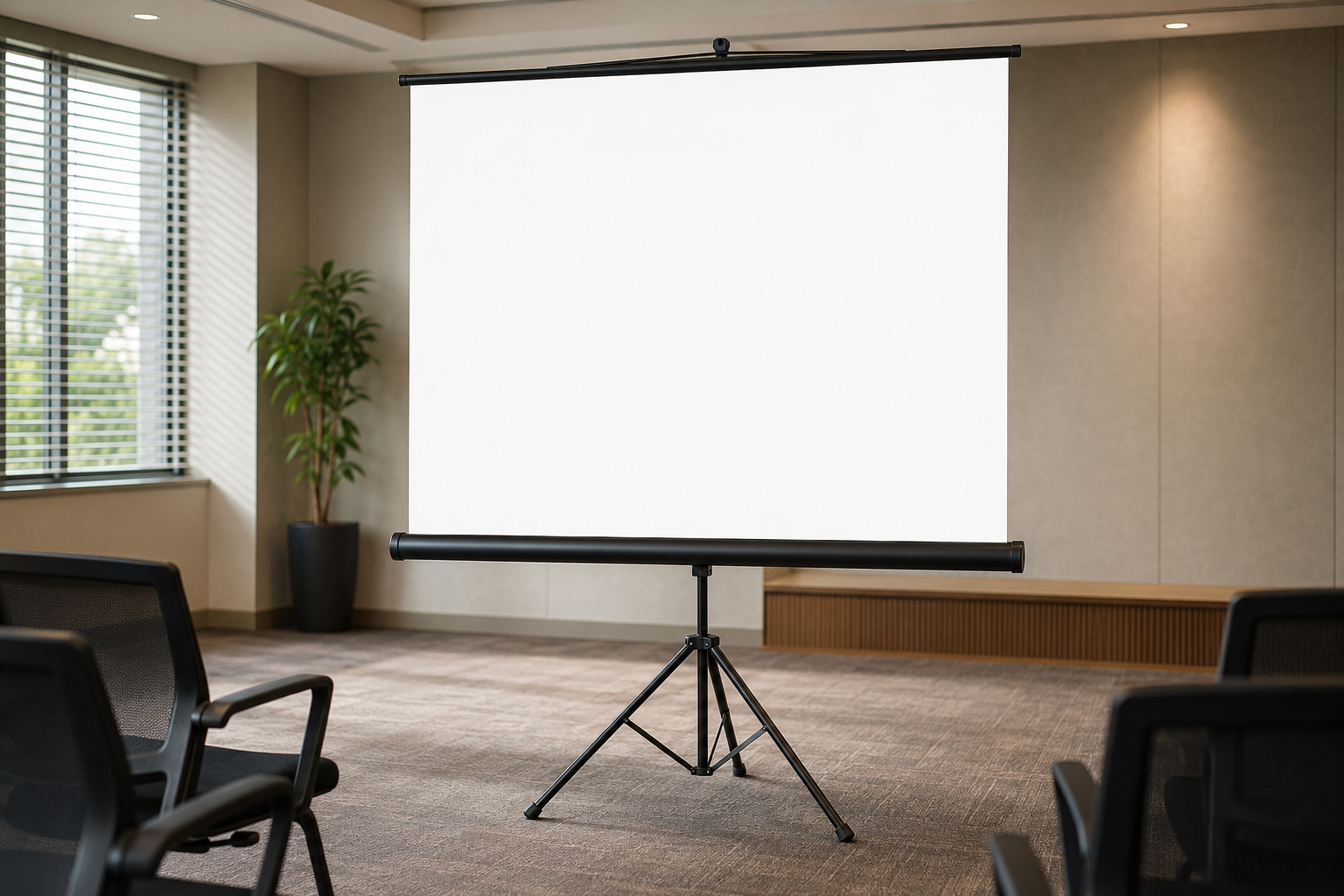
Tripod & pull-up screens

For movable, occasional-use projection where permanent fixing is unsuitable.

WhatSelf-supporting screen stored and moved between rooms.
WhyQuick deployment without wall or ceiling work.
WhenTemporary presentations, training or events.
WhereSmall rooms and flexible spaces with level floors.
WhoOperators able to transport, set up and store it safely.
HowCheck diagonal, aspect ratio, stability, case size and storage route.
02 · Manualmanual product category

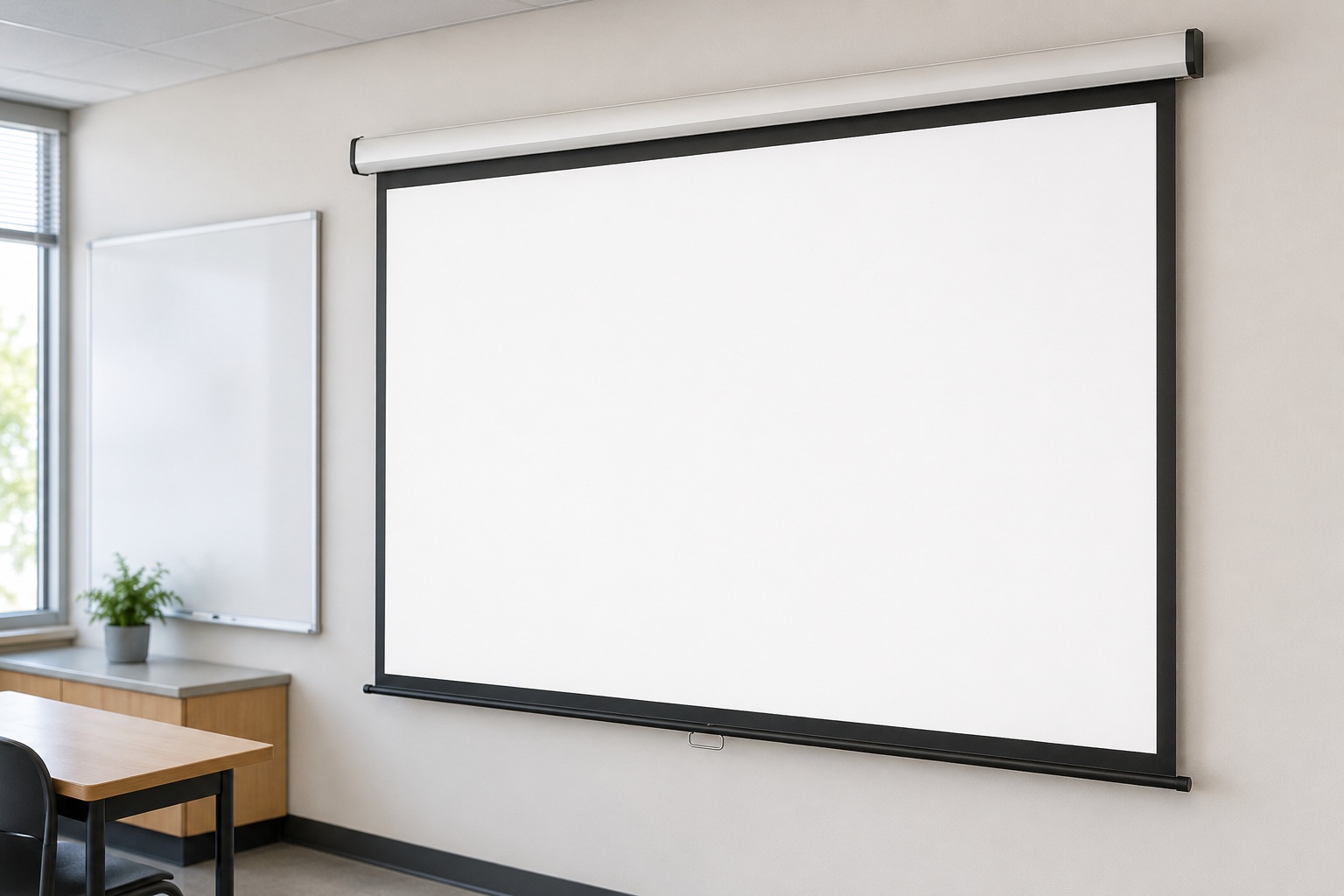
Manual pull-down screens

For straightforward permanent installations with modest usage frequency.
WhatWall- or ceiling-mounted retractable screen operated by hand.
WhyLower complexity with no electrical control.
WhenBudget and simple operation take priority.
WhereClassrooms, training rooms and smaller meeting rooms.
WhoUsers who can reach and operate the pull mechanism correctly.
HowCheck fixing points, drop length, retraction and clearances.
03 · Motorisedmotorised product category

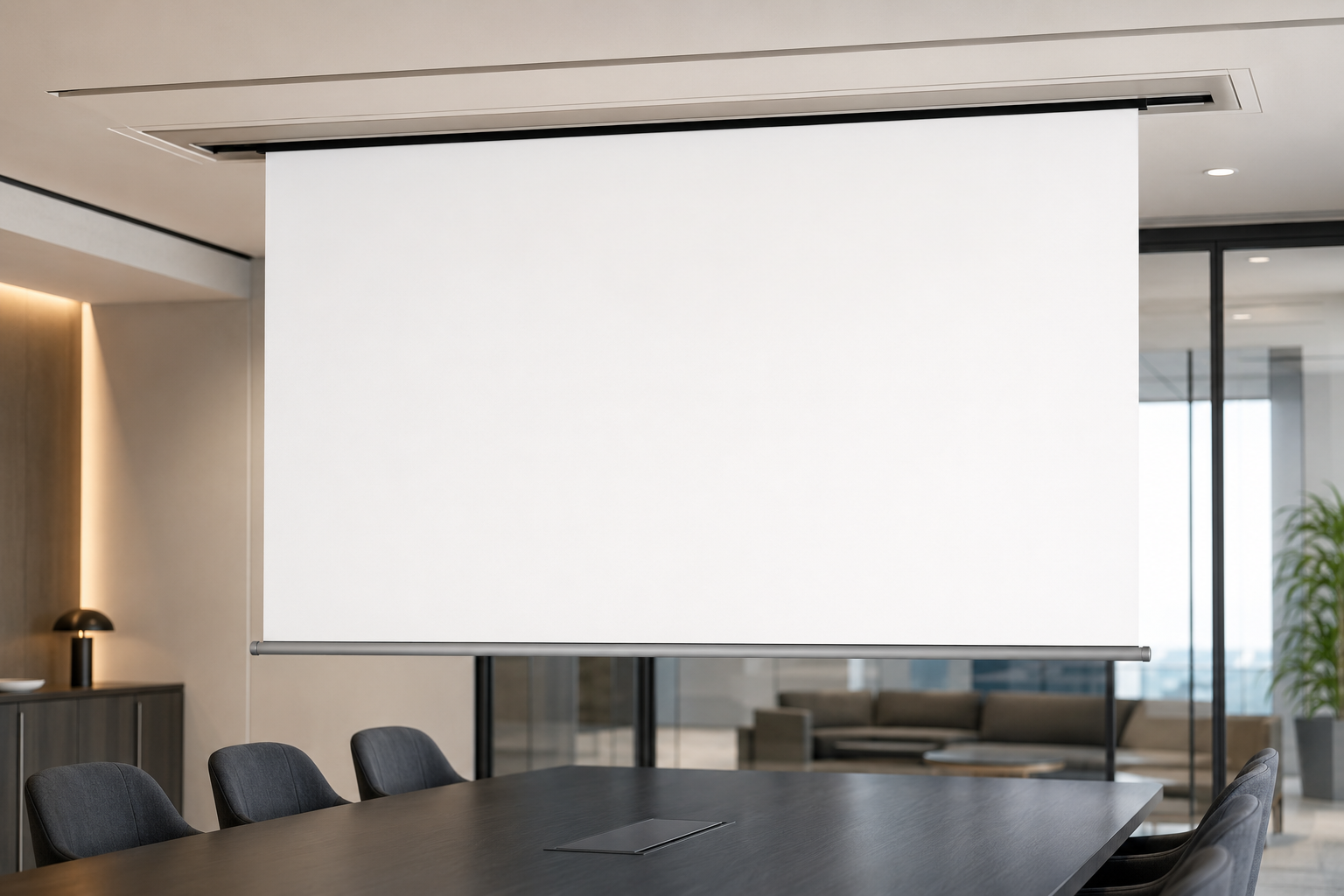
Motorised & recessed screens

For frequent operation, clean room integration and control-system coordination.
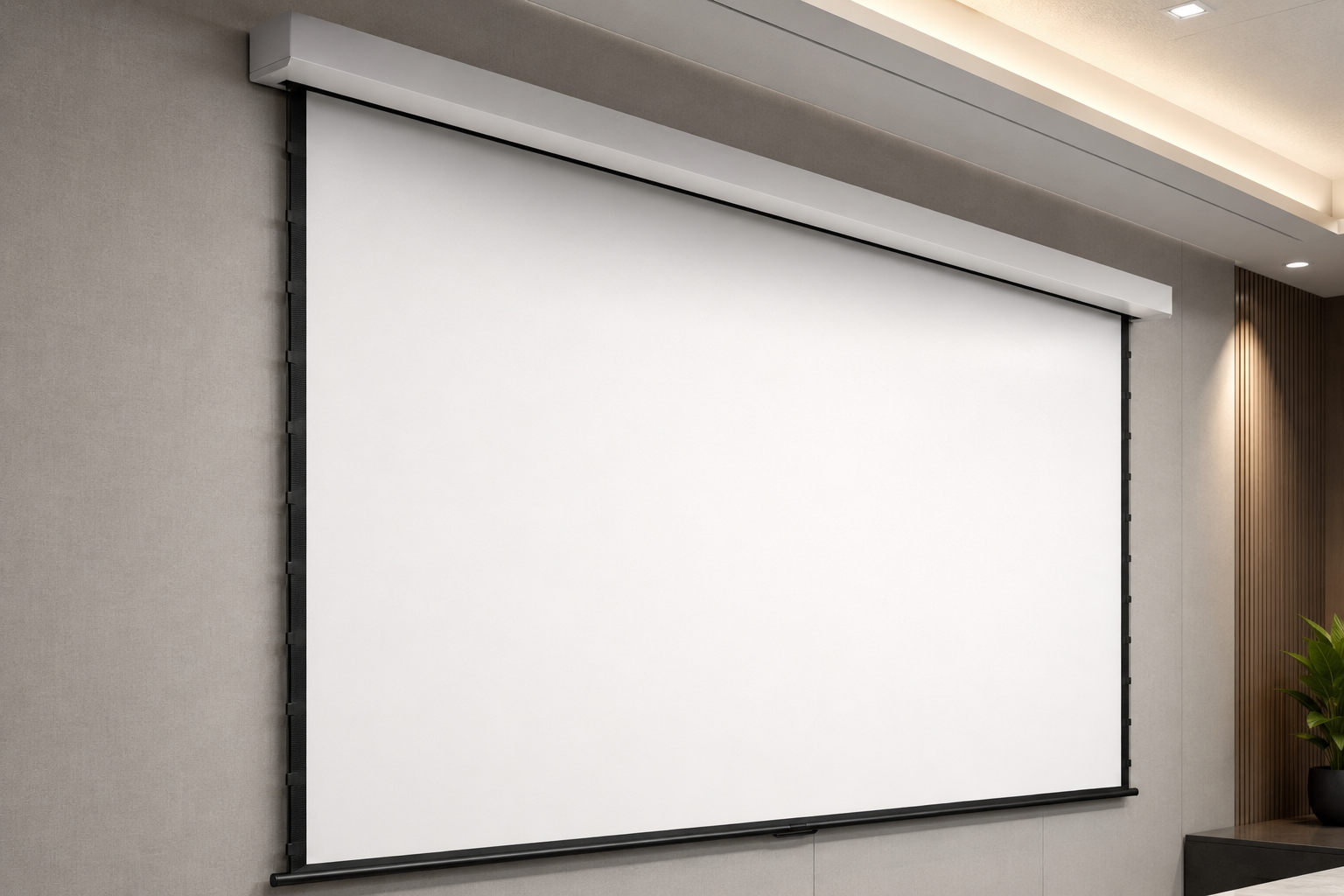
WhatPowered screen with switch, remote, trigger or automation interface.
WhyConsistent deployment and easier user operation.
WhenThe screen is used daily or must hide when not required.
WhereMeeting rooms, halls, classrooms and auditoriums.
WhoAV users, facilities and maintenance teams.
HowCoordinate power, control cable, casing, ceiling access and limits.
04 · Surface flatnesstensioned product category

Tab-tensioned screens

For applications where improved flatness supports detailed widescreen content.
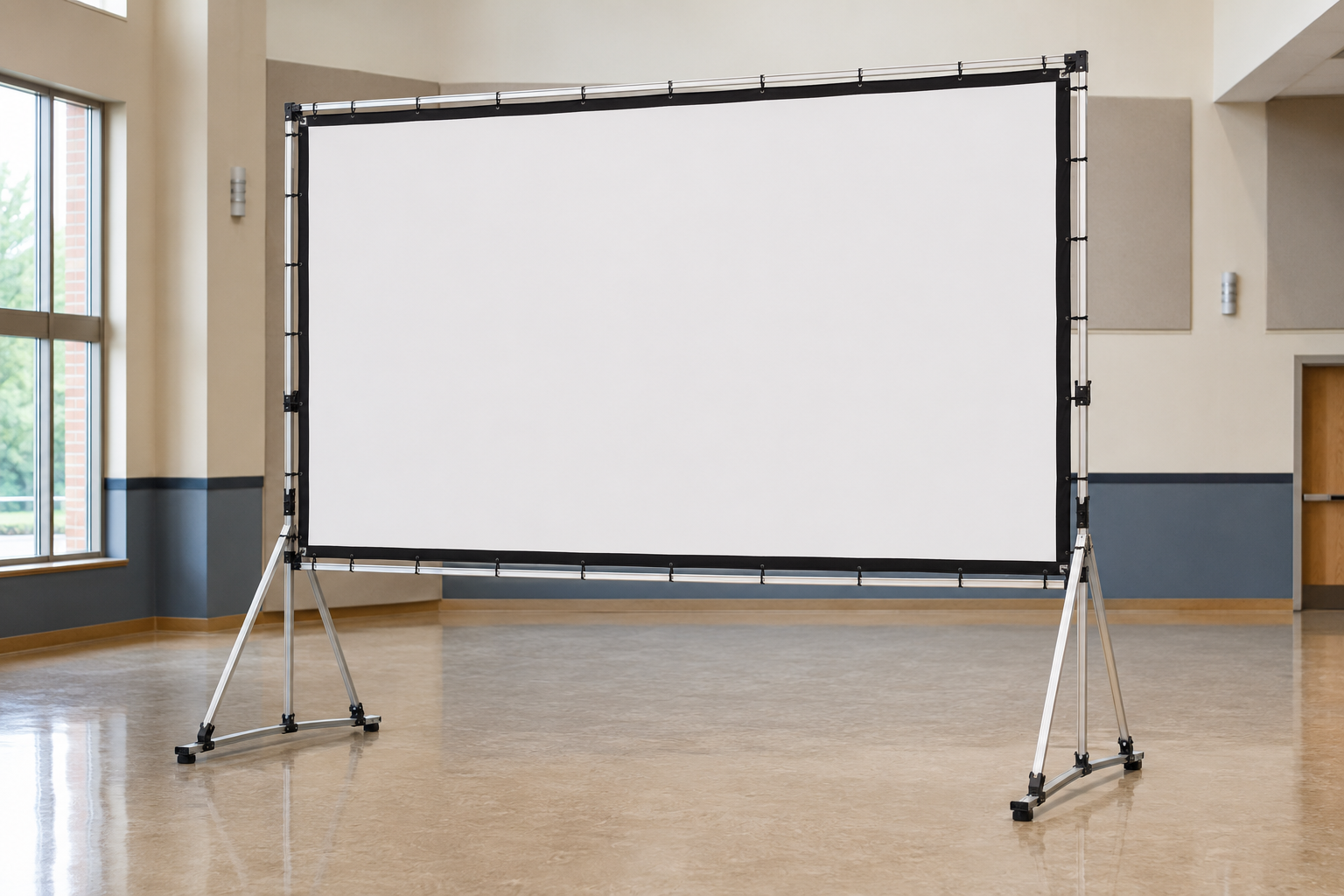
WhatRetractable screen with lateral tension maintaining the viewing surface.
WhyReduce edge curl and visible surface distortion.
WhenFine text, high resolution or wide images are important.
WhereBoardrooms, presentation suites and quality-focused installations.
WhoUsers needing retractability without sacrificing surface flatness.
HowMatch fabric, gain, format, top drop and viewing angle.
05 · Large portablelarge format product category

Fast-fold & large mobile screens

For demountable large images in event, staging and multipurpose environments.
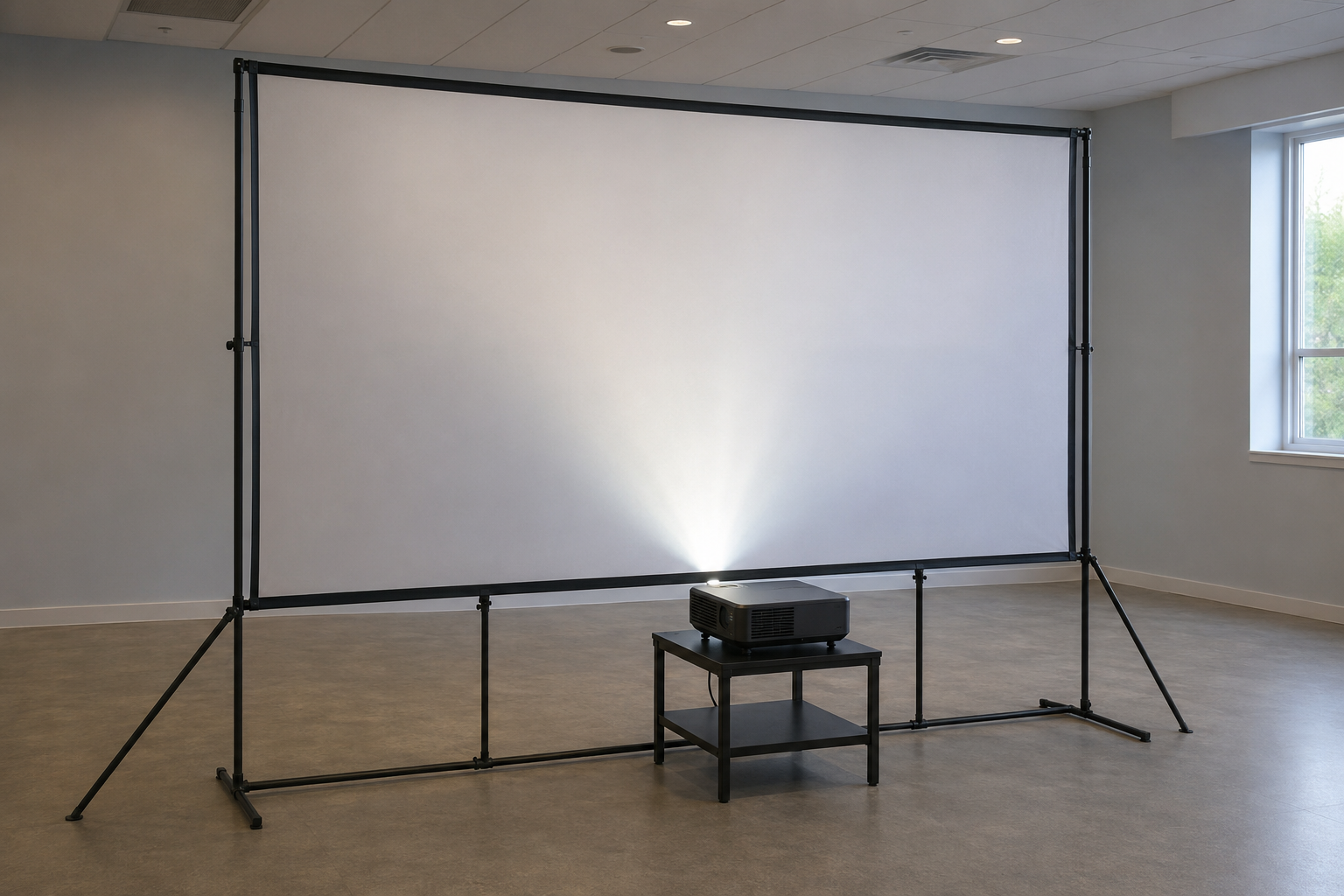
WhatFramed screen assembled on legs or a mobile support system.
WhyLarge viewing area without permanent building installation.
WhenEvents, temporary halls and changing layouts.
WhereBallrooms, multipurpose halls, stages and outdoor-covered areas.
WhoTrained setup crews with adequate handling and storage.
HowCheck access doors, case transport, assembly area, ballast and sightlines.
06 · Engineered applicationspecial product category

Large motorised & rear-projection screens

For large venues or layouts requiring projection equipment behind the image plane.

WhatLarge-format retractable or rear-projection surface with engineered support.
WhyServe large audiences or keep equipment out of audience space.
WhenStandard screen sizes, structures or front-throw layouts are unsuitable.
WhereAuditoriums, stages, control spaces and specialist simulations.
WhoIntegrator, building team and qualified structural stakeholders.
HowEngineer casing support, fabric tension, throw space, access, limits and safety.
Projection screen range

PNSS provides portable, manual, motorised, tab-tensioned, fast-fold, large-format and rear-projection screen options. Final screen material, size, casing and control method are confirmed against the room, audience and projector.

Information PNSS needs

Send the room, audience and projector details.

Include room dimensions, seating distance, image format, projector model, light conditions, mounting location, ceiling access and control preference.
PNSS AI robot with PNSS AI chest branding